Job Application Automation: Building a Stack With Guardrails
Automating job applications is not difficult to start and is easy to get wrong in a way that is invisible for weeks. The failure is rarely technical — the tool works, applications go out — and shows up later as a pipeline full of roles you would never have chosen, with no way to reconstruct how they got there.
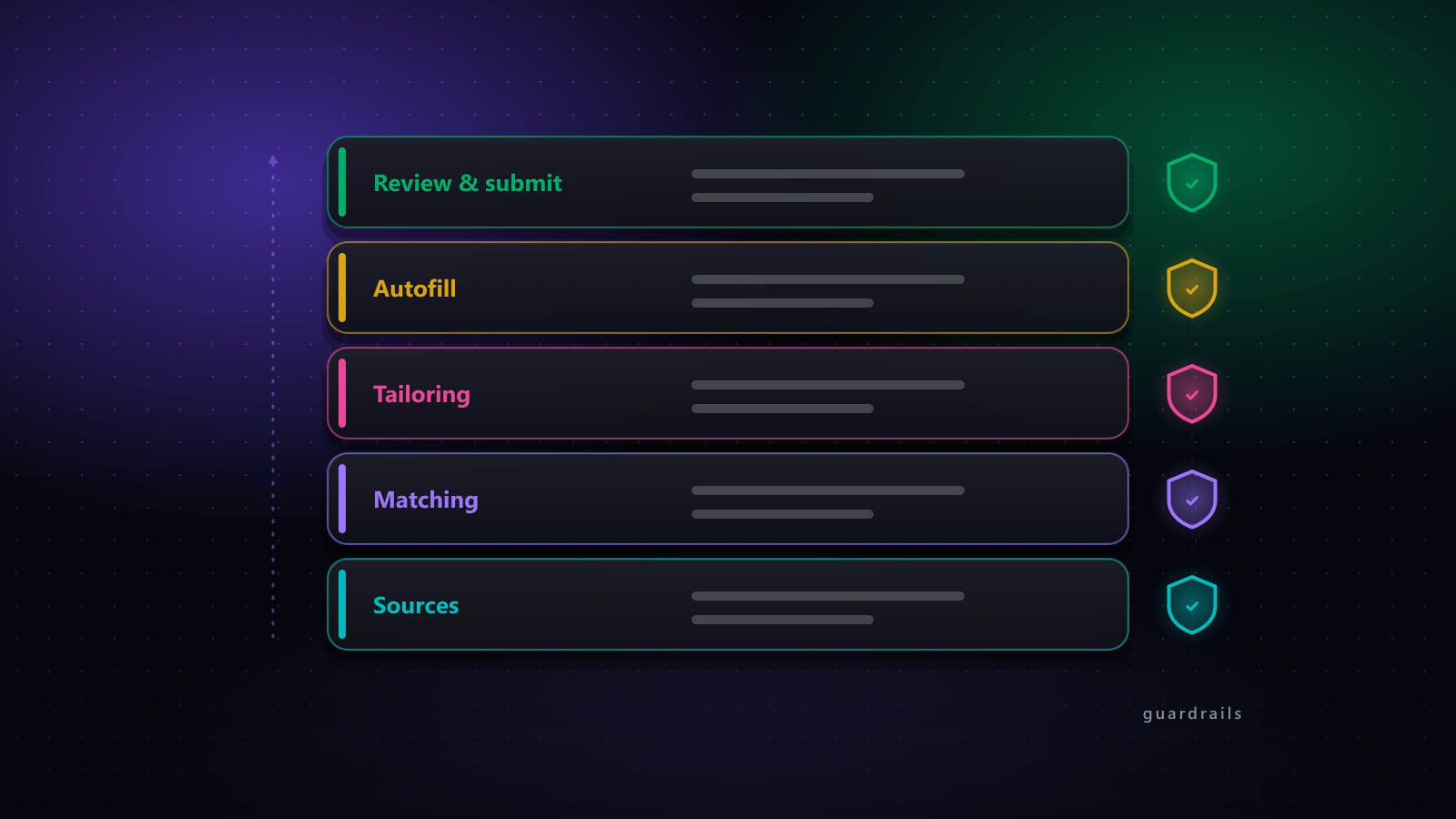
What prevents that is not better tooling. It is guardrails: five constraints that decide what automation is allowed to do without you. This is how to build the stack and where each constraint goes.
Key takeaways
- Five guardrails make automation safe: relevance gate, review window, rate limits, audit trail, kill switch. Build these before raising volume.
- The relevance gate is doing the job your judgement used to do. It is the setting that most determines output quality.
- Automate sourcing, document drafting, form filling and tracking. Keep the reject decision, priority cover letters and personal follow-ups manual.
- Never apply to two roles at one company in a batch — it is visible to the employer and reads as indiscriminate.
- Form filling is the piece hardest to maintain yourself, because every ATS is different and they change without notice.
The stack, layer by layer
Layer 1 — Sourcing
Automate fully. Scheduled searches across your boards, deduplicated, filtered by recency, appended to a queue. There is no judgement in this layer, which makes it the safest thing to automate and the biggest single time saving.
The one decision that matters is coverage versus noise. More boards means more roles and more duplicates; a recency filter is what keeps the queue readable.
Layer 2 — Scoring and the relevance gate
Automate the scoring. Own the threshold.
This is the most important layer in the stack, because everything downstream acts on whatever passes it. The scoring can be automated — comparing a posting against your background is exactly the kind of work software does well. The threshold is a decision about what you are willing to have sent in your name.
Set it too low and the tool faithfully applies to roles you would have rejected instantly. Set it high and the queue is short and mostly worth reading. Start stricter than feels comfortable: a gate that is too tight shows up immediately as an empty queue, whereas one that is too loose shows up weeks later as a pipeline of irrelevant rejections.
Layer 3 — Document generation
Automate the draft. Review the output.
Tailored CVs and cover letters per application are worth having and intolerable to produce by hand at volume, which makes this a natural automation target. But generated documents make claims in your name, so this layer needs a checkpoint rather than a handoff.
What to check is narrow and fast once you know what to look for — the four-point review covers it. The non-negotiable item is that every factual claim traces to something real in your history.
Layer 4 — Form filling and submission
Automate fully, with a review window.
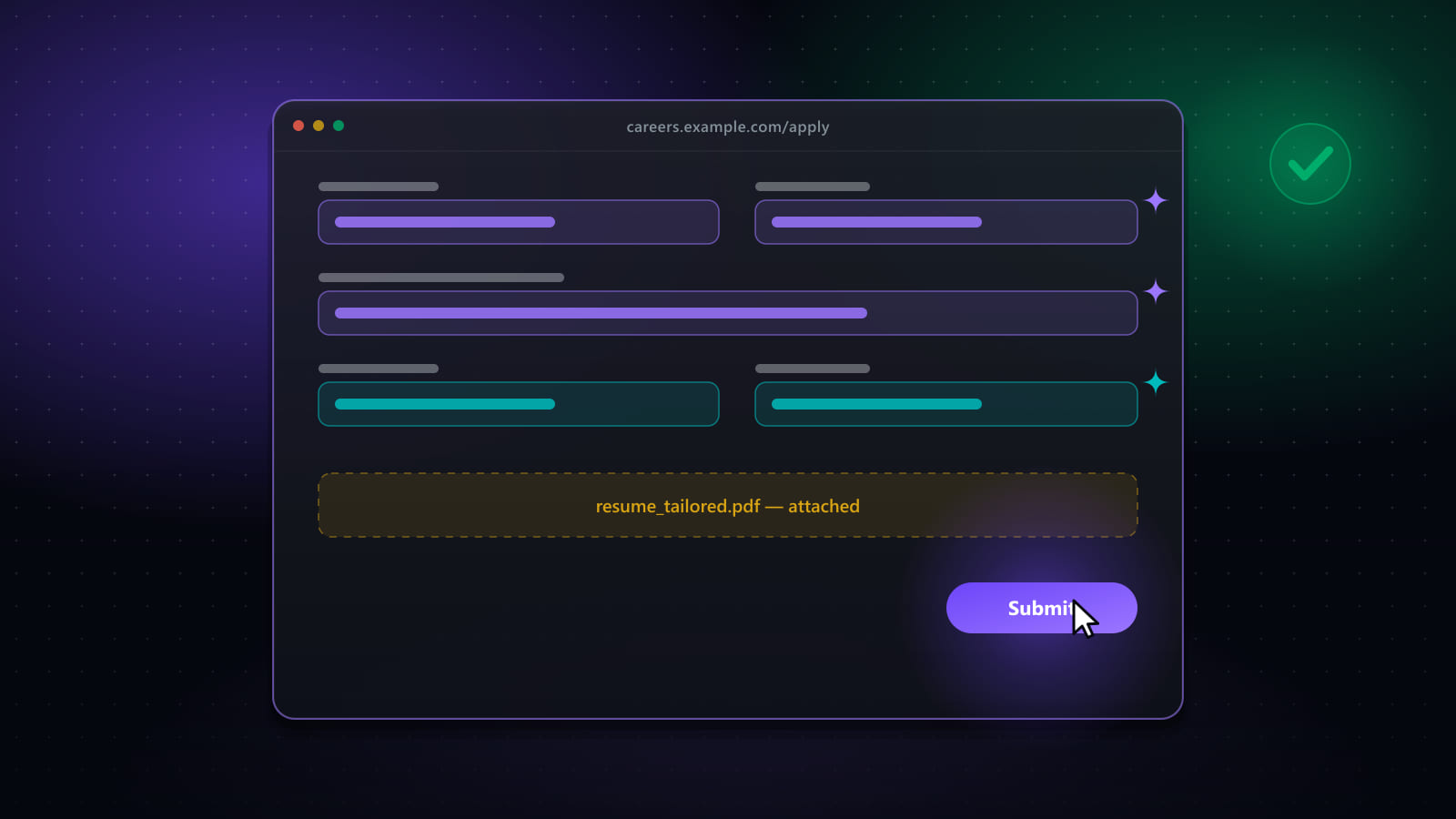
Filling forms is pure mechanical repetition and the clearest win in the stack. The design question is only whether the tool stops before submitting or completes the loop — see how submission automation works for the mechanics of what happens in between.
Whichever you choose, there needs to be a point where what is about to be sent is visible and stoppable. A run that can be paused mid-flight, corrected by hand, and resumed is meaningfully safer than one that is all-or-nothing, because problems are usually noticed partway through.
Layer 5 — Tracking
Automate fully. Every submitted application recorded with role, company, date, documents used, and current stage. Responses matched back to the right record.
This layer feels like bookkeeping and is actually the diagnostic layer. When responses dry up, the tracker is the only thing that can tell you whether the problem is sourcing, targeting, or documents. Without it you are guessing.
The five guardrails
1. Relevance gate
A minimum match threshold below which nothing proceeds, plus hard exclusions — companies you will not apply to, locations that do not work, contract types you do not want. Hard exclusions are worth setting even though they feel obvious; they are what stops an automated run applying to your current employer.
2. Review window
A moment, per application or per run, where the output is visible before it is sent. Per-application review while you are calibrating; per-run once you trust the gate. What matters is that the window exists and that skipping it is a decision rather than the default.
3. Rate limits
A cap on applications per day and a pace between them. Two reasons, and the second is the one usually missed. The obvious one is that job boards act on inhuman patterns — hundreds of actions an hour, uniform timing, no pauses. The less obvious one is that a rate limit caps the blast radius of a misconfiguration: with a limit of 30, a bad filter costs you 30 wasted applications; without one it costs hundreds before you notice.
4. Audit trail
A per-application record of what was actually submitted — which CV, which answers, which date. This is what makes the system debuggable. When a recruiter refers to something in your application, you need to be able to see what they are looking at.
5. Kill switch
A single action that stops everything now, not at the end of the current batch. You will need it the first time you notice a run doing something you did not intend, and the value of a stop control is entirely in how fast it takes effect.
Rolling it out without breaking things
Adding all five layers at once means that when something goes wrong you cannot tell which layer caused it. A staged rollout:
- Sourcing and tracking first. Both are safe — nothing is sent — and together they tell you whether your targeting produces enough relevant roles to be worth automating further.
- Then document generation, reviewed manually. You are calibrating how much editing generated output actually needs before you trust it in a batch.
- Then form filling, stopping before submit. This is where you discover which forms your tool handles badly, at zero cost.
- Then automatic submission, with a strict gate and a low daily cap. Raise the cap only after a full cycle where you reviewed the audit trail and found nothing you would not have sent yourself.
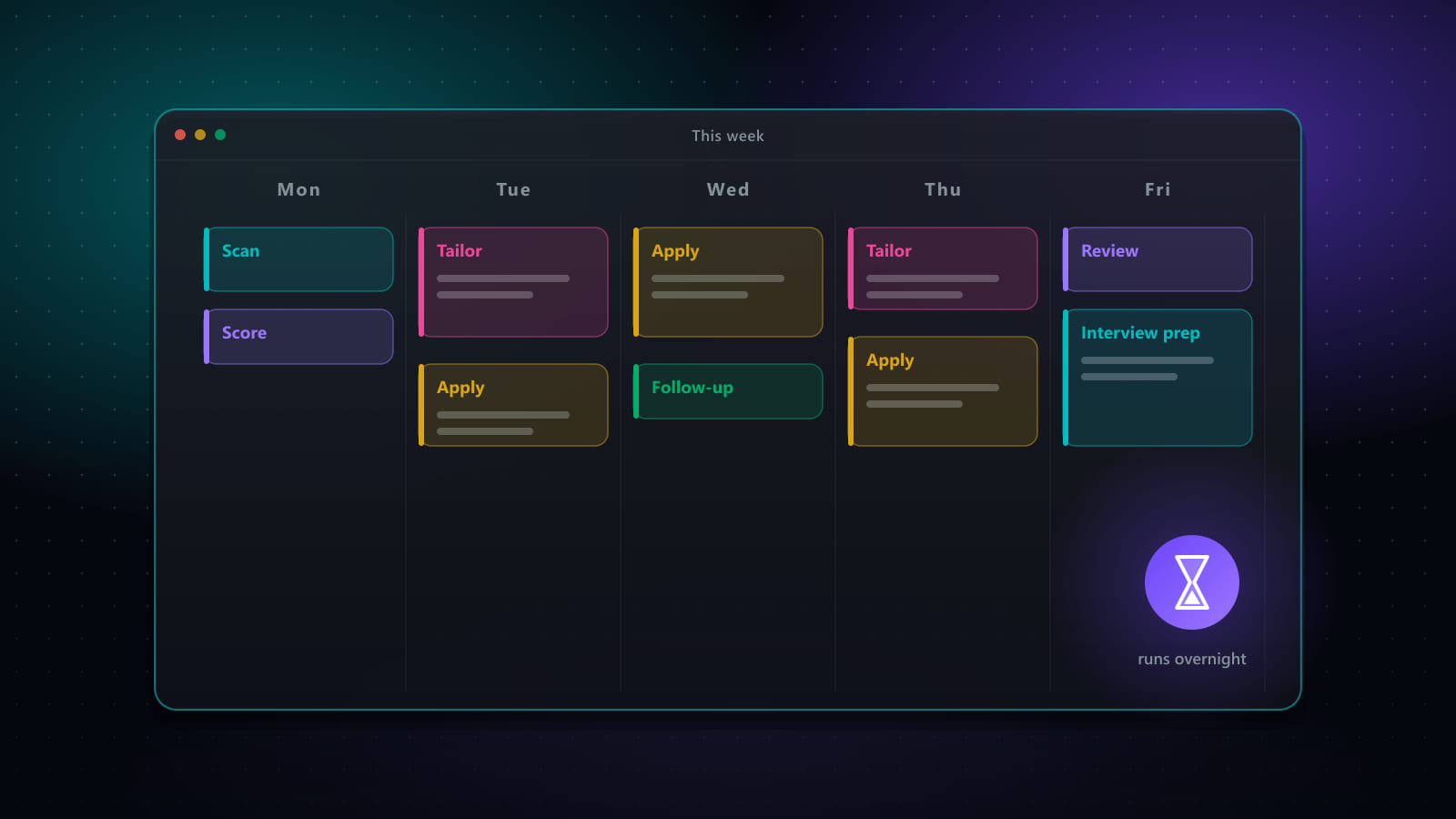
For the weekly cadence that keeps a stack like this running, see job search automation: a weekly operating system.
Frequently asked questions
What guardrails does job application automation need?
Five. A relevance gate, so nothing is applied to below a match threshold you set. A review window, so there is a moment where you can see and stop what is about to be sent. Rate limits, so volume and pace stay within human-plausible bounds. An audit trail, so you can reconstruct afterwards what was submitted where. And a kill switch that stops everything immediately rather than at the end of the current batch. A setup missing the relevance gate produces volume without fit; one missing the audit trail cannot be debugged when responses stop.
What parts of applying should stay manual?
The reject decision, because it is the only real quality gate in the system and delegating it removes the thing that makes the rest safe. Cover letters for roles you genuinely want, because a generated letter is adequate and an actual one is differentiating. Anything the posting specifically asks you to write. And follow-up messages to a named person, where a templated message is worse than sending nothing at all.
How do I stop automation from damaging my reputation with employers?
Three rules cover nearly all of it. Never apply to more than one role at the same company in a batch — it is visible on the employer's side and reads as indiscriminate. Never let generated text make a factual claim you cannot support in an interview. And keep per-day volume at a level where you could plausibly have read each posting, because an employer seeing forty applications from one candidate in an hour draws the obvious conclusion.
Can I build job application automation myself?
You can automate parts of it — a scheduled search, a scraper feeding a spreadsheet, a templating script for documents — and for a technical person that is a reasonable weekend project. The part that is genuinely hard to maintain yourself is form filling, because every applicant tracking system structures forms differently and they change without notice. That is the piece where a maintained tool earns its cost, and the piece a home-built setup tends to abandon first.
Ready to automate your job search?
Best JobFinder combines job discovery, AI skill matching, resume tailoring, and configurable auto-submit in one platform — with a 7-day free trial.
Try Best JobFinder free →