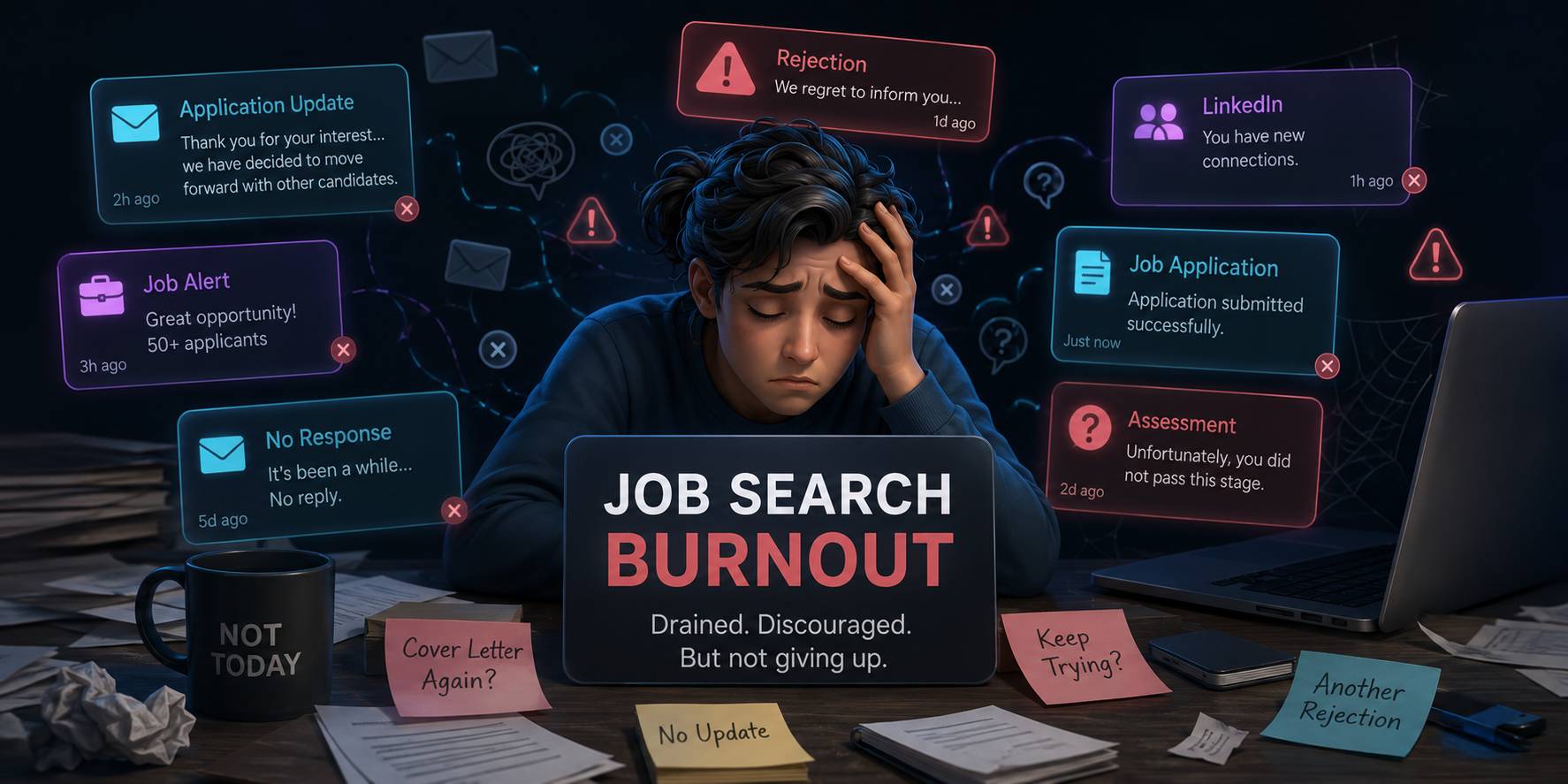
Job Application Burnout Is Real. Here's How to Fix It.
You upload your resume. The system asks you to retype everything that's already on it. Name, address, work history, education, dates — field by field. Then you do it again on the next company's website. And the next. And the next.
By application number 30, you're not even reading the job descriptions anymore. You're just copying and pasting on autopilot, wondering why any of this is necessary.
You're not alone. And there's a better way.
The Numbers Behind Application Burnout
The frustration you feel isn't imagined. The job market has gotten genuinely harder:
- 65% of job seekers say finding a job is significantly more difficult than it was two years ago
- The average job seeker submits 100–200+ applications before landing an offer
- It takes roughly 40 applications to get a single interview — a 2–4% conversion rate
- 90% of applicants report being ghosted — no response at all
- 72% of job seekers say the search directly impacts their mental health
- 66% of active job seekers report burnout symptoms
The average time to receive a first offer has stretched to 83 days. That's nearly three months of daily application grind.
Why You Have to Retype Your Resume Every Time
This is the number-one frustration — and it's worth understanding why it happens, because the answer affects which tools can actually help you.
The Resume Parsing Problem
When you upload a resume to an Applicant Tracking System (ATS) like Workday, Greenhouse, or Lever, the system tries to "read" your document and extract your information into structured database fields.
The problem: resume parsing is terrible. Multi-column layouts confuse the parser. Creative section headings get skipped. Content in headers and footers becomes invisible. Tables scramble the order. Dates get mangled.
So the ATS asks you to manually confirm — or retype — everything it couldn't parse correctly. That's why you upload a resume and then fill in the same information by hand.
Every Company Uses a Different System
There's no universal job application standard. Workday, Greenhouse, Lever, iCIMS, Ashby — each has its own account system, its own form layout, and its own set of questions. Workday alone requires a new account for every company. Fifty companies on Workday means fifty unique logins.
How to Break the Burnout Cycle
The fix isn't "just push through it." It's removing the repetitive work that causes burnout in the first place.
1. Stop Manually Filling Forms
The single biggest time drain — retyping your resume into form fields — is completely solvable with autofill tools. You build your profile once, and the tool fills every form for you.
Best JobFinder goes furthest: it scrapes 18+ job boards, finds matching roles, scores them against your skills, tailors your resume, fills the form, and can auto-submit. You set up your search profile once and come back to a pipeline of completed applications.
Simplify is the best free option for pure form-filling: unlimited autofills across 100+ ATS platforms, though you still submit manually.
2. Stop Browsing Job Boards Manually
If you're spending hours on LinkedIn, Indeed, Glassdoor, and company career pages every day, that's hours you could reclaim. Tools that aggregate and source jobs for you eliminate this entirely.
Best JobFinder scrapes 18+ boards with scheduled alerts. Let the tool find the jobs so you can focus on the ones worth pursuing.
3. Stop Sending Generic Resumes
Applying at high volume with a generic resume is the worst of both worlds: maximum effort, minimum results. The data shows tailored resumes get 1.6x higher response rates.
AI resume tailoring fixes this without adding manual work. Best JobFinder and JobRight both generate per-job tailored resumes automatically — your resume gets customized to match each job description's keywords before the application goes out.
4. Time-Box Your Job Search
Job searching should not fill your entire day. Research shows that structured time blocks are more effective and sustainable:
- Morning block (2–3 hours): Review matched jobs, approve applications, send follow-ups
- Afternoon block (1 hour): Networking, informational interviews, LinkedIn engagement
- After that: Stop. Close the laptop. Protect your evenings.
This works because automation handles the volume in the background. You spend your time on the high-value activities — networking, interview prep, targeted follow-ups — not data entry.
5. Focus on Warm Applications
A cold application has a ~2% success rate. A warm application — where you've connected with someone at the company first — bypasses ATS filters entirely.
The 2-step strategy: Use auto-apply tools to handle the volume (getting your name into the system), then spend your saved time sending personalized messages to hiring managers on LinkedIn. A follow-up message after an automated application converts at a much higher rate than either approach alone.
The Realistic Math (With Automation)
Without automation, the path to a job offer looks like:
- ~160 applications → ~4 interviews → ~1 offer
- At 30 minutes per application = 80 hours of form filling
- Spread over 3+ months of daily grinding
With full pipeline automation:
- Same ~160 applications → ~4 interviews → ~1 offer
- At 1–2 minutes per application (review only) = 4–5 hours of review
- Those 160 applications can go out in days, not months
The job market hasn't gotten easier. But the repetitive part — the part that causes burnout — doesn't have to be manual anymore.
Related: How to auto-apply to jobs → · How to automate job applications → · Best AI job search tools →
Ready to automate your job search?
Best JobFinder combines job discovery, AI skill matching, resume tailoring, and configurable auto-submit in one platform — with a free tier available.
Try Best JobFinder free →