Best AI Job Search Tools in 2026: 8 Products Compared
“AI job search tool” now covers products that do almost nothing alike. One scans a resume against a job description. One saves postings to a board. One submits a thousand applications a day. Picking between them means first working out which of those jobs you actually need done.
This page compares eight products — Best JobFinder, Teal, Jobscan, Simplify, Huntr, LazyApply, Jobright and LoopCV — on what each one can and cannot do, and what each one costs.
Key takeaways
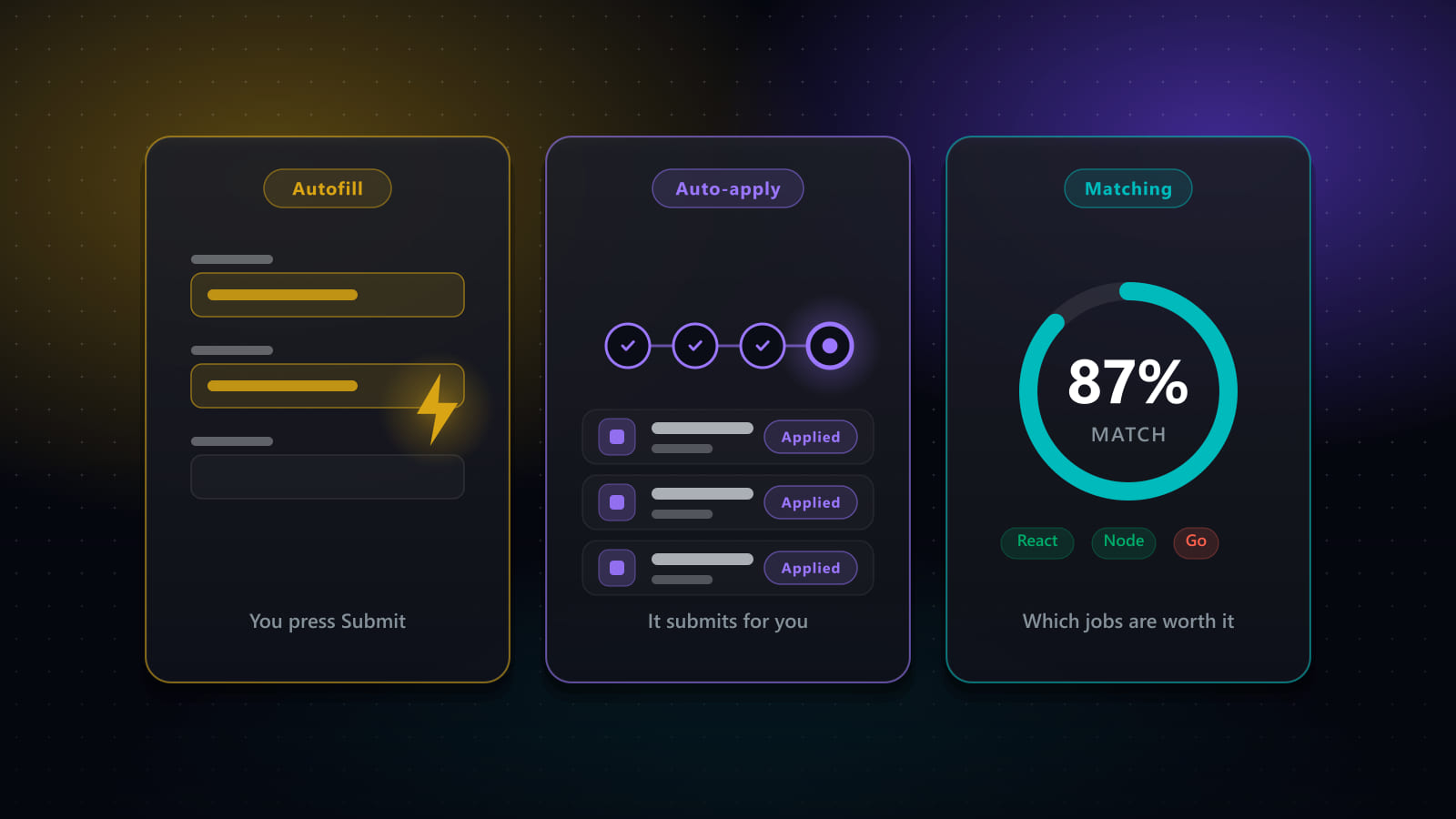
- The eight tools fall into four categories: analysers (Jobscan), trackers with resume tooling (Teal, Huntr), autofill assistants (Simplify), and end-to-end pipelines that can apply for you (Best JobFinder, LoopCV, LazyApply, partially Jobright).
- Only four of the eight will actually press Submit: Best JobFinder, LoopCV, LazyApply, and Jobright in part. Teal, Jobscan, Simplify and Huntr all stop before that line, by design.
- Most have a real free tier. Jobscan gives 5 scans a month, Huntr tracks 100 jobs free, Simplify's free tier covers its core autofill, and Teal's free tracker is its most-praised feature. Best JobFinder runs a 7-day trial instead; LazyApply has no free tier.
- Paid pricing clusters between roughly $26 and $50 a month, with LoopCV starting lower (from about €9.99/mo) and LazyApply selling annually (about $99–$999/year).
- The categories are complementary, not competing — a pipeline tool plus a specialist analyser is a more common sensible stack than two tools from the same category.
How we evaluated these tools
Rather than ranking these products against each other, we scored what each one actually does against a fixed set of criteria — the same list, applied the same way, to every tool including our own:
- Job discovery & number of sources — does the tool search job boards for you, and how many
- Deduplication — does it collapse the same posting when it appears on more than one board
- Match scoring — does it rank or score postings against your background
- Resume tailoring — does it rewrite your CV per job, or only store one version
- Cover letters — does it generate one per application
- Autofill — does it complete application form fields for you
- Auto-submit — does it press Submit, or stop at review
- Application tracking — does it give you a pipeline/board view of where each application stands
- Privacy — where your resume and personal data are stored, and under which vendor’s own policy
- Pricing — published cost, free tier, and what each tier actually includes
- Browser / platform support — browser extension, desktop app, or web-only
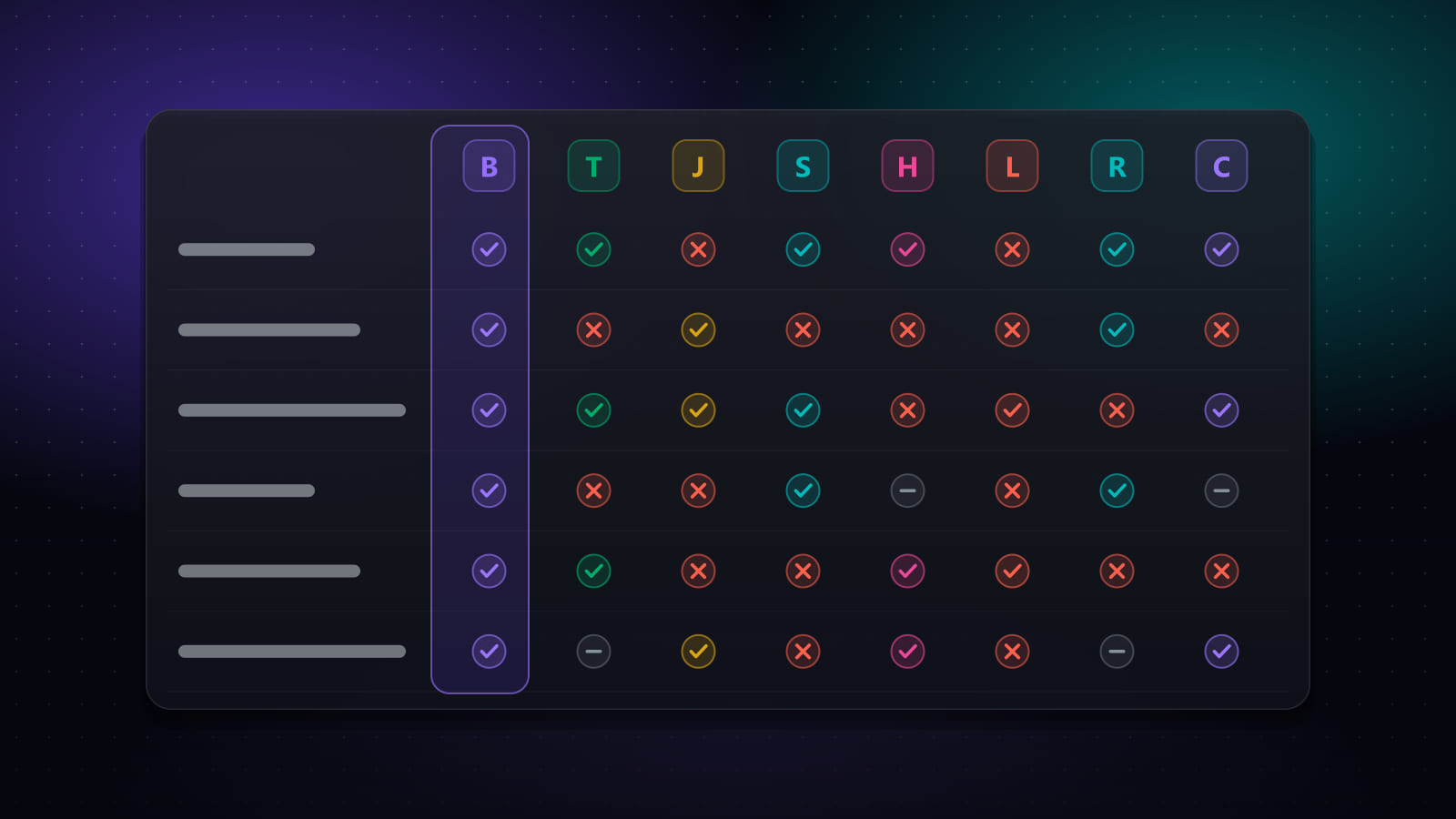
Job discovery, matching, tailoring, cover letters, autofill, auto-submit, tracking and browser/platform support are laid out side by side in the capability matrix below. Pricing has its own table with a verification date. Privacy is not something we score comparatively — each vendor writes and controls its own policy, so instead of guessing we link to each vendor’s own site in the “eight tools in detail” section below; read their privacy policy directly from there before trusting a comparison, including this one.
Disclosure
Best JobFinder is our own product, and it is one of the eight compared here. We have tried to handle that the only way that is actually useful to you: every claim on this page is a checkable capability or a published price, competitors are described by what they do rather than ranked against us, and the sections below say plainly where other tools do something better than we do — Jobscan’s ATS diagnostic and Jobright’s referral surfacing being two clear examples. Every product links to its own site so you can verify.
On these figures: pricing and plan limits were last checked against each vendor’s own published pages on September 16, 2026. Plans change often and several vendors run regional or promotional pricing, so confirm current terms on the vendor’s site before buying. Figures marked “reported” could not be confirmed on a public vendor page at the time of writing.
The four categories of AI job search tool
Almost every product here fits one of four categories. The category tells you more about whether a tool suits you than any feature list does.
- Analysers — score an existing resume against an existing posting and tell you what is missing. They find nothing and submit nothing. Jobscan.
- Trackers with resume tooling — organise a search you are driving yourself, and help you rewrite documents. Teal, Huntr.
- Autofill assistants — remove the typing from forms you open, leaving the submit decision with you. Simplify.
- End-to-end pipelines — source postings, score them, tailor documents, complete forms, and submit. Best JobFinder, LoopCV, LazyApply, Jobright (in part).
Capability comparison
“Partial” below means the capability exists but is limited — for instance a tool that saves a posting you found yourself rather than searching boards for you, or one that submits on some sites but not others.
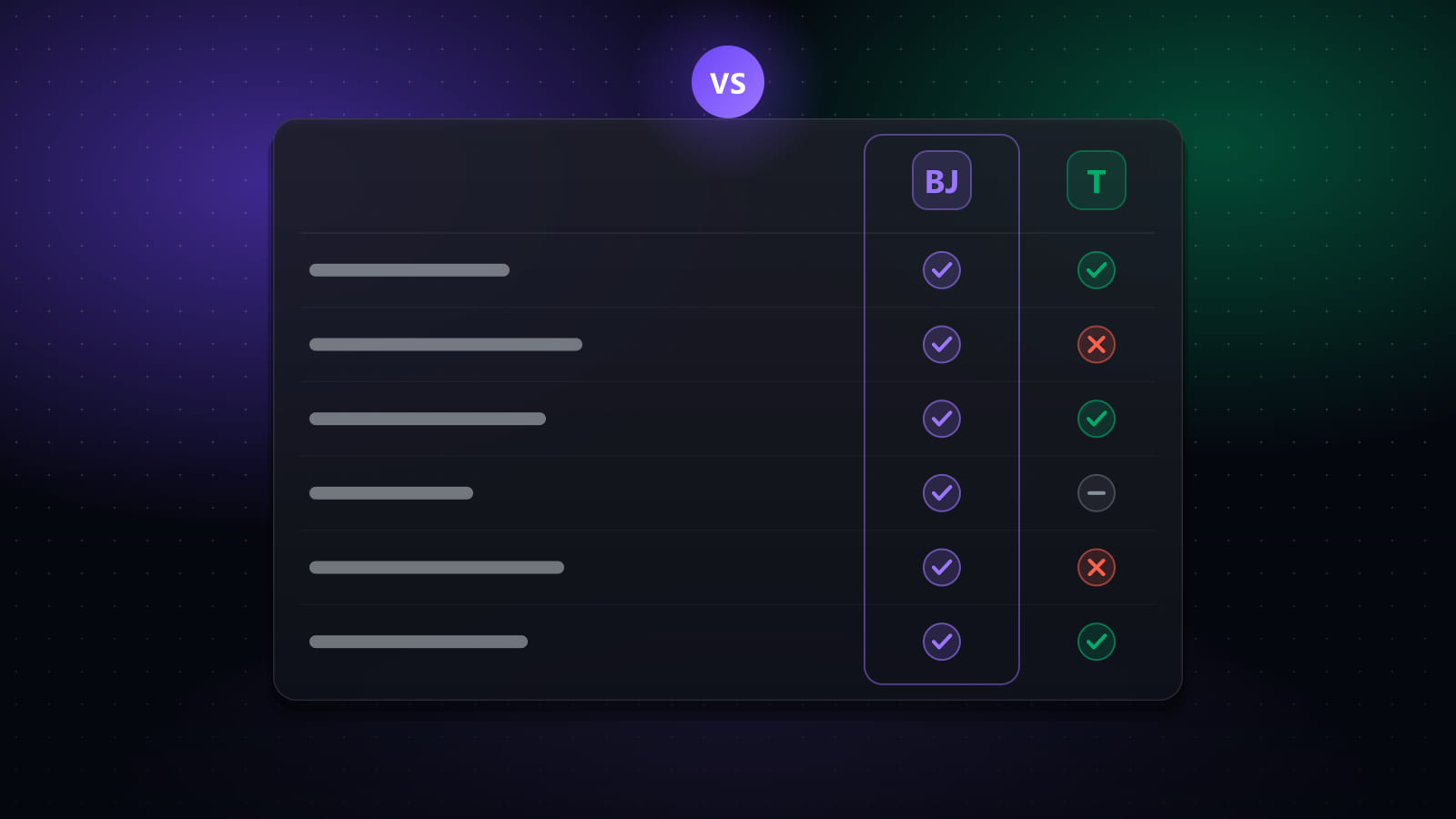
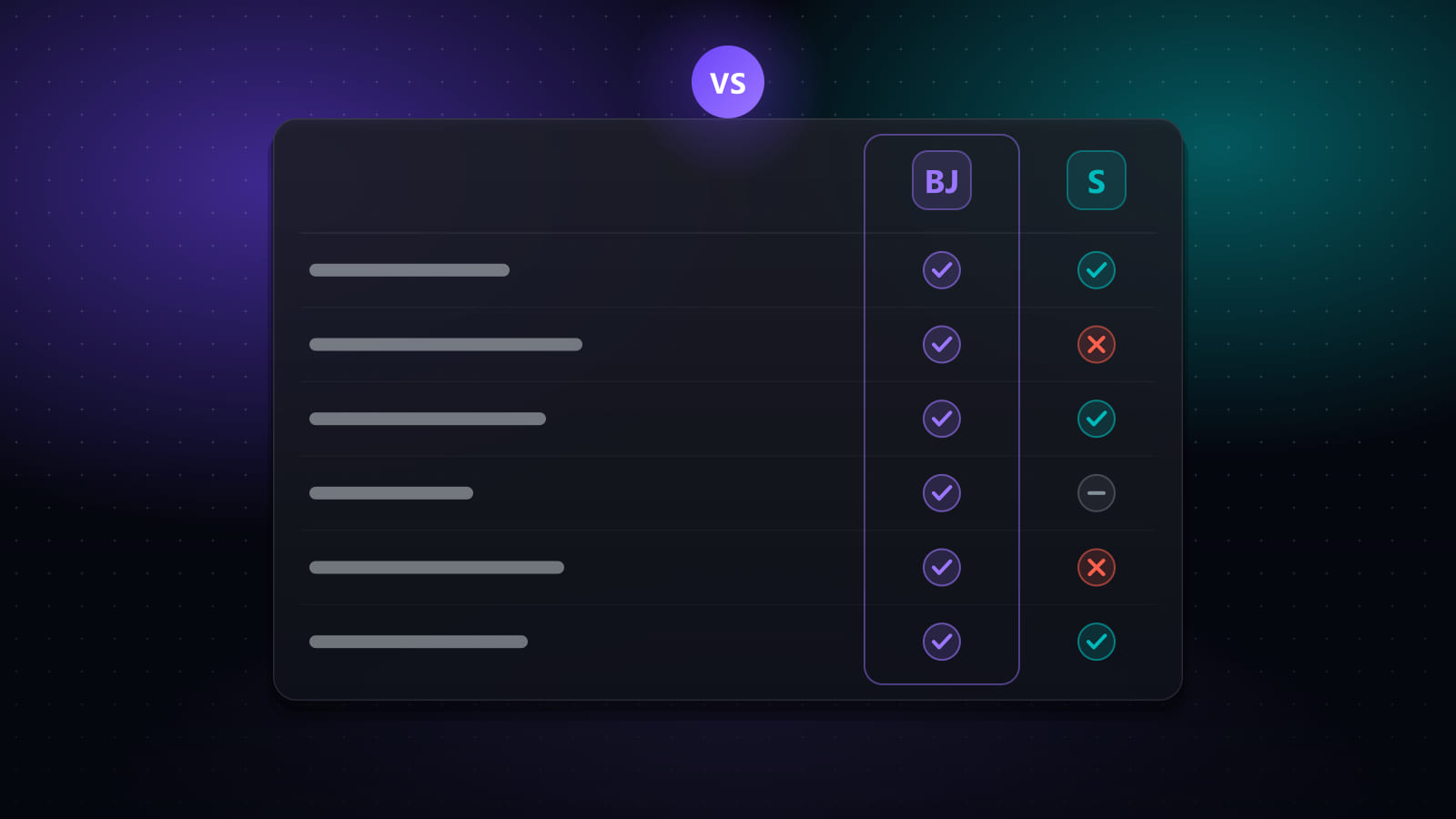
| Capability | Best JobFinder | Teal | Jobscan | Simplify | Huntr | LazyApply | Jobright | LoopCV |
|---|---|---|---|---|---|---|---|---|
| Finds jobs for you | Yes | Partial | No | Partial | Partial | Partial | Yes | Yes |
| Scores job fit | Yes | Yes | Yes | Yes | Yes | No | Yes | Partial |
| Tailors your CV per job | Yes | Yes | Partial | Yes | Yes | No | Yes | Partial |
| Generates cover letters | Yes | Yes | Partial | Yes | Yes | Partial | Yes | Yes |
| ATS / keyword report | Yes | Partial | Yes | Partial | Partial | No | Partial | Partial |
| Fills application forms | Yes | No | No | Yes | Yes | Yes | Yes | Yes |
| Submits applications | Yes | No | No | No | No | Yes | Partial | Yes |
| Tracks applications | Yes | Yes | No | Yes | Yes | Partial | Yes | Yes |
| Browser extension | Yes | Yes | Yes | Yes | Yes | Yes | Yes | No |
| Desktop app | Yes | No | No | No | No | No | No | No |
Pricing comparison
| Tool | What it is | Free tier | Paid pricing |
|---|---|---|---|
| Best JobFinder | End-to-end pipeline: job discovery, match scoring, CV and cover-letter tailoring, form filling, optional auto-submit, and application tracking. | 7-day free trial (20 job searches/day, 50 new jobs/day, 10 auto-apply runs/day) | Standard $14.90/mo ($9.90/mo billed annually) · Premium $29.90/mo ($19.90/mo billed annually) |
| Teal | Job tracker and AI-assisted resume builder, with a Chrome extension that saves postings you find yourself. | Yes — job tracker and resume builder, with AI features metered | Teal+ reported at $13/week, $29/month, or $79/quarter; no annual plan |
| Jobscan | Resume-versus-job-description scanner that produces a match rate plus keyword, skills and formatting gap analysis. | Yes — 5 resume scans per month, with no expiry | Reported at around $49.95/month, or $89.95/quarter (about $29.98/mo equivalent) |
| Simplify | Browser extension that autofills application forms from a saved profile, plus a tracker and job matching. | Yes — autofill, tracker and job matching are available free | Simplify+ reported at $19.99/week, $39.99/month, or $89.99/quarter |
| Huntr | Kanban-style job tracker with an AI resume builder, a job clipper extension, and application autofill. | Yes — track up to 100 jobs, 2 job-tailored resumes, unlimited autofills and contact management | Pro $40/month, $30/mo billed quarterly ($90), or $26.66/mo billed biannually ($160) |
| LazyApply | Bulk auto-apply extension that submits to large numbers of listings per day on the major boards. | No free tier reported | Reported annual plans from about $99 to $999/year, with daily caps from roughly 15 to 1,500 applications |
| Jobright | AI job matcher with an assistant, insider/referral contact surfacing, and resume tailoring. | Yes — freemium, with limits on matching and AI features | Paid tier reported at around $29/month |
| LoopCV | Automated apply service that runs saved searches on your behalf and can send applications plus follow-up emails. | Yes — free-forever tier with a capped number of applications per day | Paid plans from about €9.99/month, with higher tiers reported up to roughly €89.99/month |
The eight tools in detail
Listed alphabetically after our own, which is disclosed first for the reason given above.
Best JobFinder (our product)
End-to-end pipeline: job discovery, match scoring, CV and cover-letter tailoring, form filling, optional auto-submit, and application tracking.
- Best suited to: Running the entire search in one place, with a human-in-the-loop pause available on every automated run.
- Free tier: 7-day free trial (20 job searches/day, 50 new jobs/day, 10 auto-apply runs/day)
- Paid pricing: Standard $14.90/mo ($9.90/mo billed annually) · Premium $29.90/mo ($19.90/mo billed annually)
- Submits applications for you: Yes
Things to know:
- Auto-submit is configurable per run rather than always-on; a run can be paused, edited mid-flight, or stopped.
- Job scraping and auto-apply drive a real browser window, so the desktop app can do more than the web app alone.
- No account passwords are stored — automation reuses your existing signed-in browser session.
- Free access is a 7-day trial, not a permanent free tier.
Teal
Job tracker and AI-assisted resume builder, with a Chrome extension that saves postings you find yourself.
- Best suited to: Organising a search you are driving manually, and rewriting resume bullet points.
- Free tier: Yes — job tracker and resume builder, with AI features metered
- Paid pricing: Teal+ reported at $13/week, $29/month, or $79/quarter; no annual plan
- Submits applications for you: No
Things to know:
- Does not fill in application forms or submit applications — you apply manually.
- The extension saves a posting you are already looking at, rather than searching boards on your behalf.
- Its free tracker is the part most reviewers rate highest; the paid tier is mainly unlimited AI credits.
Jobscan
Resume-versus-job-description scanner that produces a match rate plus keyword, skills and formatting gap analysis.
- Best suited to: Diagnosing why one specific resume is failing one specific posting's screen.
- Free tier: Yes — 5 resume scans per month, with no expiry
- Paid pricing: Reported at around $49.95/month, or $89.95/quarter (about $29.98/mo equivalent)
- Submits applications for you: No
Things to know:
- Built as an analyser, not an applier — it finds no jobs and submits nothing.
- Scores one resume against one job description at a time, which is thorough but slow at volume.
- Its match-rate report is the most detailed standalone ATS diagnostic of the tools listed here.
Simplify
Browser extension that autofills application forms from a saved profile, plus a tracker and job matching.
- Best suited to: Removing the typing from applications you are submitting yourself.
- Free tier: Yes — autofill, tracker and job matching are available free
- Paid pricing: Simplify+ reported at $19.99/week, $39.99/month, or $89.99/quarter
- Submits applications for you: No
Things to know:
- Autofill only: despite agent-style marketing language, you review and press Submit on every application yourself.
- Broad ATS coverage is its main strength — it fills forms across a large number of applicant tracking systems.
- The free tier already covers the core autofill use case, so the paid tier is mostly AI tailoring.
Huntr
Kanban-style job tracker with an AI resume builder, a job clipper extension, and application autofill.
- Best suited to: Visual pipeline tracking with a tailored resume attached to each application.
- Free tier: Yes — track up to 100 jobs, 2 job-tailored resumes, unlimited autofills and contact management
- Paid pricing: Pro $40/month, $30/mo billed quarterly ($90), or $26.66/mo billed biannually ($160)
- Submits applications for you: No
Things to know:
- Does not submit applications for you.
- The free tier is genuinely usable for tracking; unlimited tailoring is what Pro unlocks.
- Pricing and free-tier limits here are taken from Huntr's own published pricing page.
LazyApply
Bulk auto-apply extension that submits to large numbers of listings per day on the major boards.
- Best suited to: Raw application volume, where per-application tailoring is not the goal.
- Free tier: No free tier reported
- Paid pricing: Reported annual plans from about $99 to $999/year, with daily caps from roughly 15 to 1,500 applications
- Submits applications for you: Yes
Things to know:
- Optimises for volume rather than fit — it does not score a job against your background before applying.
- High-volume untargeted applying is the pattern most likely to attract platform rate-limiting.
- Public reviews of reliability are mixed; confirm current caps and refund terms before purchasing.
Jobright
AI job matcher with an assistant, insider/referral contact surfacing, and resume tailoring.
- Best suited to: Finding well-matched roles and identifying a route to a human referral at the company.
- Free tier: Yes — freemium, with limits on matching and AI features
- Paid pricing: Paid tier reported at around $29/month
- Submits applications for you: Partial
Things to know:
- Strongest on matching and preparation rather than fully hands-off submission.
- Insider-connection surfacing is a capability none of the pure automation tools here offer.
- Confirm current tier names and limits — this product's packaging has changed several times.
LoopCV
Automated apply service that runs saved searches on your behalf and can send applications plus follow-up emails.
- Best suited to: Hands-off, recurring application campaigns driven by saved criteria.
- Free tier: Yes — free-forever tier with a capped number of applications per day
- Paid pricing: Paid plans from about €9.99/month, with higher tiers reported up to roughly €89.99/month
- Submits applications for you: Yes
Things to know:
- Priced in euros, so the dollar equivalent moves with the exchange rate.
- Automated follow-up email sending is a capability most tools listed here do not have.
- Runs server-side from your criteria, so you see less of each individual application before it is sent.
Which one fits your situation
Rather than naming a winner — the right answer genuinely depends on what is currently going wrong in your search — here is the mapping from symptom to category.
You are getting no responses and do not know why
This is a diagnosis problem, not a volume problem. An analyser will tell you more in twenty minutes than a month of extra applications. Jobscan is the most detailed standalone tool for this; several pipeline tools, including ours, include a lighter ATS score alongside everything else.
You have plenty of good leads but no time to apply
This is where autofill and auto-apply earn their cost. If you want to keep eyes on every application, an autofill assistant such as Simplify is enough. If the volume is past what reviewing individually can sustain, you need a pipeline tool with a relevance filter in front of it.
You are losing track of where you applied
A tracker solves this on its own, and both Teal and Huntr have free tiers that will do it without you paying anything. Do not buy a pipeline tool to solve a filing problem.
You cannot find enough relevant roles in the first place
This is a sourcing and matching problem. Tools that search boards themselves and score results against your background — Jobright, Best JobFinder, LoopCV — address it; trackers and analysers do not, because they only ever see jobs you have already found.
You want maximum application volume and accept the trade-off
Bulk submitters such as LazyApply exist for this. Be clear-eyed about the trade: no fit scoring means a high share of applications go to roles you would not have chosen, and very high daily volume is the pattern job boards most readily rate-limit.
What none of these tools do
Worth stating plainly, because every vendor in this category is incentivised not to:
- None of them create qualifications you do not have. Tailoring changes which of your real experience is emphasised. If a role needs five years of something you have not done, no tool fixes that, and any that appears to is writing something untrue on your behalf.
- None of them reliably beat a referral. Jobright is the only tool here that even tries to address this, by surfacing possible referral contacts.
- None of them make a bad-fit application good. Automation multiplies whatever your targeting already is. Applied to a well-defined search it saves many hours; applied to a vague one it produces a larger pile of rejections faster.
Frequently asked questions
What are the alternatives to Teal?
Teal is a job tracker and AI resume builder, so the closest alternatives are other trackers with resume tailoring: Huntr (kanban tracking plus AI-tailored resumes, free for up to 100 tracked jobs, Pro from $26.66–$40/month) and Simplify (free tracking and autofill, with AI tailoring on Simplify+). If what you actually want is for the tool to apply on your behalf — something Teal does not do — then Best JobFinder, LoopCV and Jobright are the relevant alternatives, because those can fill and in some cases submit applications rather than only organising them.
Which AI tools can automate job applications?
As of September 2026, the tools that will actually submit an application for you are Best JobFinder (configurable auto-submit with a review pause), LoopCV (server-side automated applying plus follow-up emails), LazyApply (bulk submission with daily caps from roughly 15 to 1,500) and, partially, Jobright. Tools that fill forms but stop short of pressing Submit include Simplify and Huntr. Teal and Jobscan do not fill or submit applications at all — Teal tracks and writes, Jobscan analyses.
What is the difference between autofill and auto-apply?
Autofill populates the fields of an application form you have already opened, then hands control back to you to review and submit — Simplify and Huntr work this way. Auto-apply completes the whole loop without you: it finds the posting, fills the form, attaches files and presses Submit. Autofill keeps a human in the loop on every single application; auto-apply moves that human review to the configuration stage, which is faster but places much more weight on how well you set the relevance filters.
Is there a free AI job search tool?
Several have genuine free tiers. Simplify offers free autofill, tracking and matching. Huntr's free plan tracks up to 100 jobs and includes two job-tailored resumes. Teal's free tier includes its job tracker and resume builder with metered AI. Jobscan gives 5 resume scans per month. LoopCV has a free-forever tier with a daily application cap. Best JobFinder offers a 7-day free trial rather than a permanent free tier, and LazyApply has no free tier.
Does using an AI auto-apply tool risk my LinkedIn account?
The risk comes from behaviour, not from automation as such. Job boards act on patterns that no human could produce: hundreds of applications an hour, no pauses, identical timing between actions, or traffic from a datacentre IP rather than your own browser session. Tools that run at human-like pace from your own signed-in browser and cap daily volume are far lower risk than bulk submitters advertising four-figure daily application counts. Reviewing a tool's default rate limits before the first run matters more than the brand on the box.
Should I pay for more than one job search tool?
Often yes, because the categories genuinely do different jobs. A common combination is one tool that runs the pipeline (sourcing, applying, tracking) plus one specialist analyser such as Jobscan when a particular application matters enough to diagnose in depth. Paying for two tools in the same category — two trackers, or two autofill extensions — usually adds cost without adding capability.
Sources
Capability and pricing claims were checked against each vendor’s own published pages:
- Best JobFinder — bestjobfinder.net/pricing
- Teal — www.tealhq.com/pricing
- Jobscan — www.jobscan.co/pricing
- Simplify — simplify.jobs/
- Huntr — huntr.co/pricing, help.huntr.co/en/articles/10714568-plan-types-and-pricing
- LazyApply — lazyapply.com/
- Jobright — jobright.ai/
- LoopCV — www.loopcv.pro/pricing
Spotted a figure that has changed, or a capability described incorrectly? Corrections are welcome — accuracy here matters more to us than the comparison landing a particular way.
Ready to automate your job search?
Best JobFinder combines job discovery, AI skill matching, resume tailoring, and configurable auto-submit in one platform — with a 7-day free trial.
Try Best JobFinder free →