AI Job Application Tools: Autofill vs Auto-Apply vs Matching
The expensive mistake when buying a job application tool is not picking the wrong product. It is picking the wrong category — paying for a resume analyser when the actual problem is that you cannot find enough relevant roles, or for a bulk submitter when the problem is that your CV is not parsing.
There are four categories. This page explains what each one does, what it structurally cannot do, and how to tell which one matches the problem you actually have.
Disclosure: Best JobFinder is our own product and appears below in the pipeline category. Tools are described by capability, and the limitations of our own category are stated in the same terms as everyone else’s.
Key takeaways
- Four categories: analysers, trackers, autofill assistants, and end-to-end pipelines. Each solves a different bottleneck.
- Diagnose your bottleneck first — no responses, no time, no organisation, or no leads — then pick the category that matches it.
- Only pipeline tools (and partially Jobright) submit applications. Trackers and analysers structurally cannot, by design rather than omission.
- A pipeline tool plus a specialist analyser is the combination that most often adds real capability. Two tools from one category rarely does.
- Free tiers are strong for tracking and autofill, weak for per-job tailoring and essentially absent for automated submission.
Category 1 — Analysers
What they do: take one resume and one job description and report how well they align — matched keywords, missing skills, formatting problems that interfere with parsing.
What they cannot do: find jobs, fill forms, or submit anything. This is a deliberate design choice, not a gap.
The bottleneck they solve: “I am applying and hearing nothing, and I do not know why.” An analyser converts that into a specific, fixable list. It is the fastest way to find out whether the problem is your documents or your targeting.
Main example: Jobscan — 5 free scans a month, with the most detailed standalone match report of the tools here. Several pipeline tools include a lighter version of the same analysis.
When it is the wrong purchase: when you already know your documents are fine and the real constraint is time or lead volume. An analyser will not give you either.
Category 2 — Trackers with resume tooling
What they do: organise a search you are driving yourself. A board of applications by stage, a browser extension to save postings you find, contact records, and an AI-assisted resume builder.
What they cannot do: submit applications. Teal does not fill forms at all; Huntr fills them but stops before submitting.
The bottleneck they solve: “I have lost track of where I applied and what I sent.” This is a real and underestimated problem — losing the thread on a pipeline costs interviews through missed follow-ups.
Main examples: Teal and Huntr, both with free tiers that genuinely cover the tracking use case.
When it is the wrong purchase: when your problem is volume or time. A tracker makes a manual search organised; it does not make it faster.
Category 3 — Autofill assistants
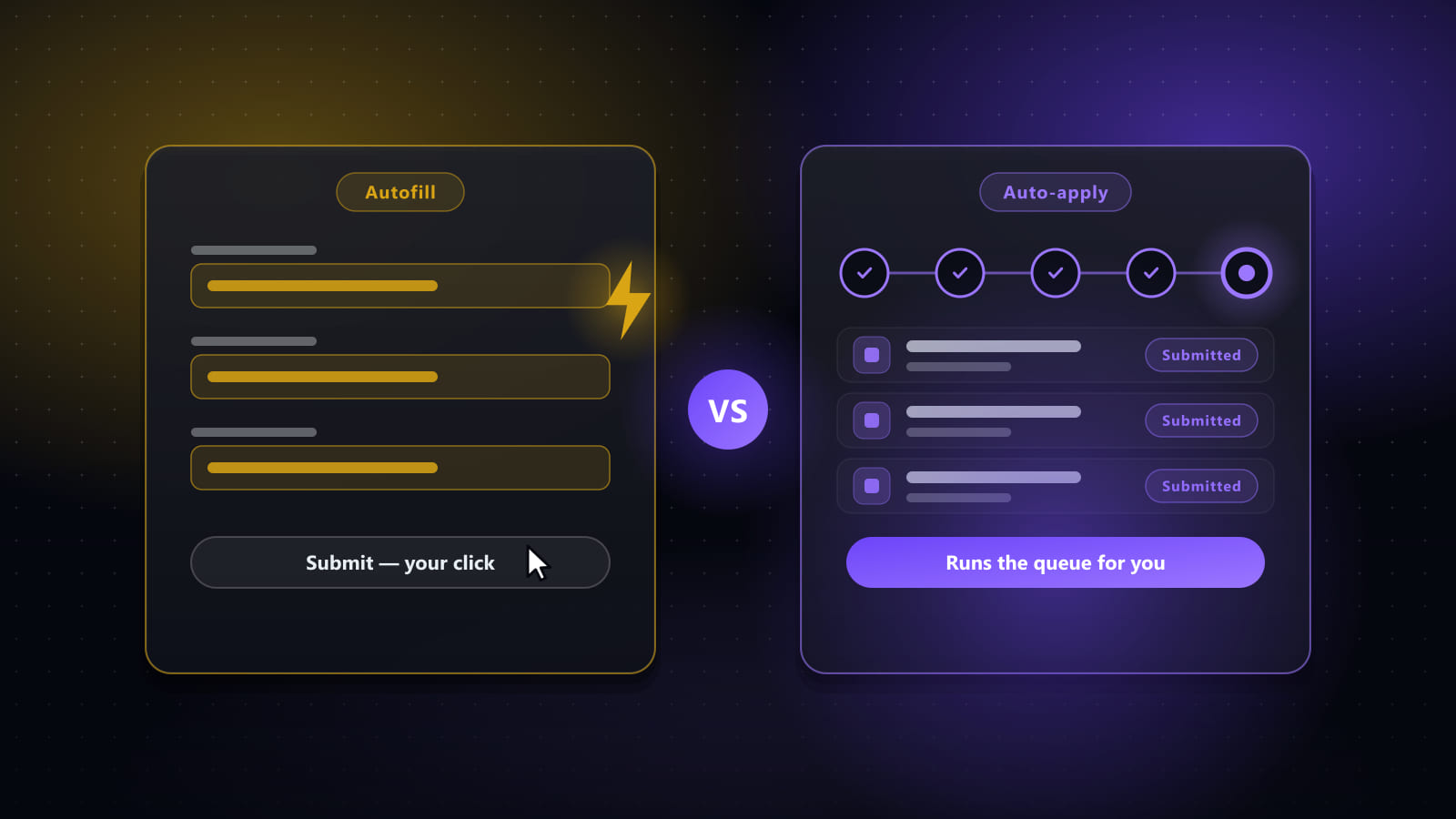
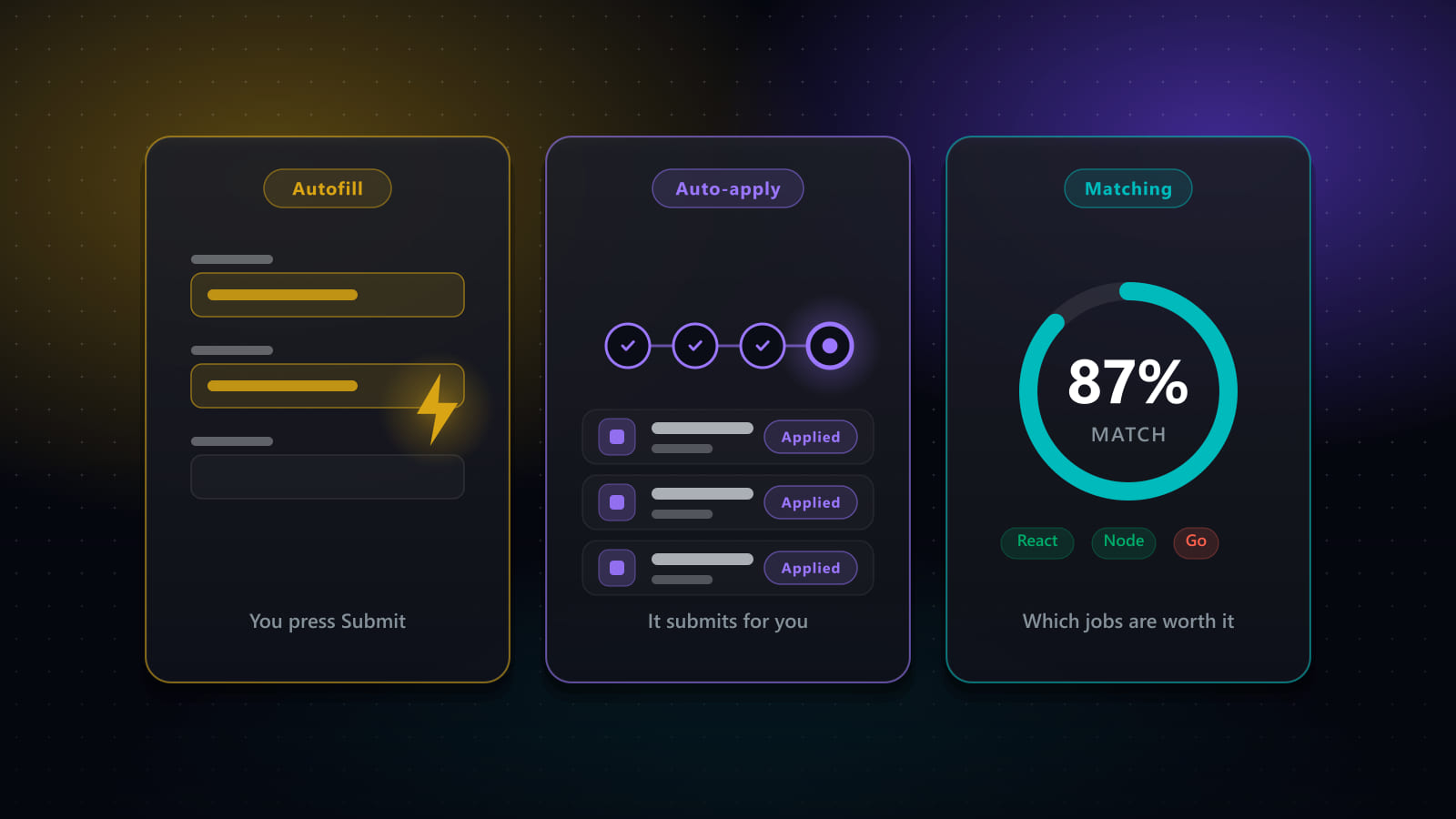
What they do: fill the fields of an application form you have opened, from a profile you saved once, across many applicant tracking systems.
What they cannot do: find the jobs, or submit. You open each posting and press Submit on each application.
The bottleneck they solve: “I have plenty of leads and applying takes twenty minutes each.” Retyping your work history is the single most repetitive part of the process, and removing it is a large, immediate saving.
Main example: Simplify, whose free tier covers the core autofill use case.
The structural ceiling: an autofill tool cannot scale past your own attention, because every application needs you present. That is fine at fifteen applications a week and becomes the binding constraint well before fifty.
Category 4 — End-to-end pipelines
What they do: the whole loop — search boards, score results against your background, generate tailored documents, complete forms, submit, and track the outcome.
What they cannot do: compensate for unclear targeting. A pipeline multiplies whatever search definition you give it, in both directions.
The bottleneck they solve: “The process itself is the constraint” — where sourcing, tailoring and applying together consume more time than you have, and each stage handing off to the next manually is where the hours go.
Examples: Best JobFinder (our own), LoopCV, LazyApply, and Jobright in part. These differ substantially from each other: LazyApply optimises for raw volume without fit scoring, LoopCV runs server-side from saved criteria, Jobright leans towards matching and referrals.
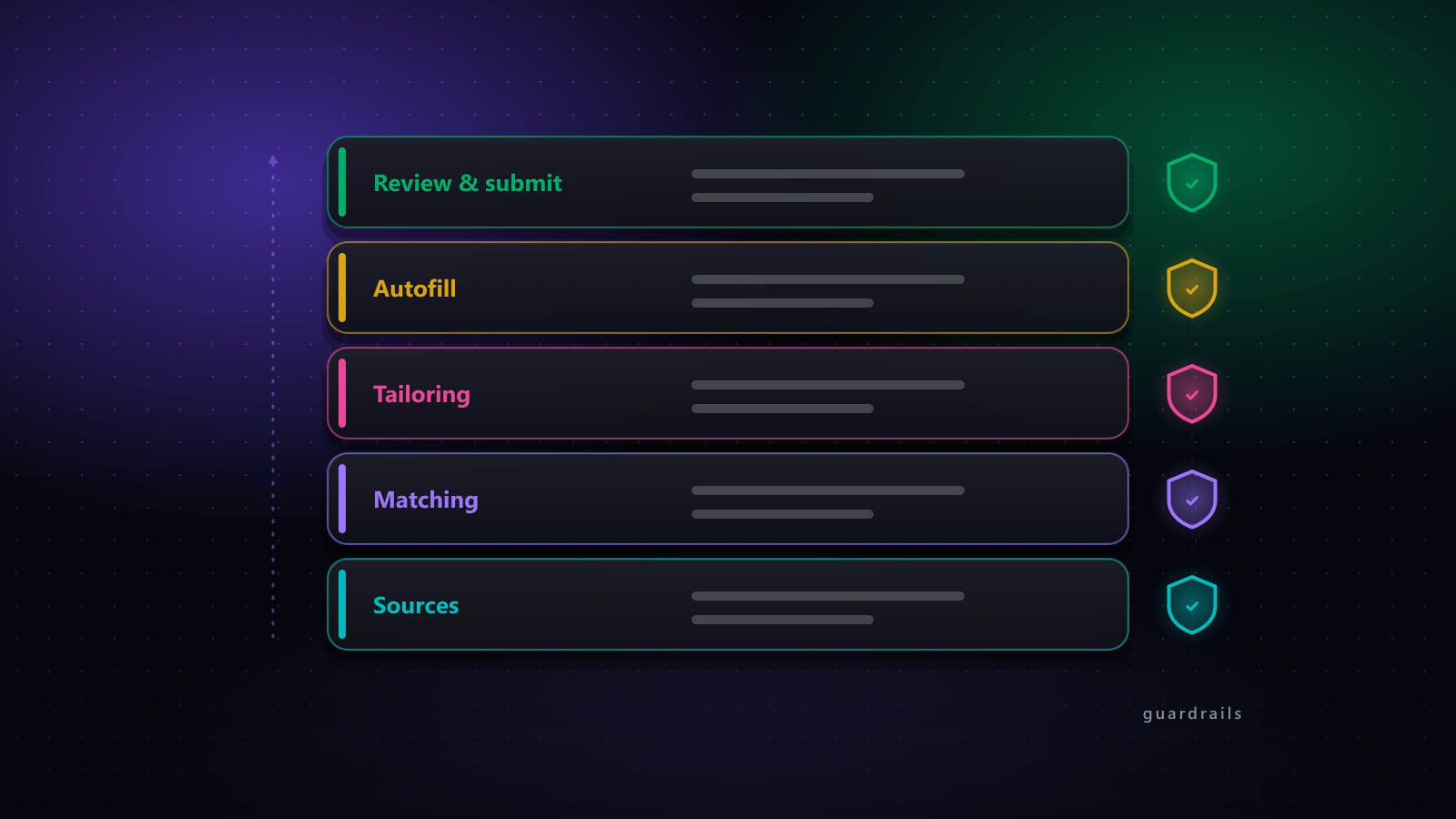
The honest caveat for this category, ours included: it is the category where a bad configuration does the most damage, because it acts without you. That is why the meaningful differences between pipeline tools are the controls — relevance threshold, review window, rate limit, audit trail — more than the feature list.
Capability matrix
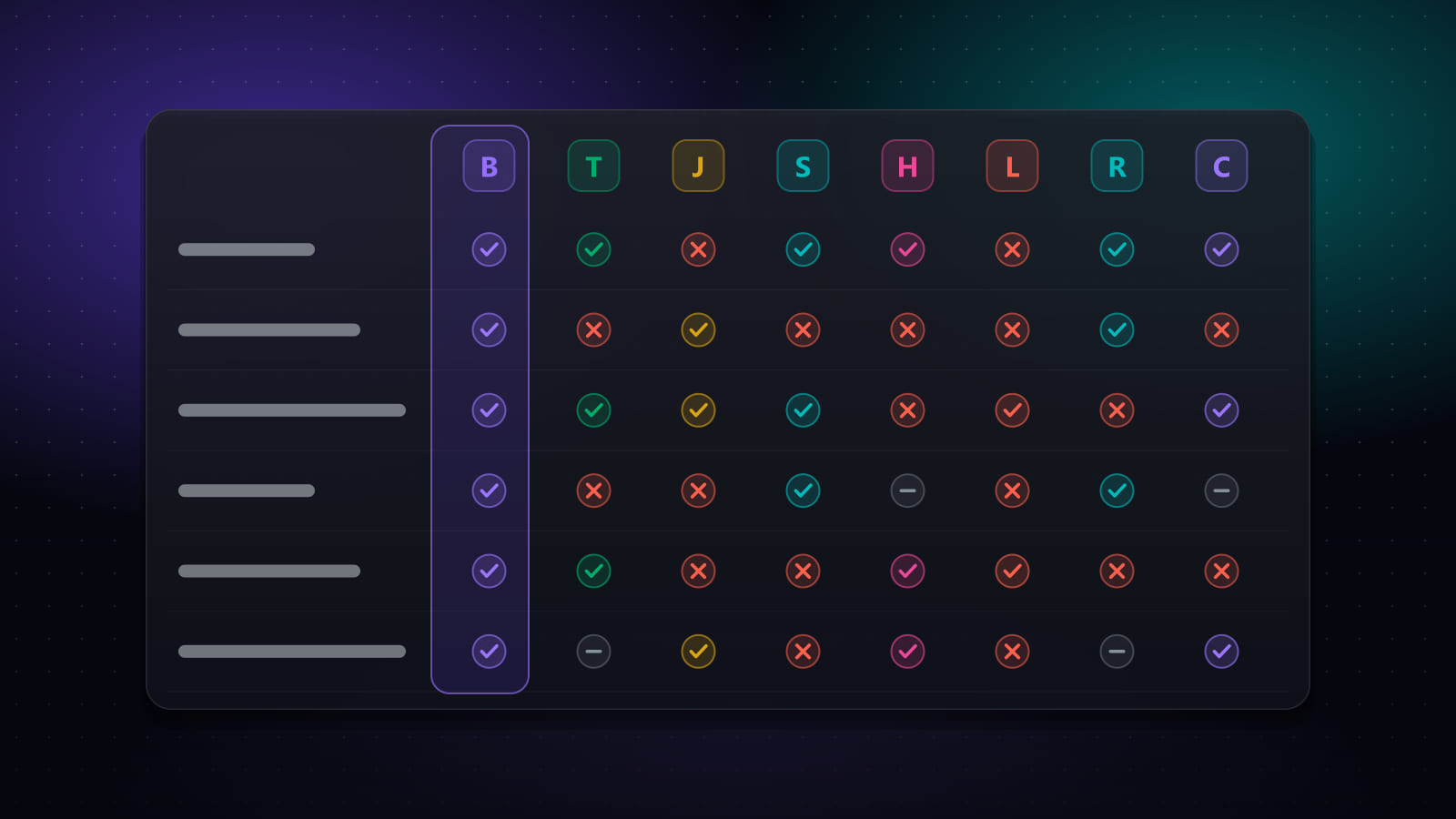
The same eight products across the capabilities that distinguish the categories. “Partial” means limited rather than absent — for instance saving a posting you found yourself rather than searching boards for you.
| Capability | Best JobFinder | Teal | Jobscan | Simplify | Huntr | LazyApply | Jobright | LoopCV |
|---|---|---|---|---|---|---|---|---|
| Finds jobs for you | Yes | Partial | No | Partial | Partial | Partial | Yes | Yes |
| Scores job fit | Yes | Yes | Yes | Yes | Yes | No | Yes | Partial |
| Tailors your CV per job | Yes | Yes | Partial | Yes | Yes | No | Yes | Partial |
| Generates cover letters | Yes | Yes | Partial | Yes | Yes | Partial | Yes | Yes |
| ATS / keyword report | Yes | Partial | Yes | Partial | Partial | No | Partial | Partial |
| Fills application forms | Yes | No | No | Yes | Yes | Yes | Yes | Yes |
| Submits applications | Yes | No | No | No | No | Yes | Partial | Yes |
| Tracks applications | Yes | Yes | No | Yes | Yes | Partial | Yes | Yes |
| Browser extension | Yes | Yes | Yes | Yes | Yes | Yes | Yes | No |
| Desktop app | Yes | No | No | No | No | No | No | No |
On these figures: pricing and plan limits were last checked against each vendor’s own published pages on September 16, 2026. Plans change often and several vendors run regional or promotional pricing, so confirm current terms on the vendor’s site before buying. Figures marked “reported” could not be confirmed on a public vendor page at the time of writing.
Diagnosing which category you need
Match the symptom, not the feature list:
| Your actual problem | Category that fixes it |
|---|---|
| Applying steadily, hearing nothing back | Analyser — diagnose before adding volume |
| Losing track of applications and follow-ups | Tracker — a free tier will usually do |
| Good leads, no time to fill in forms | Autofill assistant |
| Cannot find enough relevant roles | Pipeline — sourcing and matching are the parts that help |
| Whole process takes more time than you have | Pipeline |
| Not sure what role you are targeting | None — no tool fixes this, and automating around it makes it worse |
For a product-by-product breakdown with pricing and sources, see the eight-product comparison.
Frequently asked questions
What are the main types of AI job application tool?
Four. Analysers score an existing resume against an existing posting and tell you what is missing (Jobscan). Trackers organise a search you are running yourself and help rewrite documents (Teal, Huntr). Autofill assistants populate application forms you open, leaving you to submit (Simplify). End-to-end pipelines source postings, score them, tailor documents, fill forms and can submit (Best JobFinder, LoopCV, LazyApply, and Jobright in part). Choosing the wrong category is the most common and most expensive mistake, because a tool from the wrong category cannot solve your problem no matter how good it is.
Which AI tools can automate job applications end to end?
Best JobFinder, LoopCV and LazyApply will complete and submit applications, with Jobright doing so partially. Simplify and Huntr fill forms but require you to submit each one. Teal and Jobscan do neither — Teal tracks and writes documents, Jobscan analyses a resume against a posting. Any tool described as an agent should be checked against this specific question, because the marketing language is nearly identical either side of the submit line.
Do I need more than one job application tool?
Frequently yes, because the four categories do genuinely different work. The combination that adds most is one pipeline tool that runs the search plus one specialist analyser used on applications that matter enough to diagnose properly. What rarely adds anything is two tools from the same category — two trackers, or two autofill extensions — which duplicates capability while doubling cost.
Are free AI job application tools good enough?
For tracking and autofill, often yes. Simplify's free tier covers its core autofill, Huntr's free plan tracks up to 100 jobs with two tailored resumes, and Teal's free tracker is the feature reviewers rate highest. Free tiers are weakest at two things: per-job document tailoring, which is usually metered, and automated submission, which essentially no free tier offers because it carries real running cost for the vendor.
Ready to automate your job search?
Best JobFinder combines job discovery, AI skill matching, resume tailoring, and configurable auto-submit in one platform — with a 7-day free trial.
Try Best JobFinder free →