How to Auto-Apply to Jobs in 2026 (Step-by-Step Guide)
Job seekers spend an average of 20 to 30 hours a week filling out application forms. Most of that time is copying the same information — name, address, work history, education — into identical fields on different websites.
Auto-apply tools fix this. The best ones find matching jobs, fill out the forms, tailor your resume, and submit — so you can spend your time on interviews and networking instead of data entry.
Here's how to set up auto-applying the right way, which tools to use, and how to avoid the common mistakes that get applications rejected or accounts banned.
Two Approaches: Volume vs. Tailored
Before picking a tool, decide which strategy fits your situation:
The Volume Approach
Apply to as many roles as possible with a standard resume. Works for entry-level positions, hourly roles, or broad job searches where you're casting a wide net.
The risk: Modern ATS systems filter heavily on keyword match. A generic resume gets auto-rejected before a human sees it. Users who blast 5,000+ generic applications report callback rates under 1%.
The Tailored Approach
Use AI to customize your resume and cover letter for each job before submitting. Takes slightly longer per application, but dramatically improves your callback rate.
The data: A resume tailored to the job description is 1.6x more effective, raising response rates from ~3.7% to ~5.8%. When you're sending hundreds of applications, that difference compounds fast.
The best tools do both — they apply at volume while tailoring each application. That's the sweet spot.
Step-by-Step: How to Auto-Apply to Jobs
Step 1: Prepare a Clean, ATS-Friendly Resume
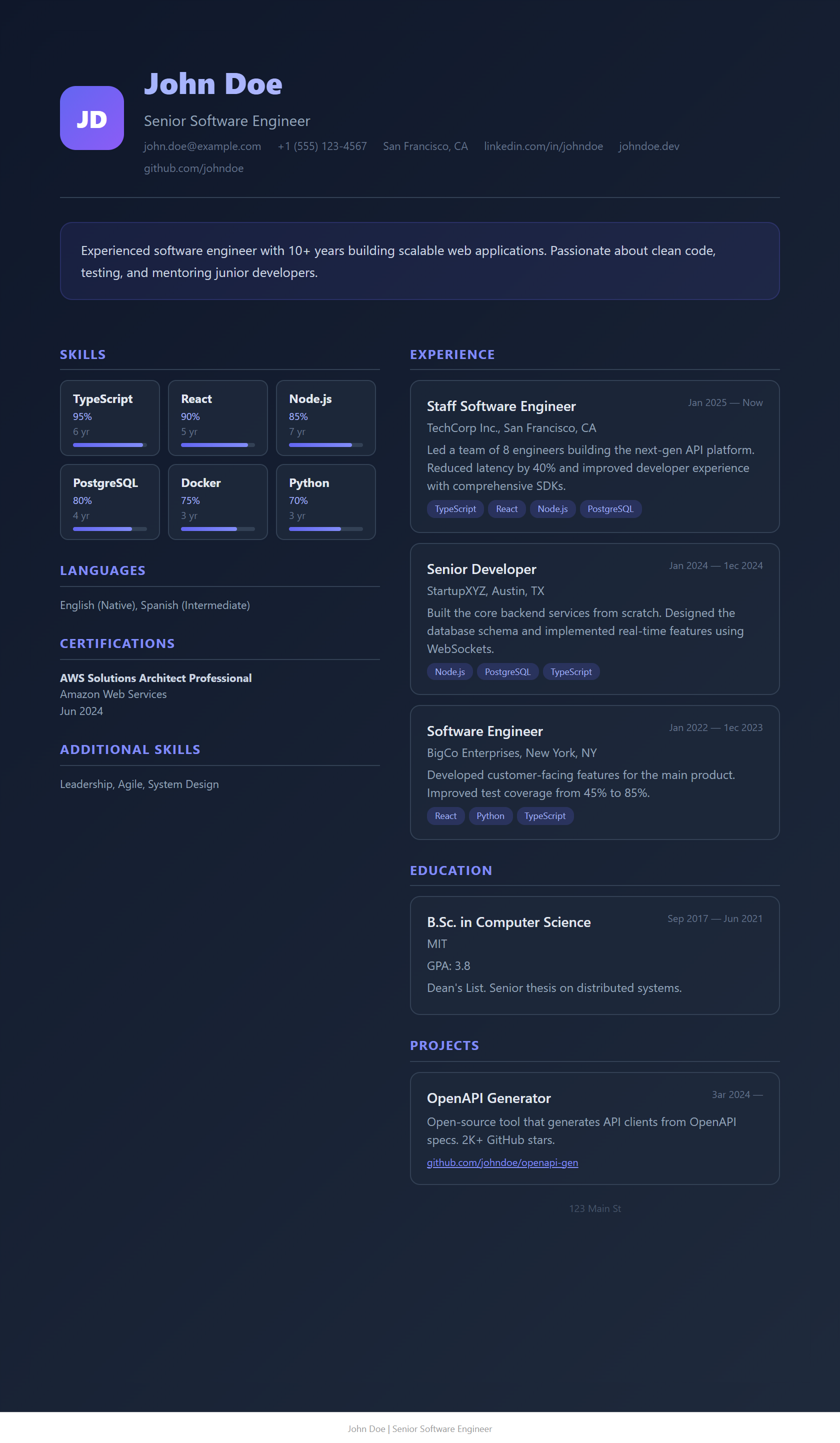
Before any automation tool touches your resume, make sure it's formatted for ATS systems:
- Single-column layout, no graphics, tables, or text boxes
- Standard section headings: "Work Experience," "Education," "Skills"
- Simple date format: MM/YYYY – MM/YYYY
- No content in Word/PDF headers or footers
- Save as PDF or standard DOCX
Step 2: Choose Your Auto-Apply Tool
Recommended options by use case:
- Best JobFinder — Full pipeline (find + score + tailor + apply). Auto-submit configurable. Free tier available.
- Simplify — Free form autofill (manual submit). Best free option.
- JobCopilot — Cloud auto-apply with review mode. No free tier.
- LoopCV — Passive hands-off applying. Free for 10 apps/month.
- JobRight — AI matching + networking. No auto-submit.
Step 3: Build Your Master Profile
Every auto-apply tool asks you to create a profile. Do this carefully — it's the data the tool pulls from for every application:
- Full contact info (name, email, phone, location)
- Complete work history with dates, titles, and bullet points
- Education details
- Answers to common screening questions (work authorization, visa status, years of experience, salary expectations)
- Skills list matching your target roles
Critical: Get the screening question answers right. Auto-apply tools pull these for every application. A wrong answer on visa sponsorship or years of experience triggers instant automatic rejection.
Step 4: Set Up Job Search Filters
Whether your tool scrapes job boards for you or you search manually, use tight filters:
- Date posted: "Past 24 Hours" or "Past Week" — applying early increases your odds significantly
- Job type: Remote, hybrid, or on-site
- Experience level: Match your actual seniority
- Keywords: Use specific role titles, not broad terms
Step 5: Review or Auto-Submit
This is where tools diverge:
- Full auto-submit tools (Best JobFinder, JobCopilot, LoopCV) can submit without your intervention. Best JobFinder lets you toggle between review-first and hands-off modes.
- Autofill-only tools (Simplify, Teal) fill the form but you click submit yourself.
Recommendation: Start in review mode. Check the first 10–15 applications to make sure the tool fills forms correctly, answers screening questions right, and tailors your resume properly. Once you trust the output, switch to auto-submit.
Step 6: Track and Audit
Auto-applying can get unmanageable if you don't track what's been submitted:
- Use your tool's built-in tracker (Best JobFinder, Simplify, and Teal all have application dashboards)
- Check your email daily for interview requests and responses
- Periodically audit submitted applications to catch any form-filling errors
How to Auto-Apply on LinkedIn
LinkedIn is the most popular platform for job seekers, but it's also the most aggressive about detecting automation:
- Keep volume realistic: No more than 20–30 Easy Apply submissions per day. Exceeding this triggers LinkedIn's bot detection.
- Use human-like pacing: Tools should have randomized delays between actions (30–90 seconds per application), not instant clicks.
- Apply on company sites instead: Find jobs on LinkedIn, then apply directly on the company's career page (Workday, Greenhouse, etc.). LinkedIn's terms don't apply there, and direct applications are often prioritized by internal recruiters.
Best JobFinder scrapes LinkedIn listings along with 17+ other boards, then applies on the company's actual career page — sidestepping LinkedIn's restrictions entirely.
Can You Auto-Apply for Free?
Yes, but with limitations:
- Best JobFinder — Free tier includes job scraping, skill match scoring, auto-fill, and tracking
- Simplify — Free unlimited autofill (but you submit manually)
- LoopCV — Free tier with 10 applications per month
For full auto-submit with resume tailoring, most tools require a paid plan. Best JobFinder's free tier gives you the broadest set of features before upgrading, and Premium is just $23.90/month for the full pipeline.
Common Mistakes to Avoid
- Sending generic resumes everywhere. Per-job tailoring is what separates 0.5% callback rates from 5%+ callback rates.
- Ignoring screening questions. Wrong answers on visa status, experience level, or work authorization get you instantly rejected.
- Going too fast on LinkedIn. More than 30 applications/day risks account restrictions.
- Never auditing your submissions. Check the first batch to make sure forms are filled correctly.
- Only using one job board. Indeed, LinkedIn, Wellfound, Dice, and company career pages all have different response rates. Diversify.
Related: How to automate job applications → · LinkedIn auto-apply guide → · Fix job application burnout →
Ready to automate your job search?
Best JobFinder combines job discovery, AI skill matching, resume tailoring, and configurable auto-submit in one platform — with a free tier available.
Try Best JobFinder free →