Can ChatGPT Find Jobs for Me? What It Can and Can't Do
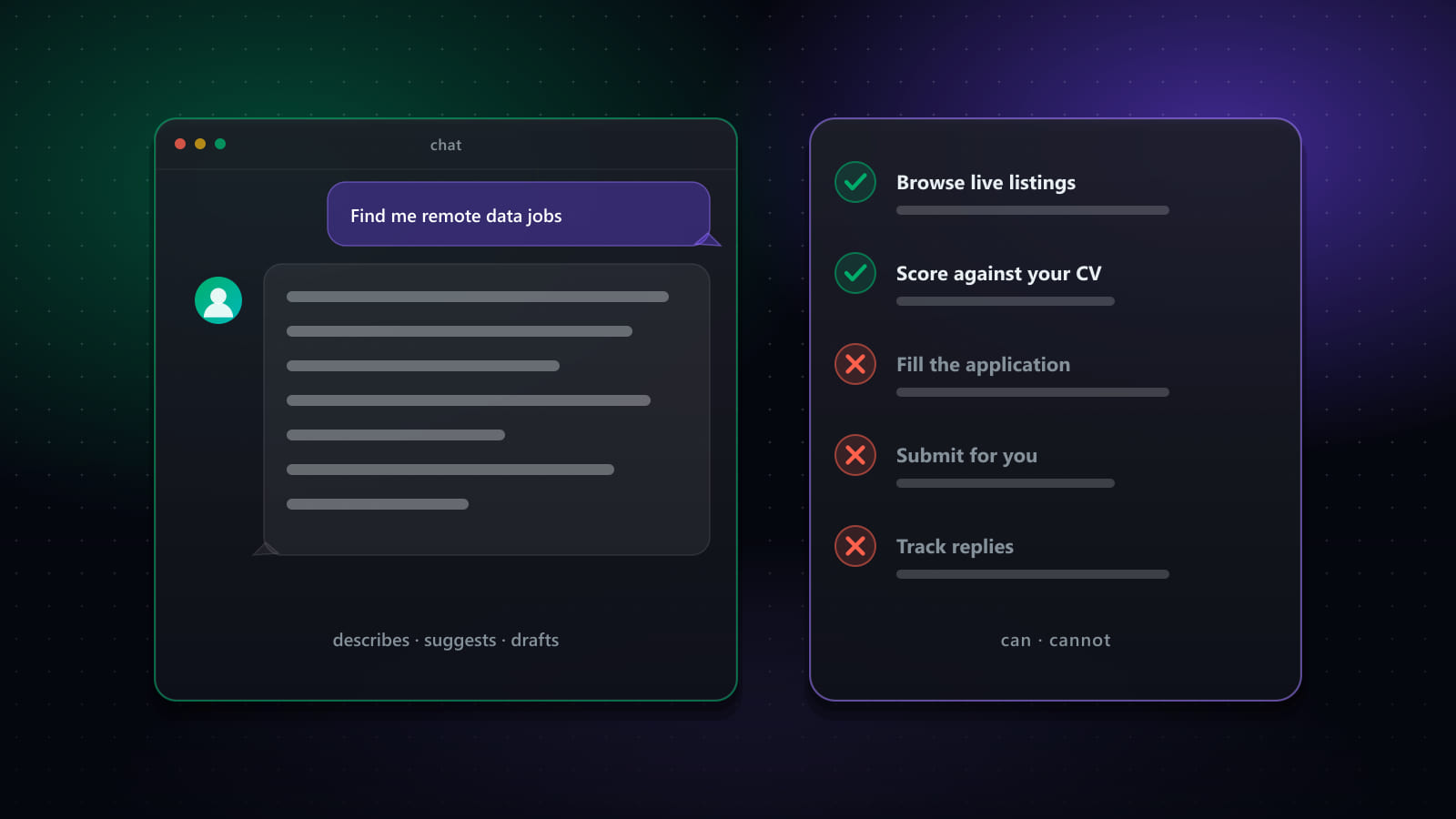
“Can ChatGPT find jobs for me?” has a real answer, and it isn’t a flat yes or no. ChatGPT can genuinely help with parts of a job search today. It was not built to run one end-to-end, and understanding exactly where that line sits saves you from either underusing it or expecting something it can’t deliver.
This is a plain, non-promotional breakdown of what ChatGPT does, what its Search and agent features add on top, what a browser agent generally can and can’t do, and where a dedicated job search platform is doing a genuinely different job.
Key takeaways
- Plain ChatGPT is a reasoning and writing tool — it's excellent at explaining a posting, tailoring a bullet point, or prepping for an interview, and weak at anything requiring current, structured data.
- ChatGPT Search and browsing add current information from the live web, but each answer is a one-off lookup, not a standing search that runs on a schedule.
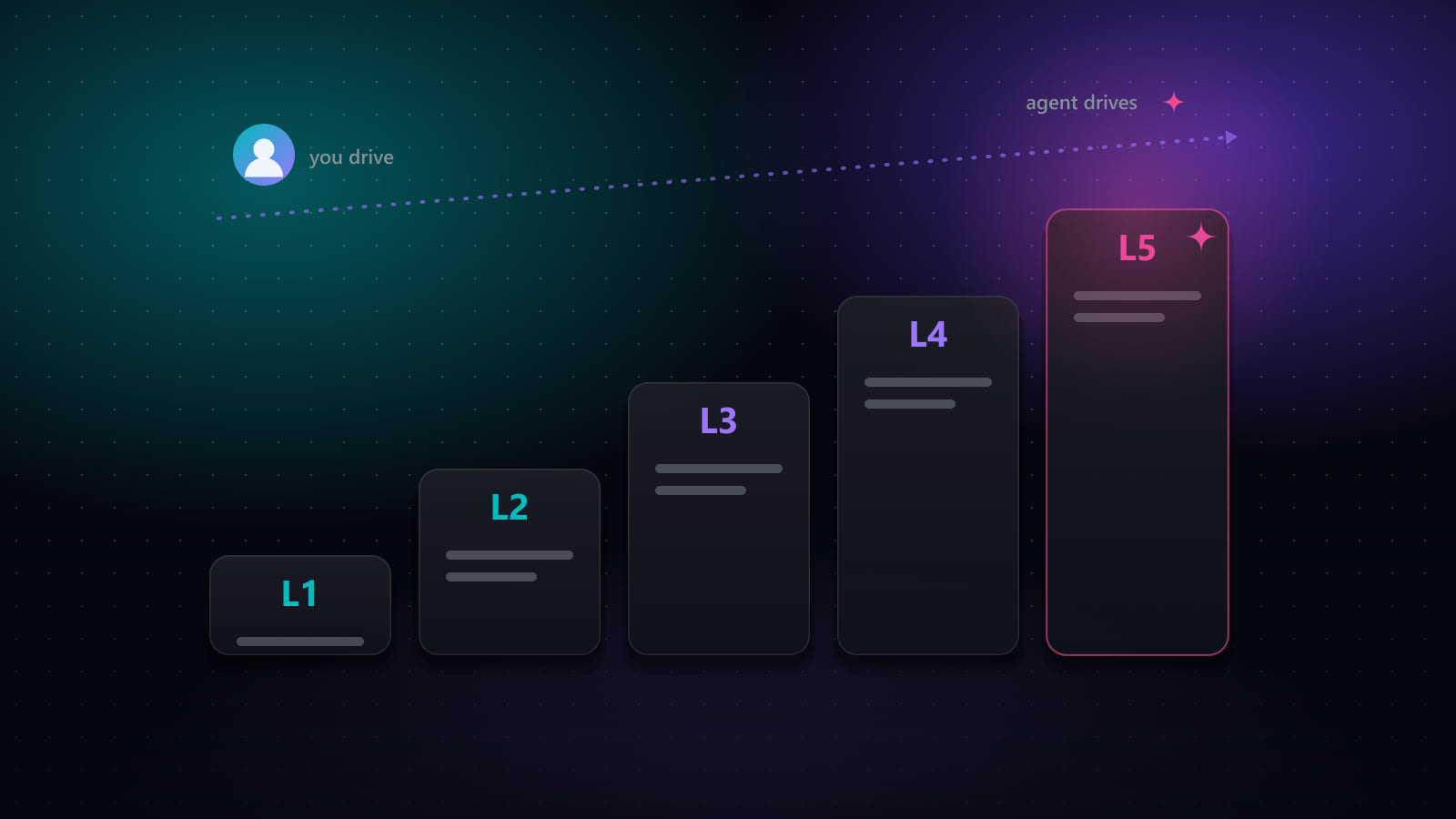
- ChatGPT's agent features can click through a browser, which narrows — but doesn't close — the gap toward actually applying on your behalf. See the companion piece on applying specifically.
- None of ChatGPT's modes aggregate and deduplicate listings across many boards, track application status over time, or persist a structured record of a multi-week search.
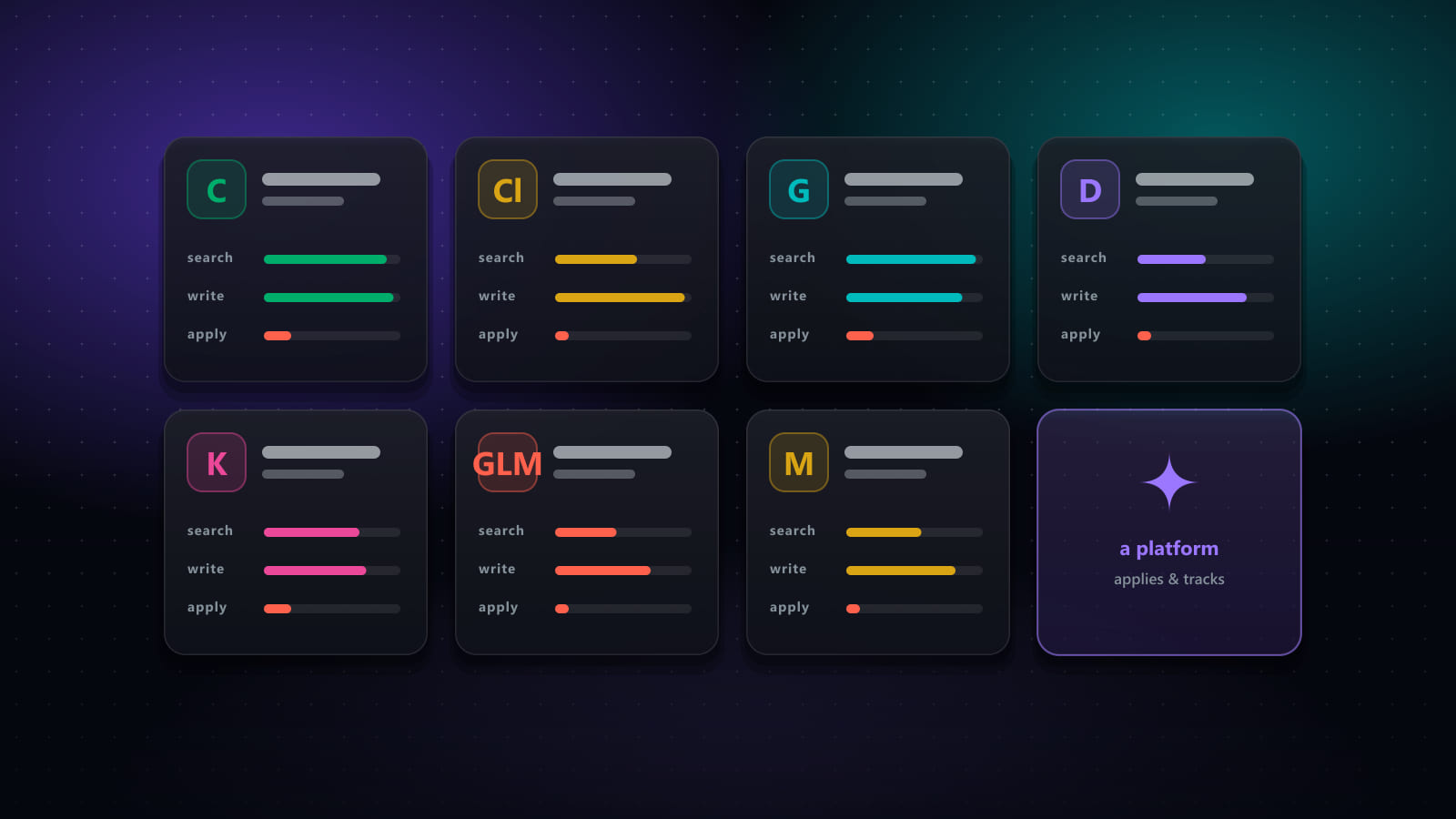
- Dedicated job search platforms exist specifically to cover that gap — job aggregation, deduplication, status tracking, and scheduled runs — and several, including our own, use models like ChatGPT's under the hood for the writing and matching parts.
What plain ChatGPT can do
Without browsing turned on, ChatGPT is a reasoning and language tool. For a job search that means it is genuinely strong at:
- Explaining a job posting — pasted text in, a plain-language summary of requirements, likely seniority, and red flags out.
- Drafting and tailoring — a cover letter, a resume bullet rewritten to match a posting’s language, or a LinkedIn message to a hiring manager.
- Interview and salary prep — practice questions, structuring a STAR answer, or a first pass at what a role in a given market typically pays.
What it can’t do without browsing is tell you what jobs are actually open right now — its training data has a cutoff, and it will not reliably distinguish a real, current listing from a plausible-sounding one it generated.
What ChatGPT Search adds
Search and general browsing change the picture by letting ChatGPT fetch and cite live pages rather than answer from memory. Ask it “what backend engineer roles are open at mid-size startups in Austin this week” with Search enabled, and it will run real web searches and summarize what it finds, with links.
The limitation is structural, not a matter of the model being bad at the task: each question triggers a handful of searches and returns a handful of results. It is not continuously polling job boards, it does not remember what it showed you last time you asked, and it has no way to tell you a listing from three different searches is actually the same posting. Ask the same question tomorrow and you get a fresh, unrelated set of results — there is no running list building up behind the scenes.
What browser agents can do
ChatGPT’s agent features (and the equivalents from Anthropic and Google — see our comparison of Claude, Gemini, and other assistants) go a step further: they can open an actual browser, click, scroll, type, and read a page the way a person would, inside a sandboxed session you can watch. For job search specifically, that means an agent can browse a job board, read a handful of postings, and attempt to fill a simple application form.
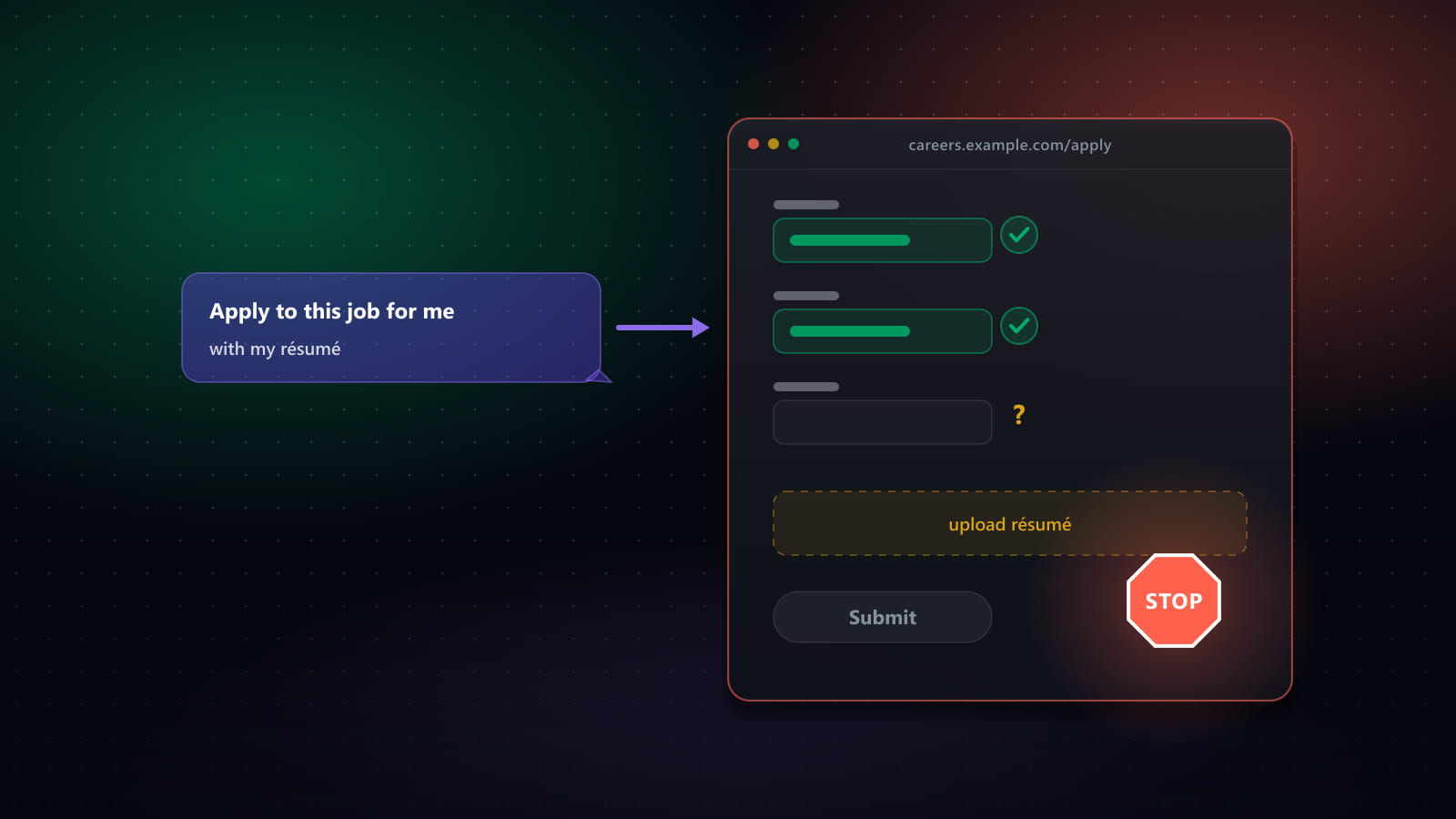
Where this reliably runs into trouble: multi-step ATS wizards with several screens, account creation and login walls, file upload steps, and CAPTCHAs — which describes a large share of real applications, especially on Workday and Greenhouse-style systems. Agent modes also run for a limited number of steps or messages per plan, so a session that needs to work through dozens of applications will hit that ceiling well before a real job search does. We cover this specific question — whether it can actually finish and submit an application — in detail in Can ChatGPT Apply to Jobs for You?
What dedicated job search platforms do differently
A platform built specifically for job search — ours included — is not a smarter version of a chatbot. It is a different kind of tool, purpose-built around the parts of a search that are inherently structured and repetitive rather than conversational:
- Aggregation across many boards on a schedule, not a one-off search per question — Best JobFinder collects from 20+ job sources on a schedule you set.
- Deduplication — the same role posted on three boards becomes one entry, not three.
- Persistent, structured tracking — every job you’ve seen, saved, or applied to lives in one pipeline that doesn’t reset between sessions.
- Form-filling built for ATS systems specifically — with dedicated handling for LinkedIn, Workday, Greenhouse, and more, rather than a general-purpose browser click-through.
Several of these tools, including ours, use large language models — the same family of technology as ChatGPT — for the matching, tailoring, and writing steps. The distinction isn’t “AI vs. no AI”, it’s whether the AI is wrapped in the scheduling, aggregation, and tracking infrastructure a real search needs around it.
Where persistence matters
A job search runs for weeks, sometimes months. It generates a growing, structured dataset: which jobs you’ve seen, which you’ve applied to, what each employer said back. A chat conversation — even one with memory enabled — summarizes prose; it doesn’t maintain a queryable record you can filter by status, source, or date. If you need to answer “which of the 40 jobs I applied to three weeks ago haven’t replied yet,” a chat history is the wrong data structure for that question.
Where job aggregation matters
Most real openings are posted on more than one board, and a meaningful share are posted only on a company’s own careers page. A tool that searches only when asked, without a standing schedule and a deduplication step, will always miss postings and repeat others — not because the model is weak, but because nobody told it to keep looking.
Where application tracking matters
Losing track of where you applied is one of the most common, avoidable failures in a job search — and it’s a data-management problem, not a reasoning problem. It needs a system with actual state: rows, statuses, dates. A chat window, again by design, is optimized for the opposite: a fluid conversation that doesn’t need to remember exact structured facts across a long horizon.
Privacy and security considerations
Using ChatGPT for parts of a job search means your resume text and questions are processed under OpenAI’s own privacy policy — the same consideration that applies to any AI tool, including ours. If you use browsing or agent modes, the model is controlling a browser session on your behalf rather than acting as you directly, which is why account credentials should never be typed into a chat window itself. Read whichever tool’s privacy policy directly before deciding how much of your job search to run through it.
When to use which approach
- Explaining a posting, drafting a cover letter, prepping for an interview — plain ChatGPT is genuinely well-suited, no extra tool needed.
- “What’s open right now for X role in Y city” — ChatGPT Search or browsing works for a one-off check.
- Filling out a single simple form while you watch — an agent mode can help, with realistic expectations about where it stalls.
- Running a real multi-week search: aggregation, dedup, scoring, tracking, and supervised auto-apply — this is what dedicated platforms exist for. Best JobFinder is one implementation of that category, alongside others covered in our tool-by-tool comparison.
The two are not competitors so much as different layers. Most people doing a serious search end up using a chat assistant for the writing and a dedicated platform for everything that needs to persist, aggregate, or run on a schedule.
Frequently asked questions
Can ChatGPT find jobs for me?
Partly. ChatGPT can browse the web and its Search feature can pull up current job postings, so asking it to find recent openings for a specific role and location will return real, current results. What it doesn't do on its own is keep checking on a schedule, remember what it already showed you yesterday, or pull from more than a handful of sources per question — each search is a fresh lookup, not a standing feed across job boards.
What is the difference between ChatGPT and ChatGPT Search for job hunting?
Plain ChatGPT answers from its training data unless you ask it to search, which means postings it names without browsing may be outdated or invented. ChatGPT Search (and browsing generally) fetches current pages and cites them, which is what makes it usable for 'what's open right now' questions. Neither mode aggregates multiple job boards into one deduplicated list the way a dedicated job search tool does — you get whatever a handful of individual searches surfaced.
Can ChatGPT's agent mode apply to jobs automatically?
ChatGPT's agent features (branded Agent Mode, and its successor ChatGPT Work) can open a sandboxed browser and click through simple forms while you watch. For straightforward single-page applications this can work. It reliably struggles with multi-step ATS wizards, account logins, file uploads, and CAPTCHAs — the exact obstacles that make up most real job applications — and it doesn't run unattended in the background the way a scheduled job-search tool does. See our dedicated piece on trying to get it to actually submit applications.
Does ChatGPT remember my job search over time?
Only as much as its memory feature retains, and that's a rough summary of past conversations, not a structured record of which jobs you've seen, applied to, or heard back from. There's no dedup logic across sessions, no pipeline view of application status, and no persistent list of the boards it already checked. A multi-week job search generates exactly the kind of structured, growing dataset that a chat memory feature isn't built to hold.
Is it safe to give ChatGPT my resume and job search details?
Reasonably, for the same reasons it's reasonable to use any mainstream AI chat product: your resume text is processed under OpenAI's own privacy policy, and if you use agent/browsing modes, it's controlling a browser session rather than storing your job board login. The considerations that matter are the general ones for any AI tool — check what's retained for training, avoid pasting account passwords into any chat window, and treat browsing/agent modes as acting on your behalf rather than as you.
Ready to automate your job search?
Best JobFinder combines job discovery, AI skill matching, resume tailoring, and configurable auto-submit in one platform — with a 7-day free trial.
Try Best JobFinder free →