Can ChatGPT Apply to Jobs for You? What Actually Happens When You Try
Asking ChatGPT to find you jobs and asking it to apply for you are two different questions, and the second one is harder in ways that have nothing to do with how smart the underlying model is. This is what actually happens when you point ChatGPT’s agent features at a real job application, and where the friction shows up.
Key takeaways
- ChatGPT's agent mode (and its successor, ChatGPT Work) can open a real browser, click, type, and read a page — it is not limited to text.
- It can plausibly complete a short, single-page application form while you watch, for a role you point it at directly.
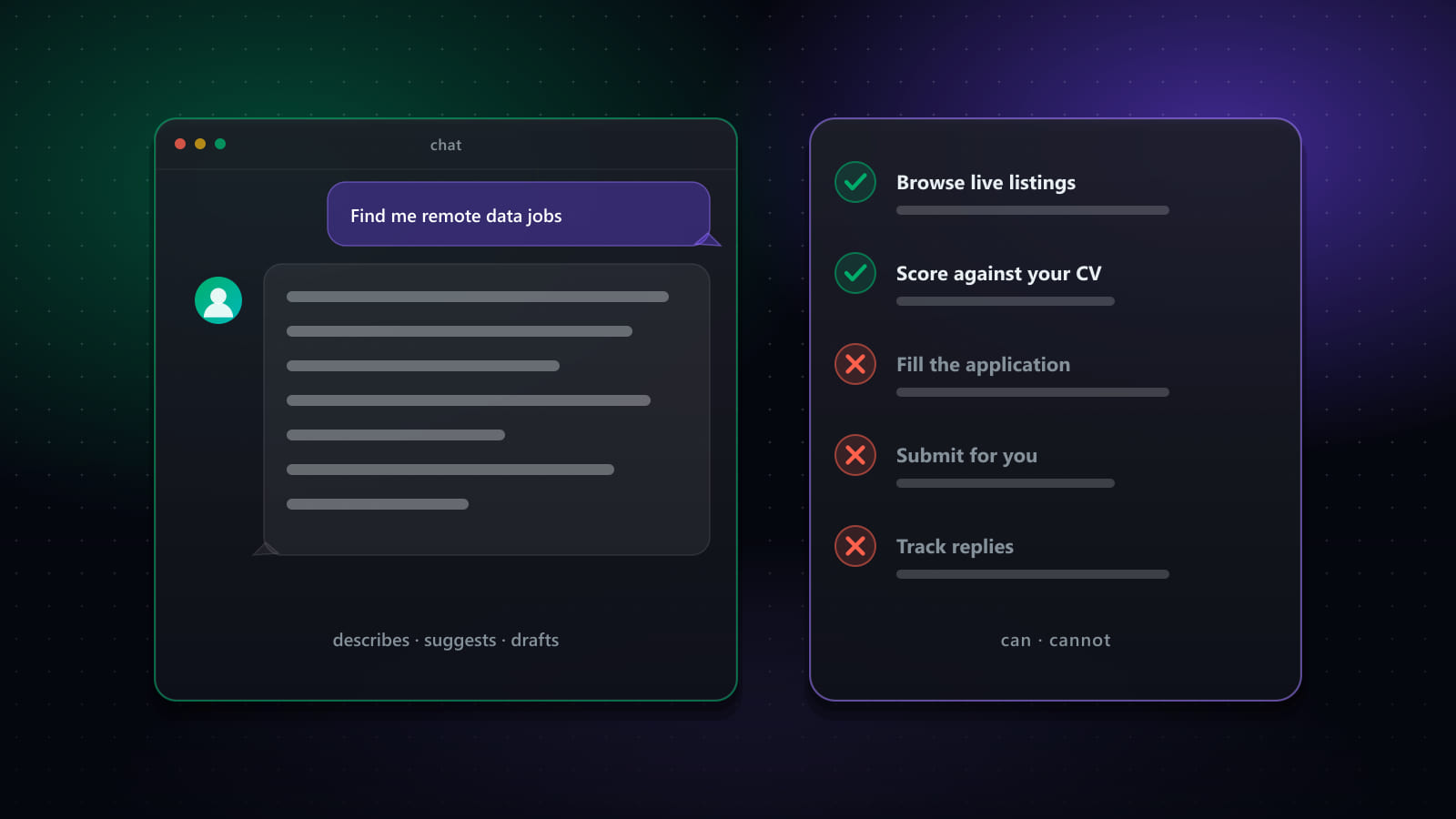
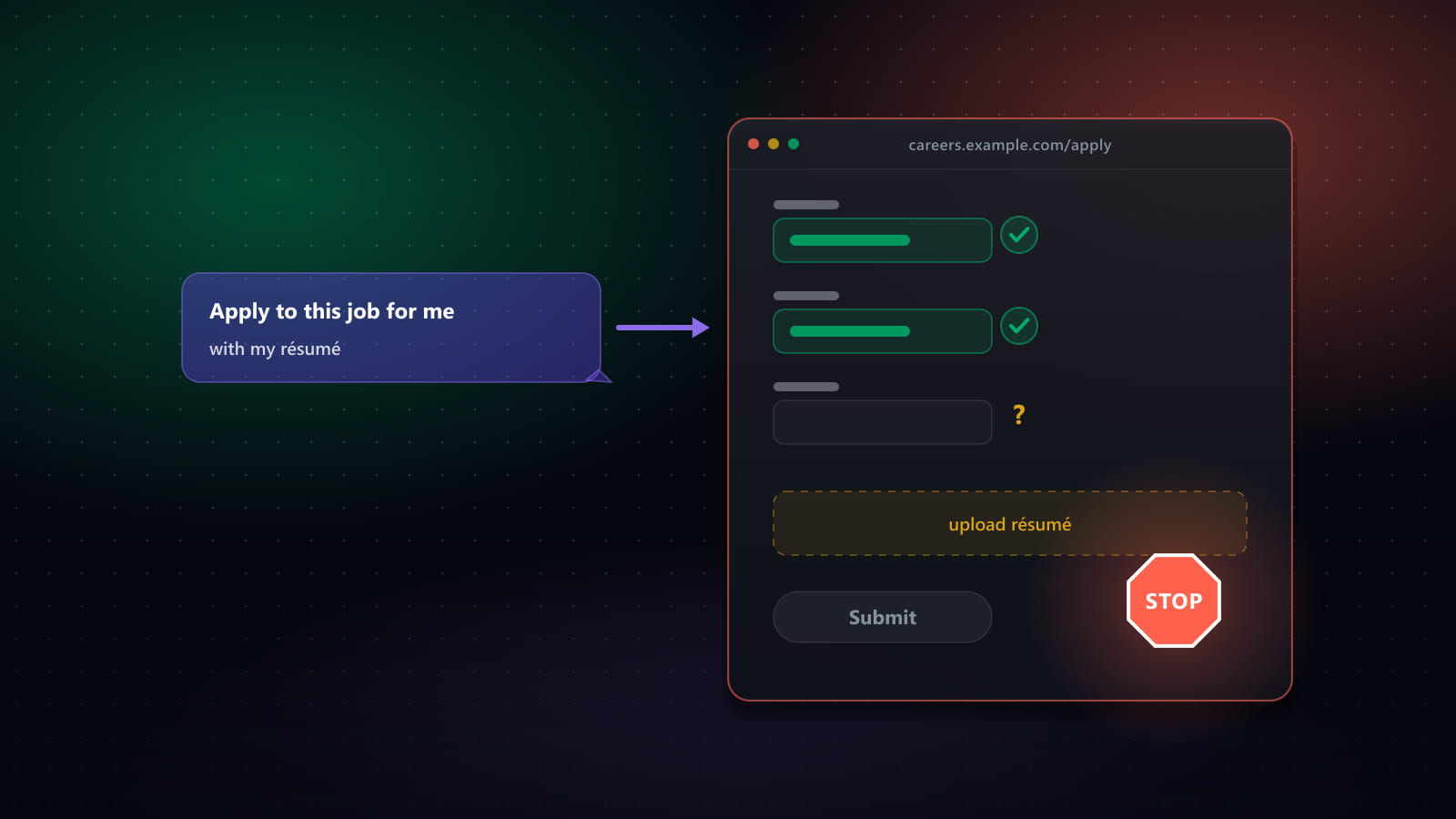
- It reliably stalls on multi-step ATS wizards, login/account-creation steps, file uploads, and CAPTCHAs — the exact obstacles most real applications include.
- It has no standing queue: each application is a task you start, not a batch it works through unattended overnight.
- Dedicated auto-apply tools exist specifically because these obstacles are common and predictable enough to build purpose-made handling for, rather than solving generically each time.
What ChatGPT's agent mode actually does
ChatGPT’s agent capability — branded Agent Mode, and evolved into ChatGPT Work — gives the model a sandboxed browser it controls directly: it can navigate to a URL, read the rendered page, click buttons, type into fields, and scroll, the same actions a person takes. Pointed at a job posting with a simple application form, it can genuinely read the questions, generate reasonable answers from context you’ve given it, and fill the form in front of you.
This is a real capability, not a gimmick — it is meaningfully more than a chatbot that only produces text. The gap between “can fill a form” and “can reliably complete a real job application” is where things get harder.
Where it holds up
- Single-page forms with straightforward text fields — name, contact info, a short answer or two — that don’t require file uploads or account creation.
- Reading and summarizing a posting before you decide to apply, which is arguably the more reliable use of the same browsing capability.
- One-off, supervised use — you start the task, watch it work, and step in when it gets stuck.
Where it stalls
- Multi-step ATS wizards. Workday, Greenhouse, and similar systems often spread one application across four or five screens with state carried between them — work history, screening questions, EEO disclosures, review — and a general-purpose agent has to re-derive the structure of each one from scratch, with no memory of having seen that employer’s form before.
- Account creation and login walls. Some boards require creating an account mid-application. An agent hitting a password-and-verification step has to stop and hand control back, or risk creating credentials it then has no safe way to manage.
- File uploads. Attaching a resume or cover letter requires the agent to have access to a specific file in a specific format, in a sandboxed environment that may not have your actual files available the way your own browser does.
- CAPTCHAs. These exist specifically to distinguish automated browsers from humans, which is precisely what an agent is — so it is not surprising these remain a hard stop.
None of this reflects the model reasoning poorly. It reflects that real job applications are built with exactly these frictions, often deliberately, and a general-purpose browser agent has to solve each one generically rather than with prior, specific knowledge of how that particular ATS behaves.
Volume: one task at a time versus a running queue
A real job search usually means applying to dozens of roles, not one. ChatGPT’s agent mode is a task you initiate — you point it at one job, it works, you review the outcome, you start again. It doesn’t maintain a prioritized queue of matched jobs it works through overnight, and most plans cap the number of agent actions available in a period, which becomes a real constraint at the volume a genuine search requires.
Terms of service and behavioral risk
Most job boards’ terms restrict automated interaction with their systems in some form, and this is true of automation generally — the presence of an AI model in the loop doesn’t change that. What actually draws attention from a job board’s detection systems is behavior that looks automated: unnaturally fast completion, identical timing between actions, or a burst of applications far outside normal human pace. A single supervised session, run at a human’s pace with a human watching, looks very different from a script submitting hundreds of applications unattended overnight — and the risk profile scales with volume and pattern, not with whether an AI model was involved.
How a dedicated auto-apply tool is a different kind of thing
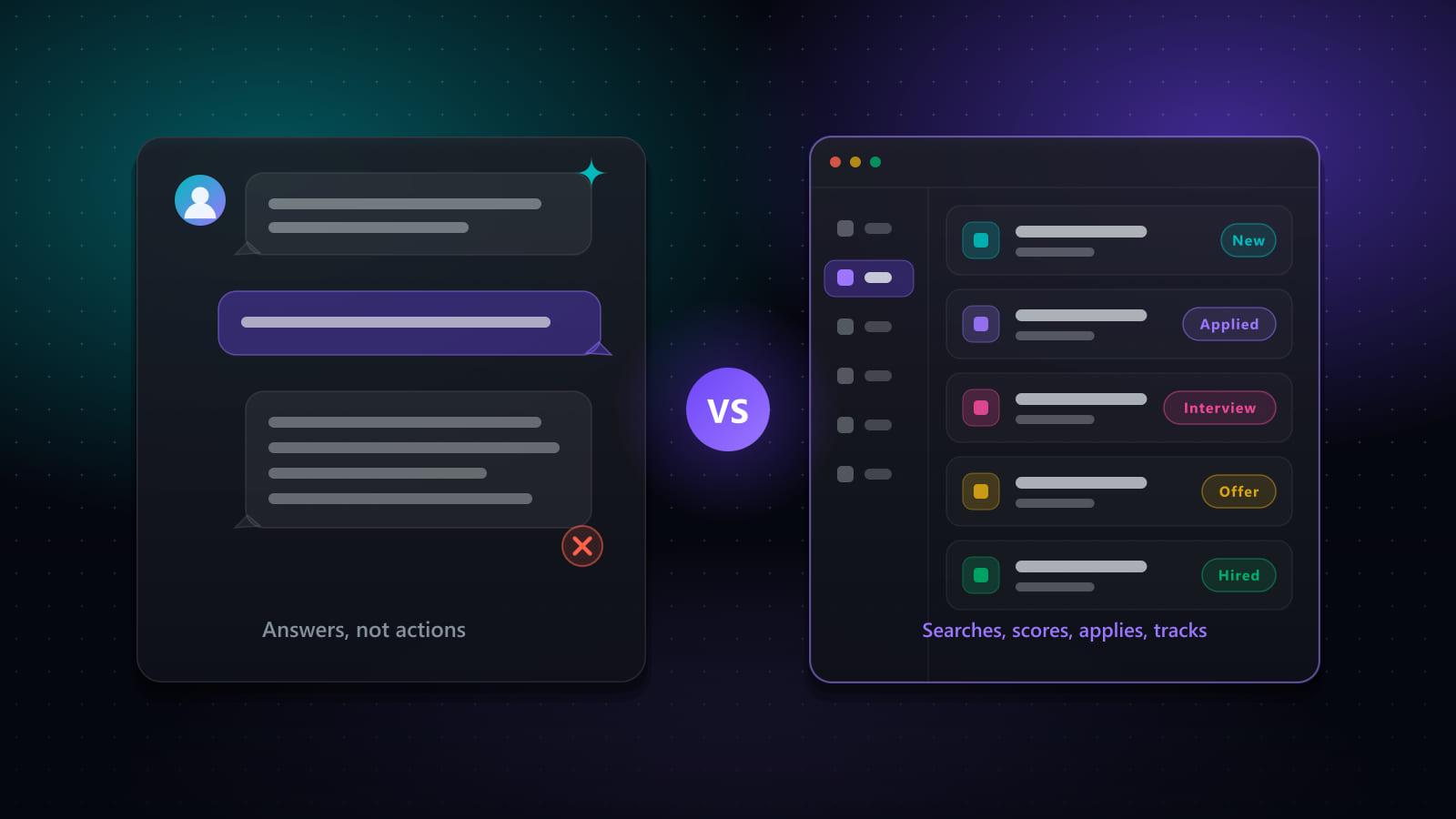
The obstacles above — multi-step wizards, login flows, file uploads, CAPTCHAs — are predictable and repeat across thousands of applications on the same handful of ATS platforms. That predictability is exactly what a purpose-built tool can exploit: dedicated handling written specifically for Workday’s wizard structure, or Greenhouse’s form layout, rather than a general browser agent re-deriving each one from scratch. Best JobFinder’s auto-apply, for instance, has engines built specifically for LinkedIn, Workday, Greenhouse, Dice, and more, stores answers to the screening questions those systems repeat across applications, and paces itself the way AD-5 (human-like timing) requires — plus a queue that runs through many matched jobs in sequence, with a pause available at any point rather than one form per manual request.
This is a case where “different tool for a different job” is more accurate than “better tool.” A general-purpose agent is a remarkable, flexible thing precisely because it wasn’t built only for job applications. A dedicated auto-apply engine gives up that flexibility in exchange for reliability on exactly this one repeated task. For a fuller look at what “AI agent” products actually deliver at each level of autonomy, see What Is an AI Job Search Agent? The Five Levels of Autonomy, and for how agents compare to a dedicated platform overall, see Can ChatGPT or AI Agents Replace a Job Search Platform?.
A sensible way to combine both
For most people, the practical answer isn’t choosing one over the other. Use ChatGPT (or any assistant) for what it’s genuinely strong at — reading a posting, drafting an answer to an unusual question, prepping for the interview that follows — and a dedicated platform for the repeated, structural part: finding the roles, filling the forms, and tracking what happened. Best JobFinder is one implementation of that second layer; see our comparison of eight tools in the category for others.
Frequently asked questions
Can ChatGPT apply to jobs for me?
With its agent features enabled, ChatGPT can open a browser and attempt to fill out and submit a simple, single-page application form while you watch. It struggles with multi-step ATS wizards, login walls, file uploads, and CAPTCHAs — which together make up a large share of real applications — and it has no standing queue of jobs to work through, so each application is a separate, manually-initiated task rather than a batch it runs unattended.
What stops ChatGPT's agent mode from finishing a real job application?
The most common blockers are account creation or login requirements partway through a wizard, CAPTCHAs designed specifically to stop automated browsers, multi-page forms where state carries across screens, and file upload steps for a resume or cover letter. None of these are reasoning failures — the model understands the form perfectly well — they're the same categories of interaction that make browser automation hard in general, for any tool, human-built or AI-driven.
Is it against a job board's terms of service to use ChatGPT to apply?
Most job boards' terms restrict automated access to their systems in some form, and this applies to any automation — AI agent, script, or otherwise — not specifically to ChatGPT. The practical risk isn't the use of AI as such, it's behavior that looks automated: unusually fast form completion, identical timing between actions, or a burst of applications in a short window. A person using an agent to fill one form while watching looks very different, from the board's perspective, than an unattended script submitting hundreds of applications overnight.
How is a dedicated auto-apply tool different from asking ChatGPT to apply?
A dedicated tool is built specifically around the obstacles that stop a general-purpose agent: it has purpose-built handling for specific ATS platforms (Workday, Greenhouse, LinkedIn Easy Apply, and others), stored answers for the questions those systems repeat across applications, human-like pacing to avoid detection patterns, and a queue that runs through many jobs in sequence rather than one form per request. It's the difference between a general tool improvising a task it wasn't specifically built for, and a tool built for exactly that task.
Should I let an AI submit job applications without reviewing them first?
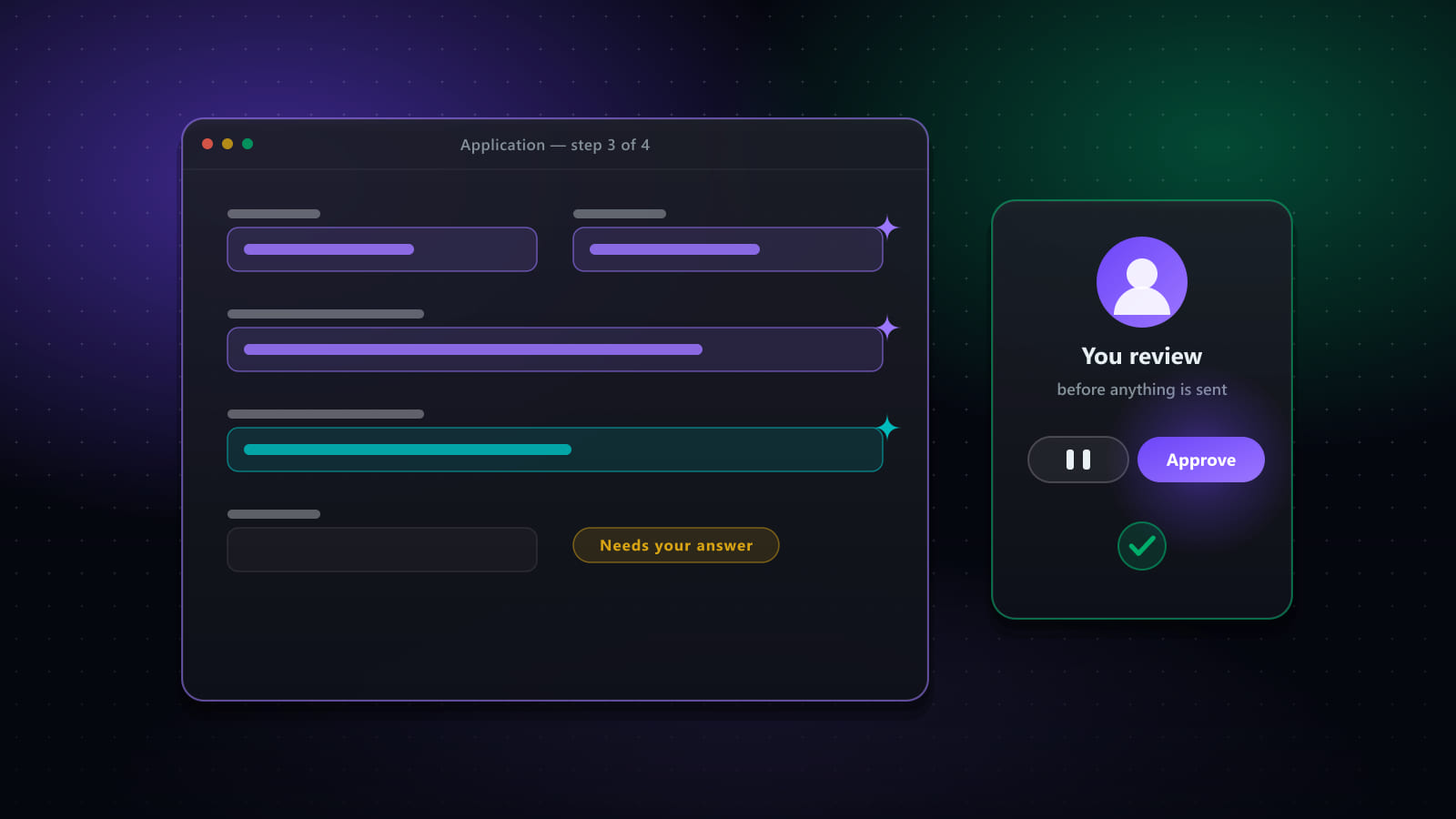
That's a configuration choice, not a fixed property of automation. The safer default — the one we use — is a visible review step: the tool fills the form, you (or a paused, watchable run) see exactly what it entered before anything is sent. Unattended, always-on submission trades that safety for speed, and is worth it only once your targeting criteria are tight enough that a wrongly-matched application is rare rather than routine.
Ready to automate your job search?
Best JobFinder combines job discovery, AI skill matching, resume tailoring, and configurable auto-submit in one platform — with a 7-day free trial.
Try Best JobFinder free →