How Career Coach Grades You: AI Exams, Interview Statements, and a Report That Tells You What to Fix
Most practice-exam tools grade multiple choice and stop there. Career Coach in Best JobFinder grades open-ended answers the way an actual interviewer judges a real response — awarding partial credit for the right idea in different words, naming exactly what was wrong or missing, and pointing at exactly which topics to study next. And it now goes one step further than an exam: you can generate the actual sentences you'd say in an interview, and have the AI critique your delivery, not just your knowledge.
Here's how each piece of the machinery actually works.
The roadmap, briefly
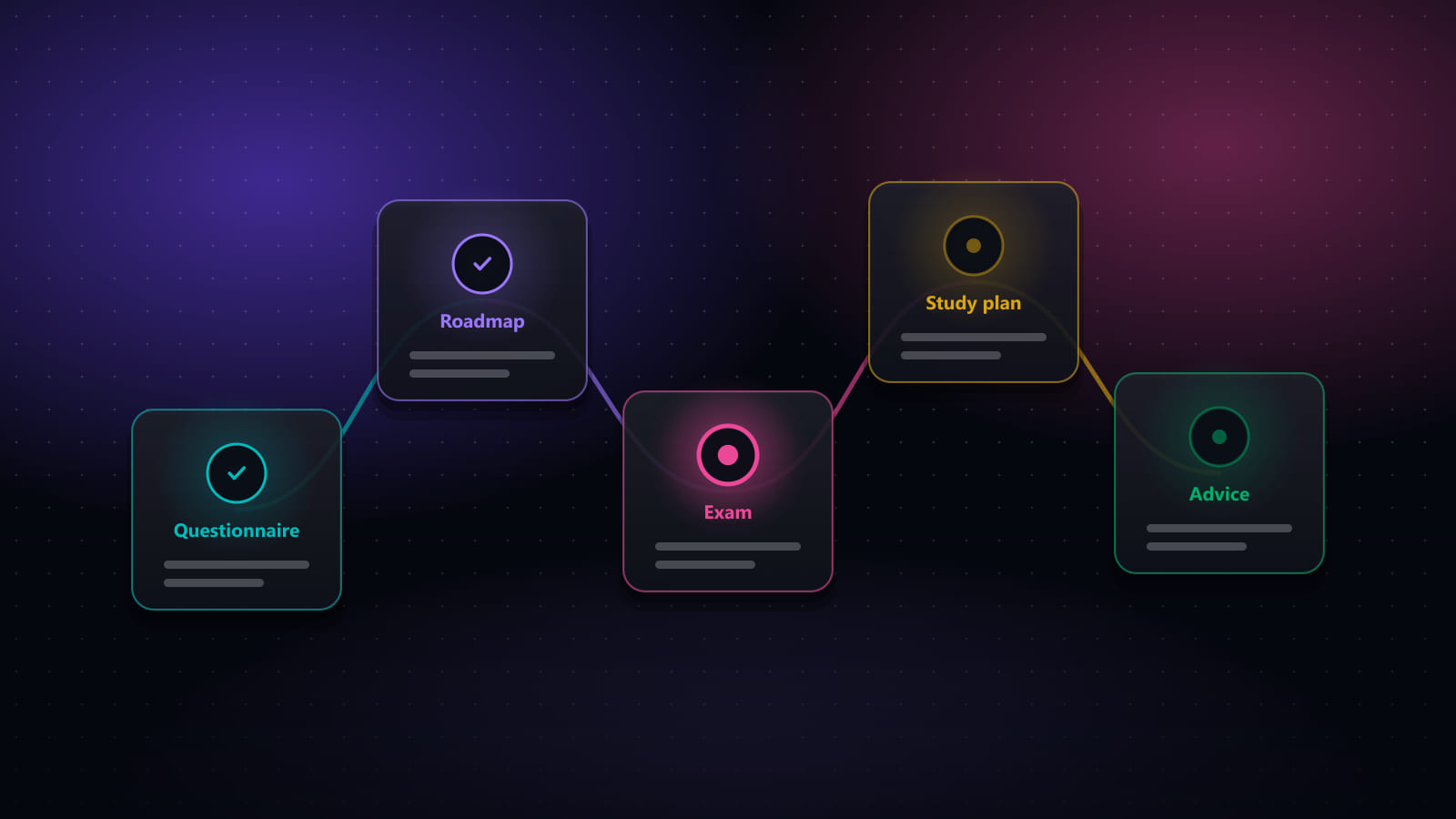
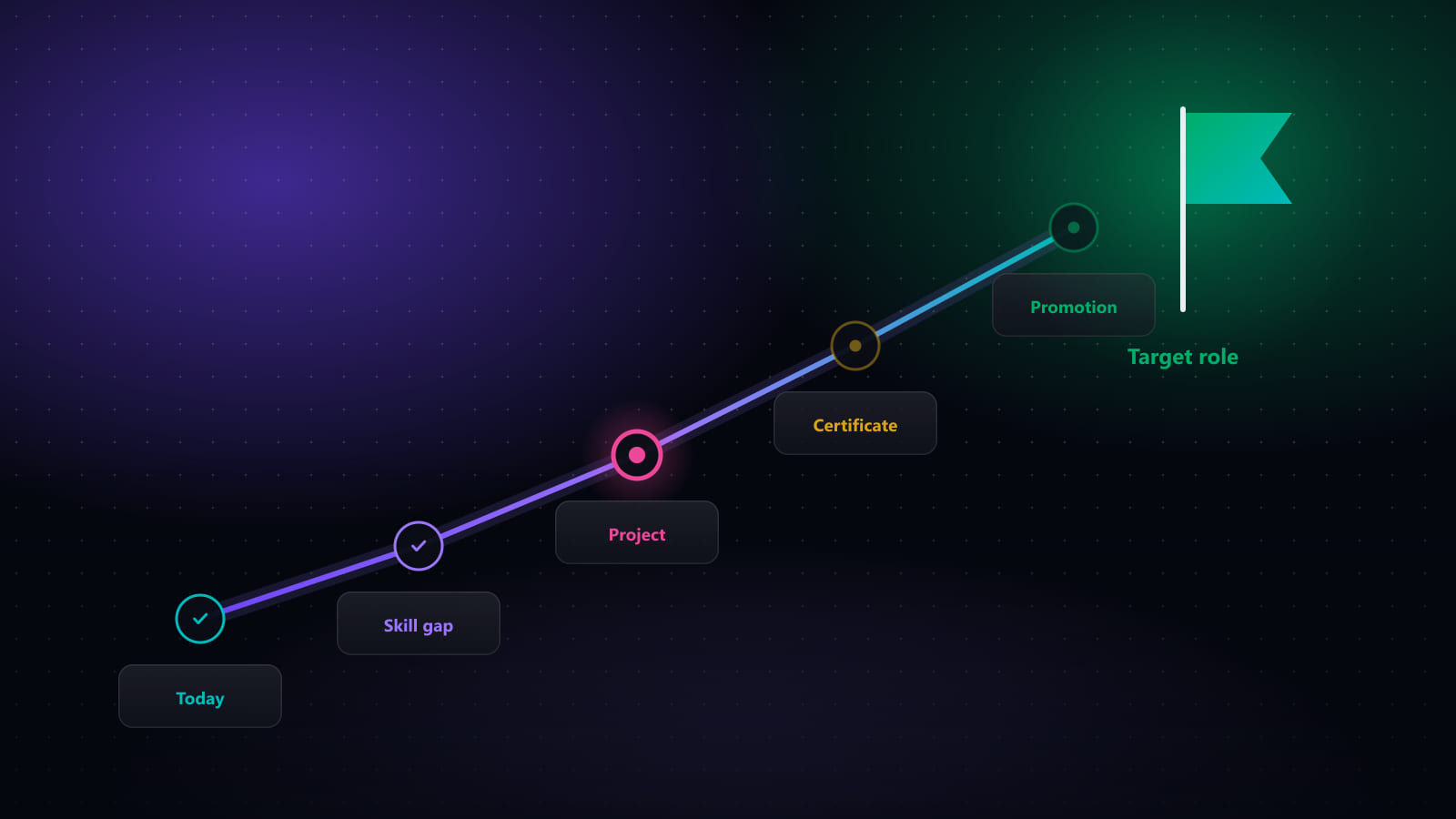
It starts from a short questionnaire — your target role, your skills (pulled straight from My Skills, so nothing to retype), years of experience, location, salary expectations, and your work-preference details. From that, Career Coach builds a staged roadmap between where you are and your target role — a living plan you can redirect with follow-up instructions ("I already know Kubernetes, drop that stage") rather than a one-time PDF.
Two exams, two different jobs
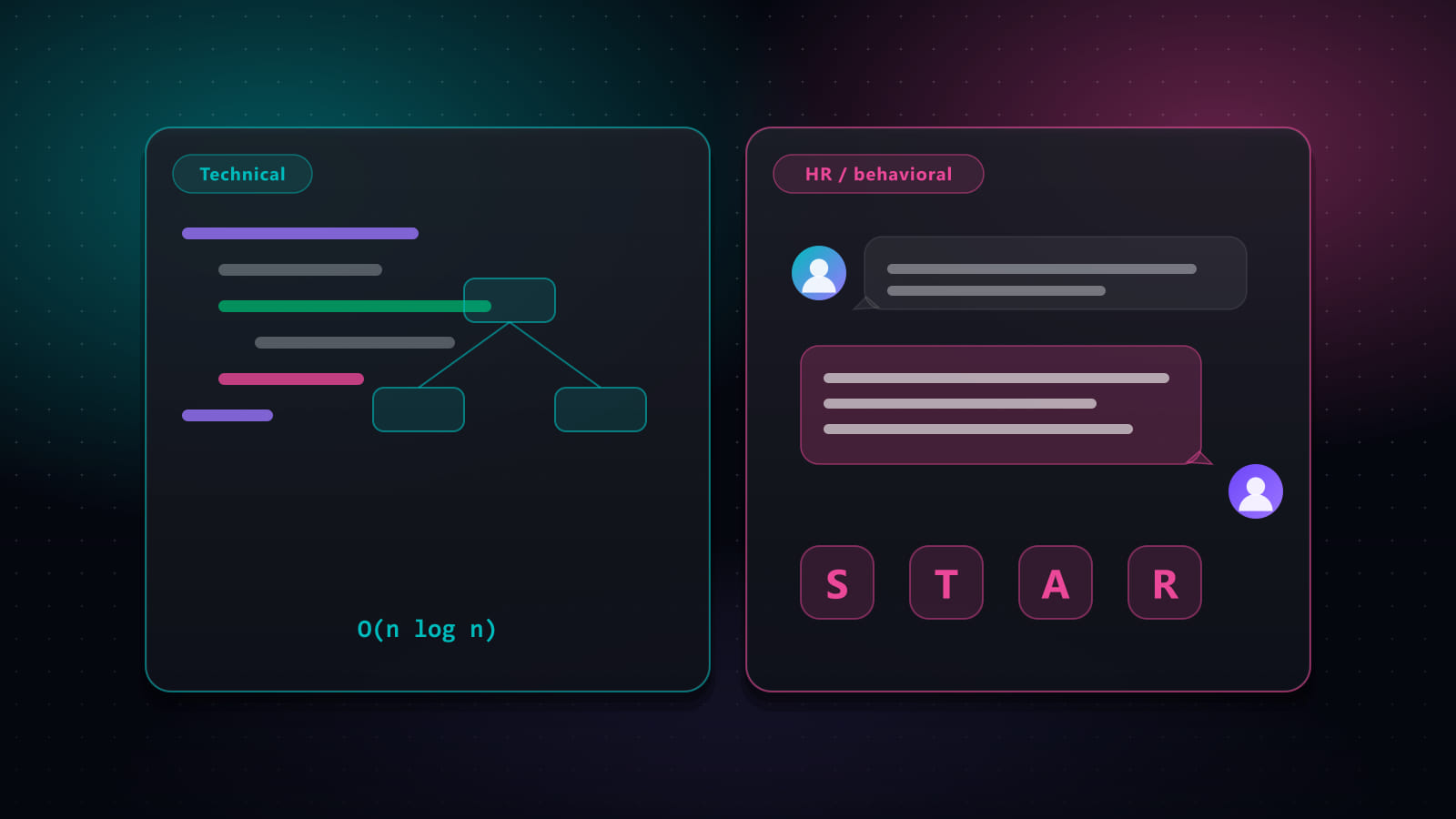
The Professional Skills Exam mixes multiple-choice questions (auto-scored instantly, with an optional instant-feedback mode — check one answer, see if it's right, and it's then locked in so you can't just try every option) with open-ended questions, which are graded by AI. The Interview Exam is open-ended only, and tests something an exam alone can't: how well you talk about your own background — the pressure-testing HR questions that trip up strong candidates, and, where relevant to your target role, how ready you sound for people-management conversations.
Take an exam more than once and Career Coach compares your attempts side by side — your overall score as a trend line, and accuracy per topic as bars that get darker and longer as you actually improve, not just attempt again.
How the AI grading actually works
An open-ended answer is scored between 0 and 1, with real partial credit — the same concept in different words still earns points. Rather than one blob of feedback, the grader returns three separate lists: what your answer got right, what it stated that was actually wrong, and what a complete answer needed but yours never mentioned. The reference answer itself is broken into 2–6 checkable points, each marked covered, partial, or missing against what you actually wrote — so you see not just a score, but which parts of a good answer you already have and which you don't.
The report: a map of what's weak, not a rehash of the exam
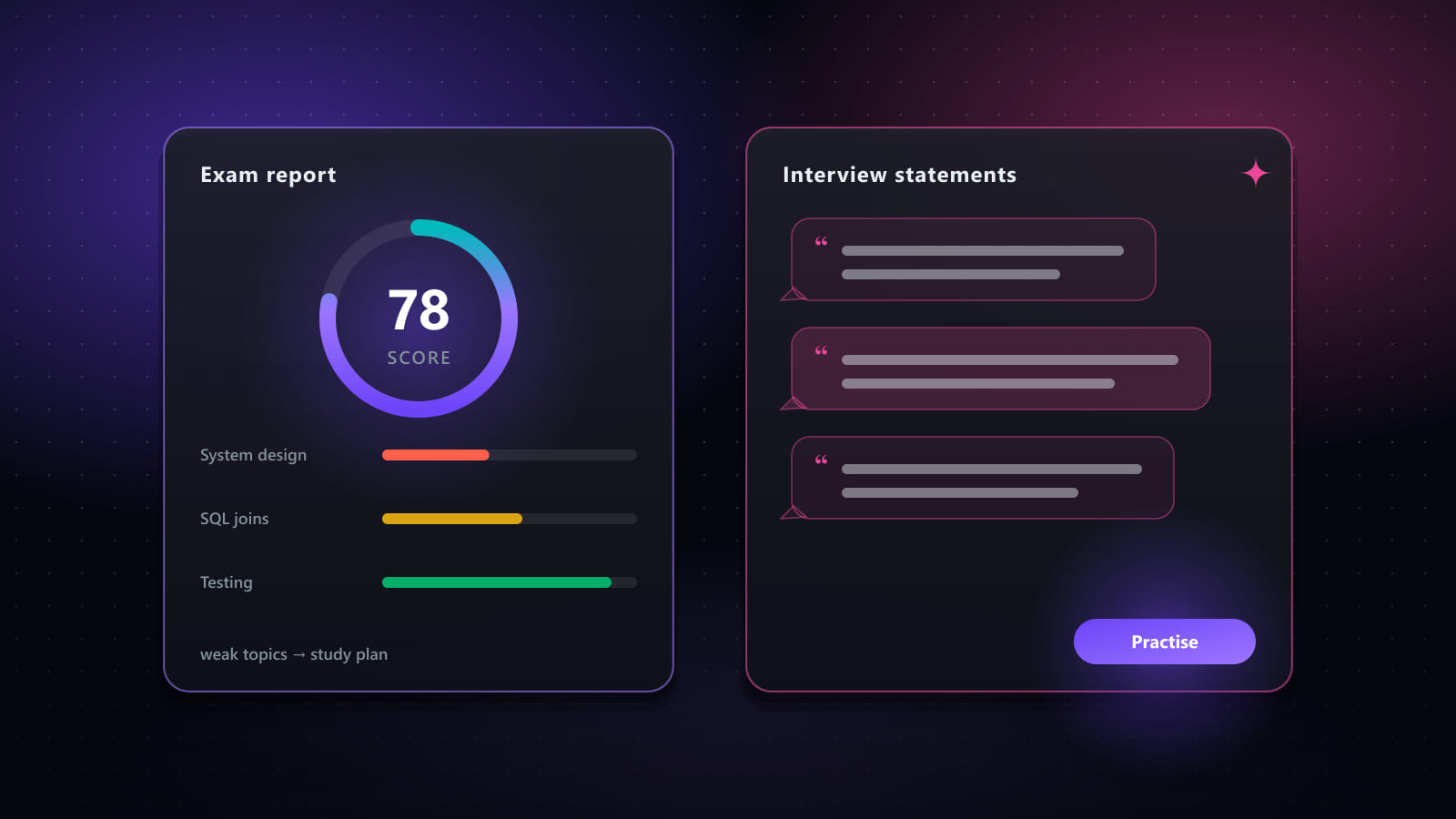
You've already reviewed every individual answer in the exam itself, so the report doesn't repeat them — it works at the level of topics. Any topic under 60% accuracy lands in one of two buckets: missing (unanswered, or an answer that shows a real misconception) or needs work (partly known — some answers right, some wrong or incomplete). Each topic gets one line naming exactly what to study or what was misunderstood, plus a short list of concrete next actions — build a specific example, re-read a specific concept, practise a specific kind of question — never a vague "study more." The topic numbers in the report are the exact same ones behind the exam's own knowledge-map chart, so the two can never disagree.
Interview Statements — say it, don't just know it
This is the newest piece, and it targets something an exam can't measure: how a true fact about your background actually sounds out loud. Generate a set of first-person, speakable statements built only from your real CV and target role — grouped by category (Introduction, Achievements, Strengths, Growth areas, Motivation & fit, Teamwork & leadership, Problem solving, Technical depth, Closing & questions), each tagged with when to use it, e.g. "when asked to describe a conflict with a colleague."
Then you can have any statement evaluated like a real answer: it's scored against a five-point delivery checklist — concise, backed by specific evidence rather than adjectives, relevant to your target role, grounded in your actual CV, and natural to say aloud — with the same covered/partial/missing breakdown the exam grading uses, plus a suggested rewrite you can apply with one click if it's better. Every evaluation is saved, so you can see your last five attempts at the same statement and watch it actually get tighter. Mark favourites, mark ones you've learned, drag to reorder, and filter by score band — Strong, Good, Fair, Weak, or Not evaluated yet.
Terminology — sound like an insider from question one
Every role and market has its own jargon, and not knowing it reads as an outsider fast. The Terminology tab generates an ordered glossary for your target role and market — mark terms as favourites or learned as you go, and, once you've starred a set of terms, generate a focused exam built from exactly those terms.
A study plan built from what you actually got wrong
Rather than a generic "study everything" checklist, the study plan is generated from your graded exam results — a week-by-week plan that weights time toward whatever you scored lowest on. Each week has concrete activities you check off, so progress is visible instead of theoretical.
Advice, from every angle that actually matters
The Advice tab pulls your profile, your real CV, and your exam history together into sections that each cover a different angle of getting hired — how to position yourself in your resume and in interviews, how to handle salary and timeline negotiation, and which skills to lead with — every section written as concrete bullet points, never a paragraph, and every list ending in something you can actually do today: a specific step, a number to target, even an example sentence built from your real background. It's held to the same rule as the exam report — nothing invented, nothing generic. If your CV doesn't support a number, the advice doesn't invent one.
It's a habit, not a one-time PDF
Everything — the questionnaire, the roadmap, every exam question and answer, your study plan progress, the terms and statements you've marked learned — saves and reloads automatically. Leave mid-exam and resume exactly where you stopped. That's what makes it worth treating as a weekly check-in rather than a one-off exercise: retake the exam after a study cycle and watch the report track real improvement over time.
Availability
Career Coach is included on Premium plans and during your free trial; Standard doesn't include it. Generation calls (roadmap, exams, study plan, terminology, statements, advice, reports) and AI grading each have their own weekly allowance shown right in the app.
Related: How to get the most out of the Career Coach module → · How to build a career roadmap that actually gets you promoted → · Interview prep: technical rounds vs. HR rounds →
Ready to automate your job search?
Best JobFinder combines job discovery, AI skill matching, resume tailoring, and configurable auto-submit in one platform — with a 7-day free trial.
Try Best JobFinder free →