Seven Things We Learned Automating Job Application Forms on Workday, Greenhouse, Lever and LinkedIn
Written by Best JobFinder’s founder.
A label-extraction bug once named every required field on a LinkedIn form "Required". The lookup then found a stored answer saved under that same broken name on an earlier run, and typed an EEO ethnicity answer into an email dropdown.
That is the kind of bug you get when you automate job application forms. Nothing is hard in the computer-science sense. Everything is hard in the "this specific site does one bizarre thing" sense, and the cost of getting it wrong is an application sent under someone's real name.
Best JobFinder fills and optionally submits applications on LinkedIn, Workday, Greenhouse, Lever, Dice, Monster, Indeed, Workable, JazzHR (desktop only) and a generic fallback for everything else, from a Chrome extension and an Electron desktop app. These are the seven lessons that cost the most.
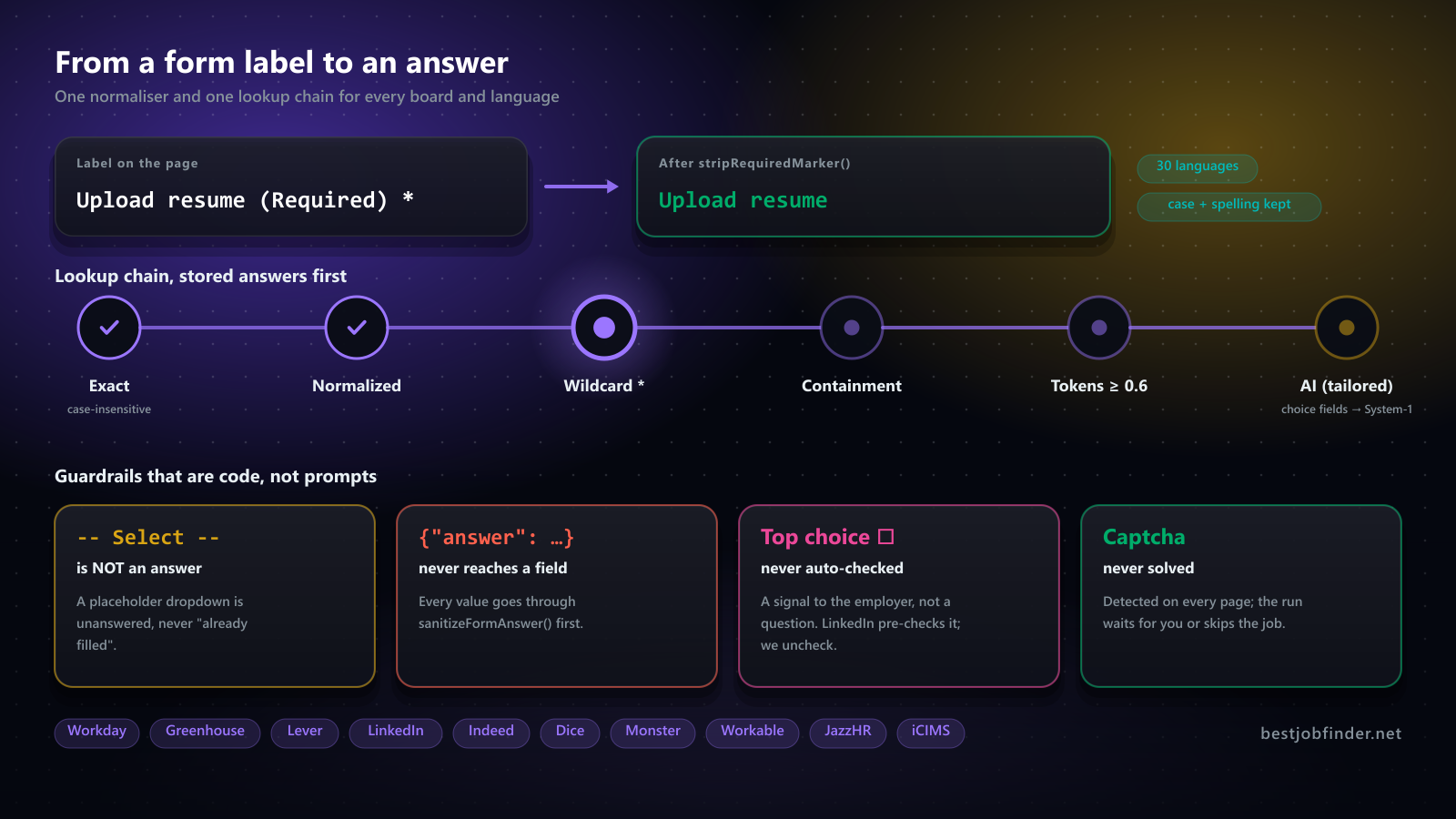
1. The label is the key, so normalise it once
Every stored answer is keyed by the form's label. Email *, Email (required), E-posta (zorunlu) and Özgeçmiş yükle (ZORUNLU) are all the same question, and if you store them under four keys you get four partial answer histories that never match.
The first version stripped * and (required) and nothing else. The second version, after a Turkish board, added (zorunlu). By the time we audited, there were nine divergent English-only copies of that regex chain across the desktop engines. Now there is one function, stripRequiredMarker(), covering 30 languages, with a diacritic fold that is length-preserving so a match found on the folded copy can be cut out of the original string by index. Özgeçmiş yükle (ZORUNLU) loses (ZORUNLU) and keeps Özgeçmiş yükle exactly as written.
Two details that bit us:
- A lowercase trailing "required" is not stripped. "...years of experience required" is part of a real question. Only a bracketed marker, a marker after a separator, or a trailing Title-Case word counts.
- A word that is also ordinary vocabulary (Korean 선택 means "select") is honoured only inside brackets, never as a bare trailing word.
Injected page scripts cannot import the module, so the same word lists generate a JS string that runs in the page. One source, two runtimes.
2. A placeholder is not an answer
Resume-safe filling means: before touching a field, read its current value, and if the user already typed something, leave it alone. That rule has a trap. A <select> showing "Select an option" has a current value. So does "-- No answer --" on JazzHR.
Our first "already filled" probe stripped trailing dashes only, so -- No answer -- became -- No answer, which looked like a real answer, which meant every JazzHR dropdown was skipped as already filled, and the form would have gone out with all of them blank. JazzHR's own validation accepts an unselected dropdown, so nothing would have caught it.
isPlaceholderOptionText() now strips punctuation on both sides and is generated into the page scripts from the same constants, with a parity test. Placeholder options are also removed from a select's option list before either a stored answer or the AI gets to see it, so neither can "match" the unanswered state.
3. The dialog you cannot querySelector
LinkedIn's apply dialog is a native <dialog> opened with showModal(). A native dialog has an implicit ARIA role of dialog and an implicit aria-modal. Neither exists as an attribute, and CSS attribute selectors match literal attributes only. So [role="dialog"], [aria-modal="true"], which both our engines used, matched it only while LinkedIn also set those attributes redundantly. The day LinkedIn stopped, every tier missed the dialog at once and auto-apply reported "modal did not open" against a dialog that was plainly on screen.
dialog[open] is now in every modal selector list. Not :modal, which would exclude a non-modal show() dialog. And a type selector must come first in a compound selector: [aria-label*="Apply"]dialog[open] is a parse error that silently kills the whole selector list it appears in, so there is a test that every selector is valid CSS.
Then it got worse. Some ATS-partner flows render the dialog inside an open shadow root. document.querySelector does not pierce shadow roots, so a light-DOM scan found zero dialog-like elements while the user was looking at "Apply to CyberCoders". Detection now walks element.shadowRoot breadth-first. And since every later executeJavaScript call is a separate payload, a class or id selector is useless afterwards: the located element is published on window and every modal-scoped query starts from that reference, never from document.
The failure in the other direction was funnier. The fallback tiers look for "a container holding a footer Next button and some form fields". A LinkedIn search page satisfies that on its own: pagination supplies a "Next", the search box supplies a labelled input. The run tagged the page as the modal, extracted zero fields, and clicked LinkedIn's pagination "Next" four times in a row, paging through search results while believing it was advancing an application. The fence now is three structural facts that do not depend on class names: a dialog opened by the apply control never contains that control, is never an ancestor of <main>, and never holds more than half the body's text.
4. innerHTML will betray you on sites with Trusted Types
Our auto-apply overlay (the list of detected fields with Pause, Skip and Stop) was an HTML string rendered with innerHTML. In the extension that is fine: content scripts run in an isolated world. On desktop the overlay is injected with executeJavaScript, which runs in the page's own realm, subject to the page's CSP. LinkedIn enforces a Trusted Types default policy, and the overlay collapsed into an unstyled text blob.
There is no HTML-string sink that escapes this. innerHTML, outerHTML, insertAdjacentHTML and DOMParser.parseFromString are all covered; DOMParser was added to the spec specifically to close that bypass. The desktop overlay is now built with createElement, textContent and style.cssText, which are not sinks. The extension kept the string renderer. Same design, two implementations, synced by hand, with a test that renders both and compares the control bar button by button.
5. Set the real files list, or you upload nothing
Injecting a resume into <input type="file"> is usually done by building a DataTransfer and shadowing the input's files getter with Object.defineProperty. React-style boards read .files and are happy.
JazzHR submits natively. Verified in Chromium against the live page: with the shadowed getter, input.value stays '' and the multipart body carries a file named '' of size 0. With a real el.files = dataTransfer.files assignment, value is C:\fakepath\cv.pdf and the file has its bytes. JazzHR validates the resume with jQuery('#resumator-resume-value').val(), so the shadow version failed its check every time and nobody could tell why.
Assign first. Fall back to the shadow only when the assignment is rejected.
6. Every ATS has exactly one trap
Once the generic machinery works, each board turns out to have one behaviour you would never guess from the outside.
- Lever reads your resume and overwrites your answers. Attaching a resume triggers
/parseResume, and Lever then fills every contact field nobody has touched, with an empty value when the resume lacks it. So the resume goes in first, the run waits for the parse (up to 30 seconds), and only then answers. A field the resume filled that we have no answer for is kept. - Greenhouse's react-select closes its menu on scroll. Scroll a field into view after opening its dropdown and the dropdown is gone. Settle the field in view first, click options without scrolling them, and treat a pick as done only when the control displays it.
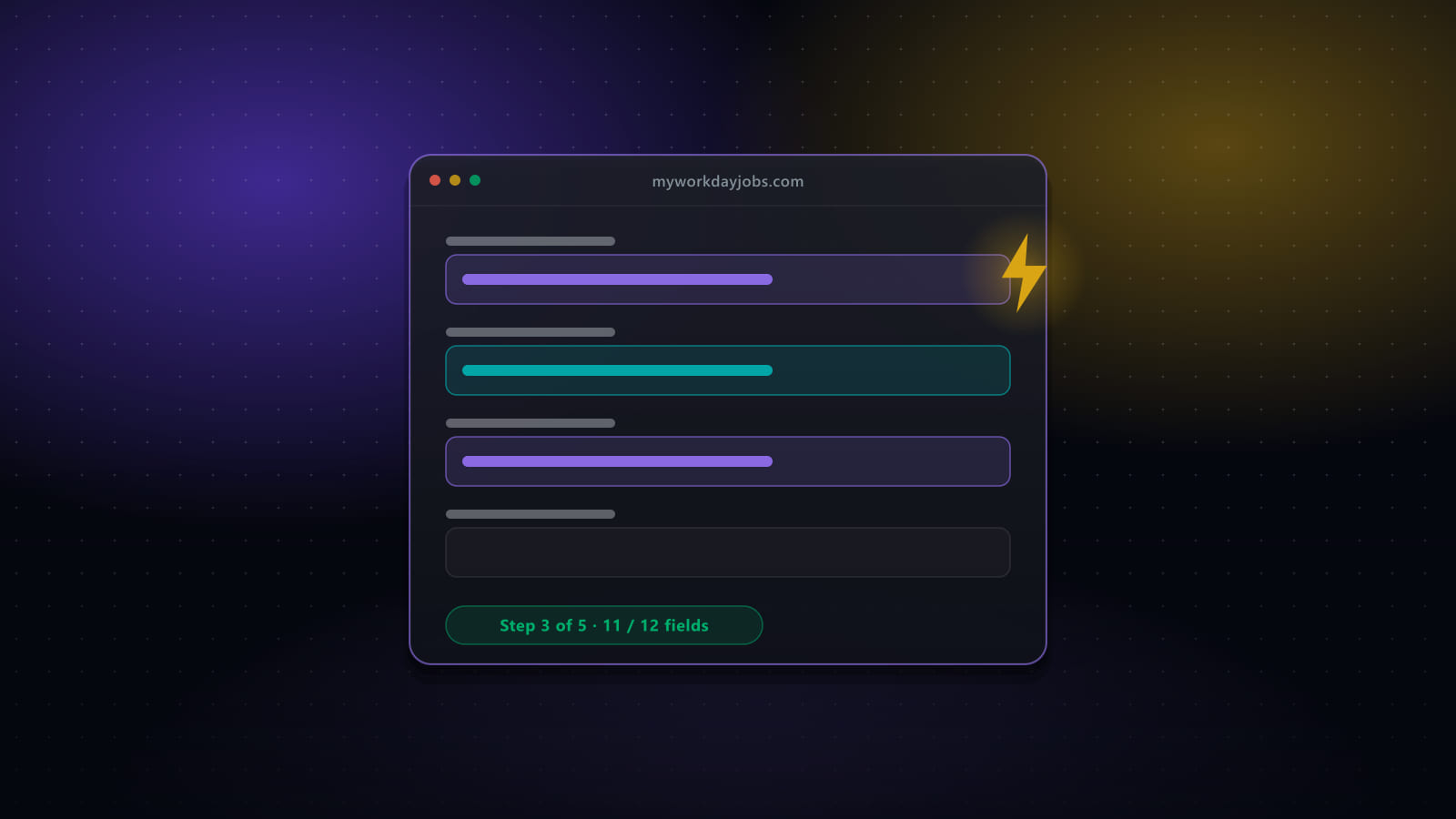
- Workday opens a chooser. "Autofill with Resume", "Apply Manually", "Use My Last Application", and the page behind it is inert until you pick. Always "Apply Manually". Resume autofill hands the form to Workday's own parser, which you cannot review, and it stalls on an upload step the engine cannot see into.
- Indeed's sign-in URL contains "smartapply". Signed out, "Apply now" lands on
secure.indeed.com/auth?continue=…smartapply…. A URL check for "did the form open" says yes. It is a login wall. - LinkedIn pre-checks "Mark job as top choice". Leaving the box alone is not enough; the page's default is checked. The engine unchecks it on a genuinely new page, and never on a revisit, because by then the user may have checked it on purpose while paused.
7. Capture the HTML, test both runtimes
Every one of the above shipped broken at least once before it had a fixture. Now most of these flows have HTML captured from a live posting (scrubbed; a couple of Indeed Apply steps are still synthetic until a live capture exists), and the injected scripts run against it in a real DOM in CI. The LinkedIn modal test opens the dialog after the pre-existing tagger has run, exactly as the engine does, and includes a negative case proving the old selector list missed the reported dialog. Eleven tests fail if dialog[open] is removed again.
The second half of that lesson: the extension and the desktop app used to carry two copies of every in-page module. Now the DOM code lives in one place, imported by the extension's content scripts and by the Electron preload that runs in the job board's page in an isolated world. The Greenhouse and Lever form kits are literally the same file on both platforms; each side only wires its own transport at the edge.
What we refuse to automate
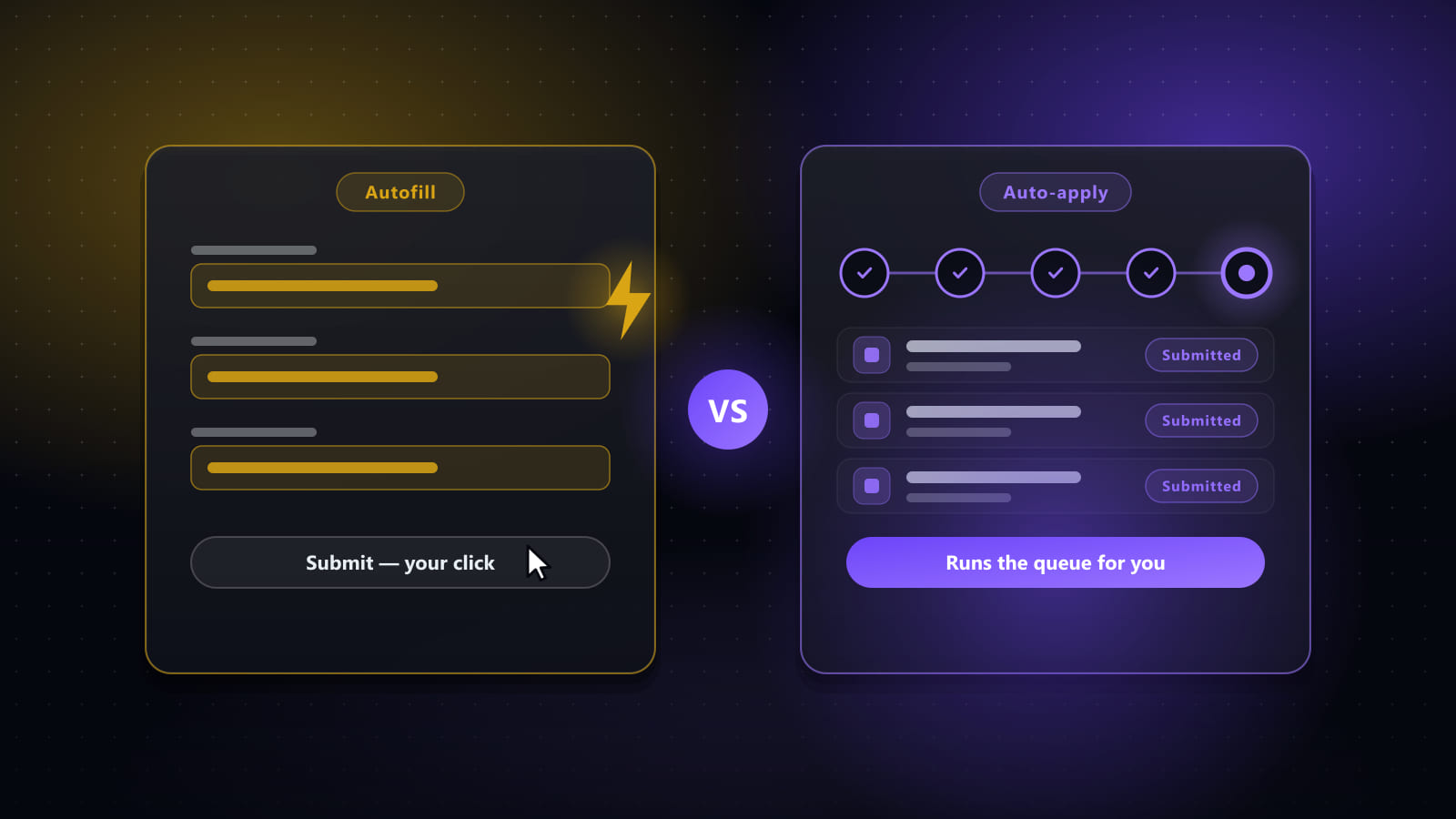
Two things, and they are design decisions, not gaps. We never solve a CAPTCHA: the run detects it, brings the window forward, waits for a human, and resumes by itself once the page is clean, or skips the job if that is the policy you chose. And nothing submits without having been reviewable: auto-submit is a per-run setting above a match threshold you set, with Pause, Skip and Stop in the overlay the whole time. I wrote those up separately in the supervised auto-apply post.
If you have automated forms on a board that is not on this list and it did something stranger than the above, I want to hear it. And if you would rather not relive any of this: bestjobfinder.net, seven-day trial.
Ready to automate your job search?
Best JobFinder combines job discovery, AI skill matching, resume tailoring, and configurable auto-submit in one platform — with a 7-day free trial.
Try Best JobFinder free →