Auto-Fill Workday, Greenhouse, Lever, and iCIMS in Seconds, Not Minutes
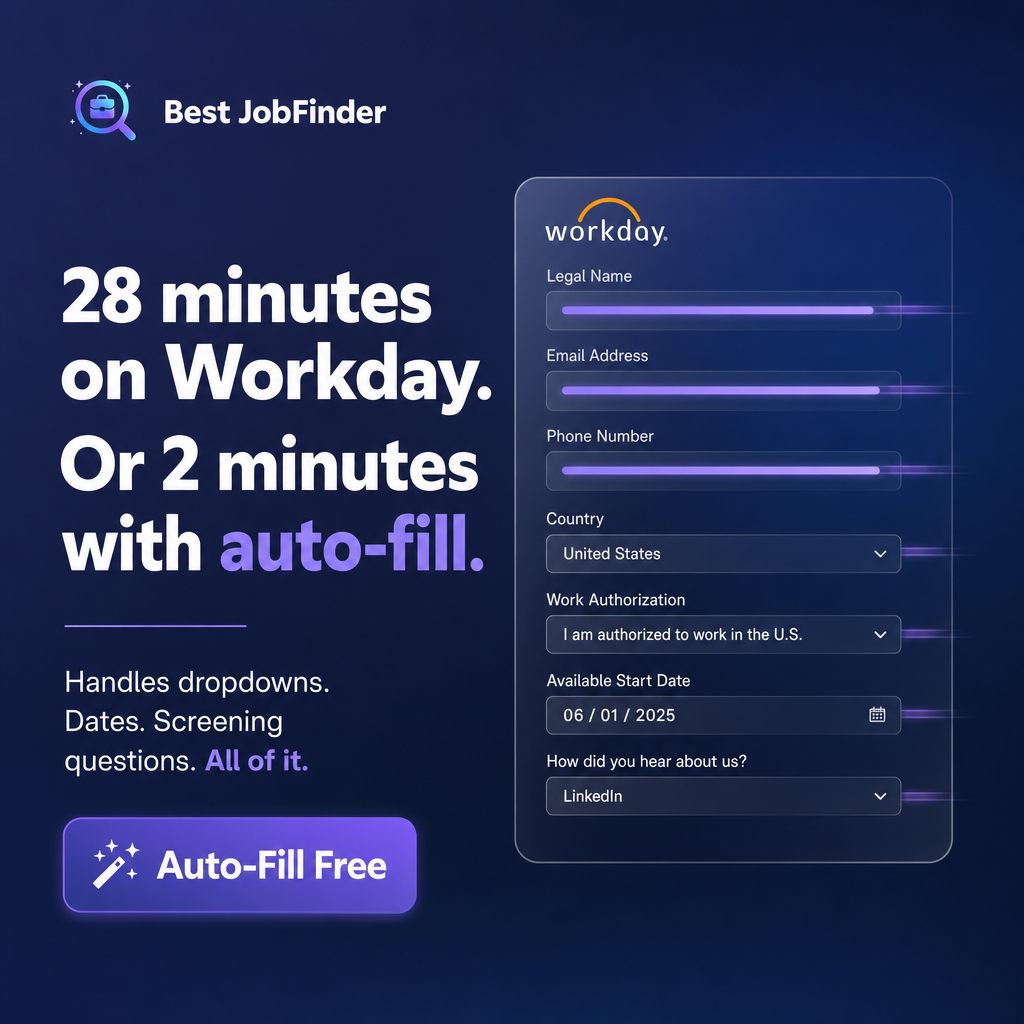
Workday applications routinely run 20-30 minutes: legal name, then email, then phone, then a country dropdown, then a work-authorization dropdown, then a date picker for your availability, then a handful of screening questions — one field at a time, one page at a time, with almost none of it pre-fillable by the browser's own autofill because the fields are custom-rendered rather than standard HTML inputs.
The same information gets typed again on the next application, on a different ATS, in a slightly different order. That repetition — not the individual form — is what auto-fill actually removes.
Key takeaways
- Workday's multi-page wizard structure is why its applications run long by hand — not a specific bug, just the platform's normal shape.
- Auto-fill reads a form's field labels and matches them to stored answers, which is what lets it generalize across ATS platforms instead of needing a fixed list.
- A handful of platforms — Workday, Greenhouse, Dice, LinkedIn, Wellfound, Monster, Workable — get deeper, purpose-built handling for their specific multi-step flows.
- A placeholder like 'Select an option' in a dropdown is treated as unanswered, never as a real, already-filled value.
- By default, auto-fill populates and stops for review — submission only happens automatically if you've explicitly configured it to.
How field matching actually works
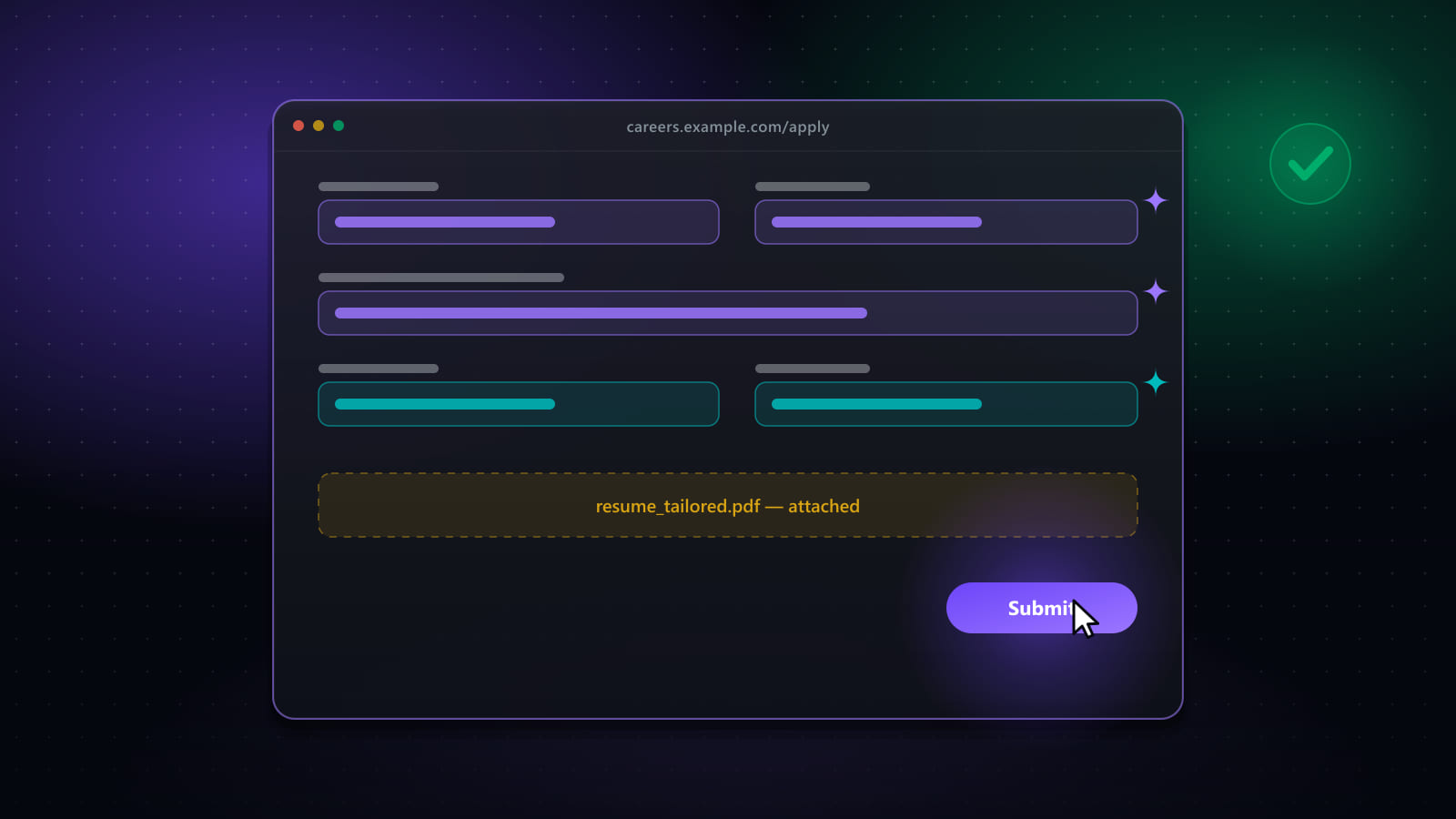
Every field on a form carries a visible label — "Legal Name," "Work Authorization," "Available Start Date." Auto-fill strips out required-field markers and formatting noise from that label, then checks it against your stored question-and-answer history using an exact match first, then a normalized comparison, then a wildcard or partial match if neither exact form succeeds. A label seen for the first time either gets answered by AI, tailored to that specific question and the job you're applying to, or is flagged for you to answer once — and every field you do answer becomes reusable on the next application that asks something close to the same thing.
Why generic matching beats a fixed integration list
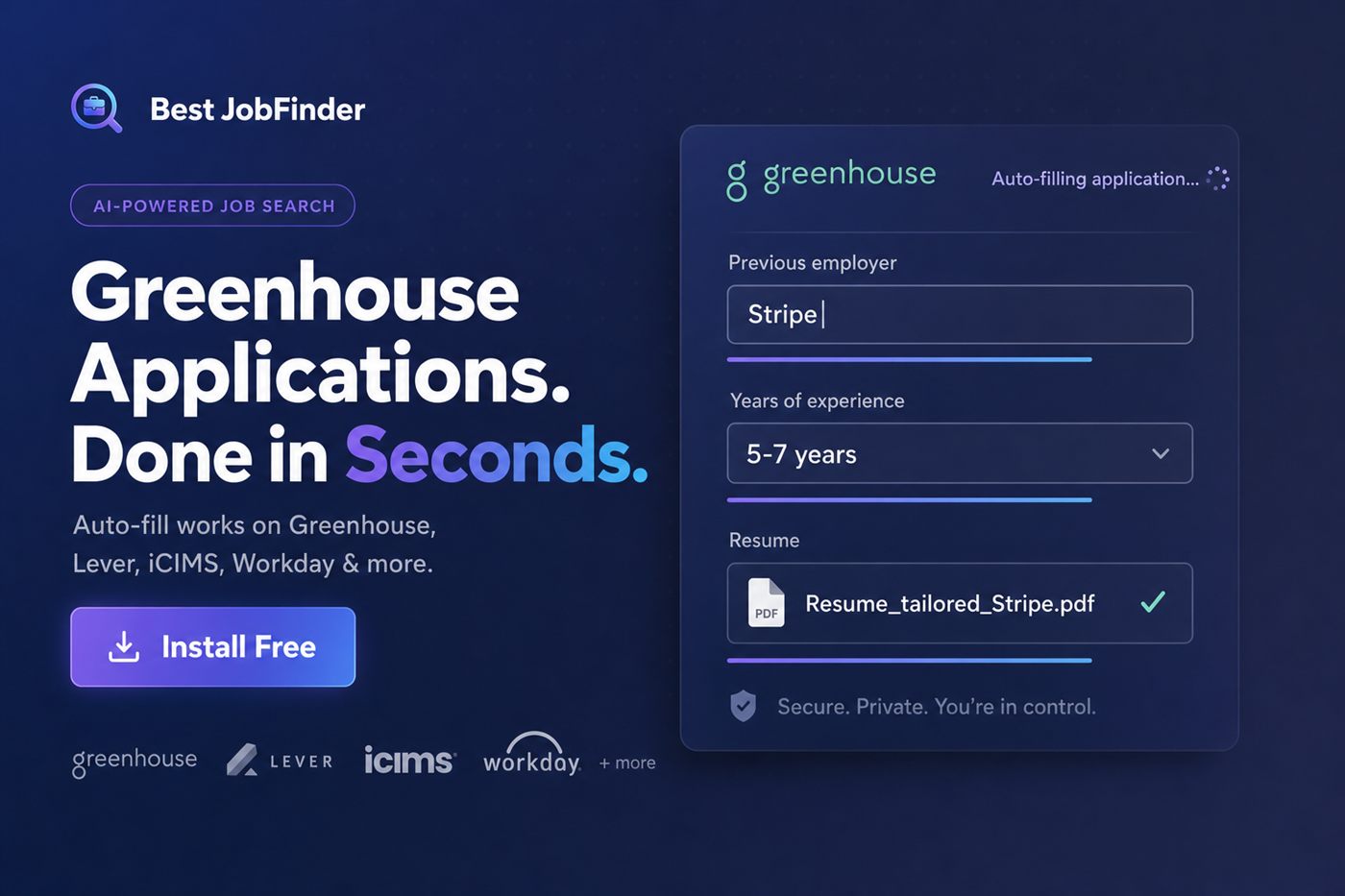
A form-filler that only works on a hardcoded list of "supported sites" breaks the moment an employer's ATS updates its markup, or the moment you apply somewhere that simply isn't on the list. Reading labels directly off the page — rather than depending on a specific site's internal structure — is what lets auto-fill extend naturally to Lever, iCIMS, Ashby, and ATS platforms that were never individually coded for, while still going deeper on the handful of platforms (Workday's wizard steps, Greenhouse's resume-and-cover-letter uploads, LinkedIn's Easy Apply modal) that reward dedicated handling.
One profile, every portal
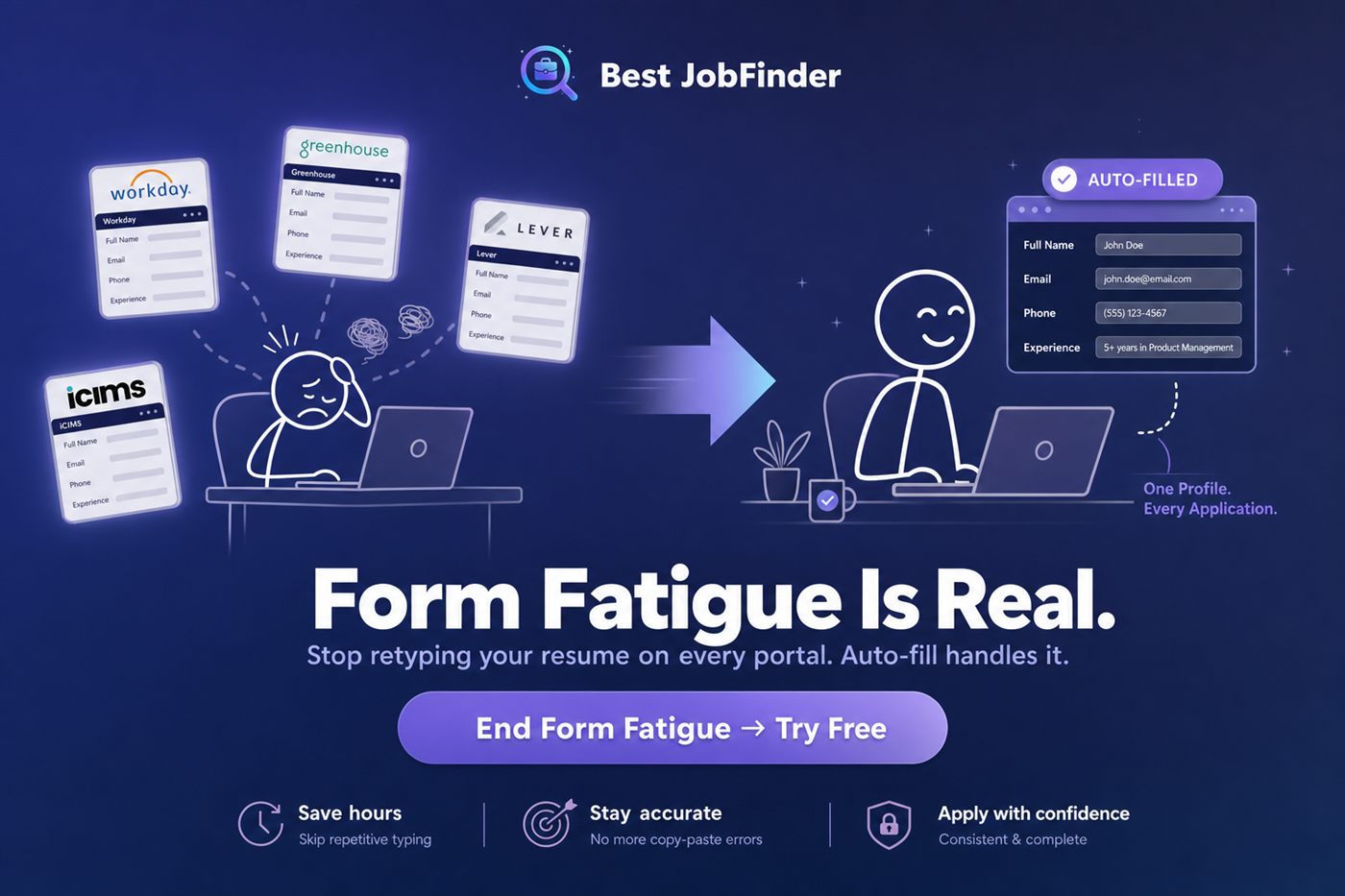
Form fatigue is really the same twelve fields — name, email, phone, work authorization, years of experience — typed over and over into forms that all phrase the question slightly differently. Solving that once, at the profile level, is what removes the fatigue rather than just speeding up the typing.
Speed without sending garbage
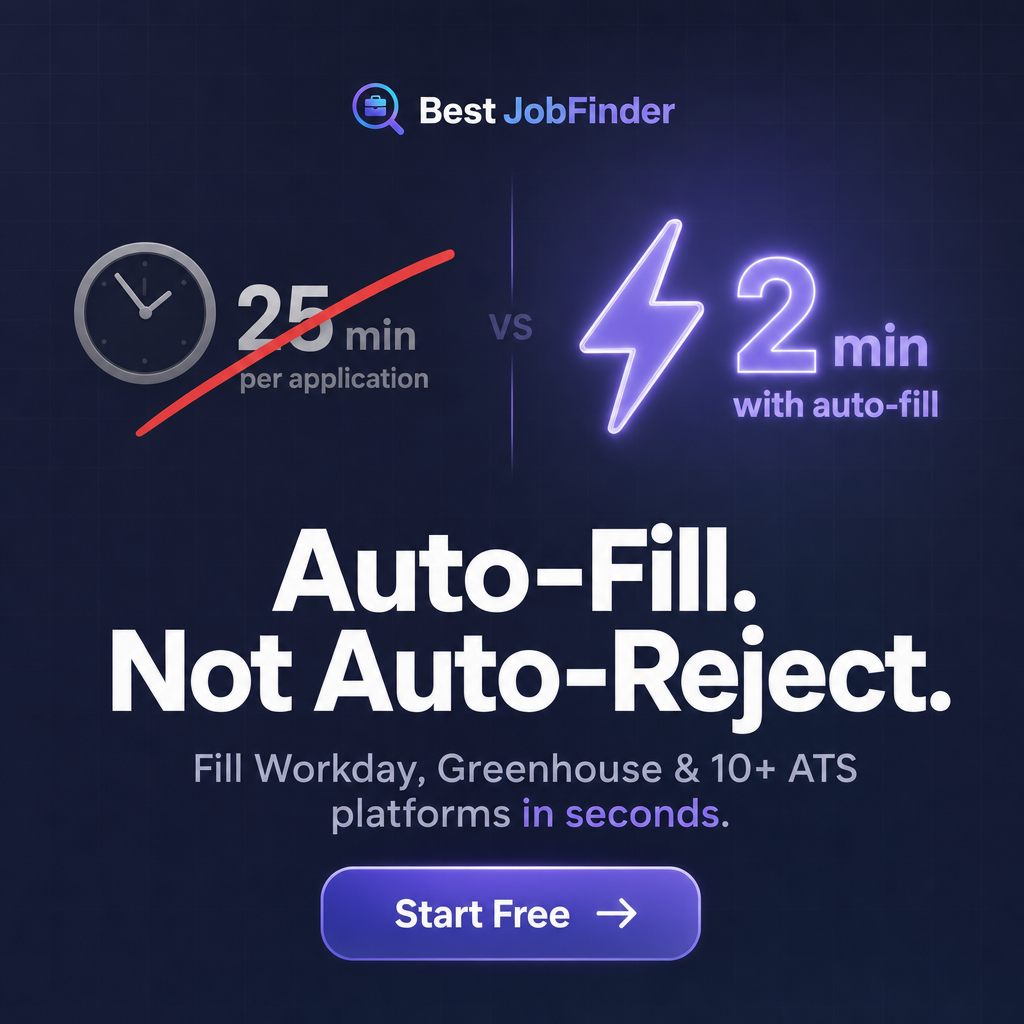
Fast is only useful if it's also accurate — a JSON fragment, a stale answer, or an unchecked box that shouldn't be checked can get an application rejected just as reliably as a blank form. See auto-fill, not auto-reject for the specific safeguards that keep speed from costing you the outcome.
Frequently asked questions
Why does Workday take so much longer to fill out than other application forms?
Workday-hosted careers sites are typically multi-page wizards: legal name, contact details, work authorization, education, work history, voluntary disclosures and screening questions each get their own step, often with dropdowns and date pickers that don't accept typed shortcuts. A 28-minute Workday application isn't unusual — it's the platform's normal length when filled by hand.
Does auto-fill work on every ATS, or just the big ones?
Auto-fill is built around reading a form's own field labels and matching them to your stored answers, rather than hardcoding a fixed list of supported sites. That's what lets it work across Workday, Greenhouse, Lever, iCIMS, Ashby and other ATS platforms without a dedicated integration for each one — though a handful of platforms (Workday, Greenhouse, Dice, LinkedIn, Wellfound, Monster, Workable) have deeper, purpose-built support for their specific multi-page flows.
What happens with dropdowns and screening questions specifically?
Dropdowns are matched by their visible option text, not just an internal value, and a placeholder like 'Select an option' is treated as unanswered rather than a real selection to avoid a false 'already filled' signal. Screening questions are answered from your stored Q&A history when a close match exists, or generated by AI tailored to the specific question and job when it doesn't.
Will auto-fill submit an application I haven't reviewed?
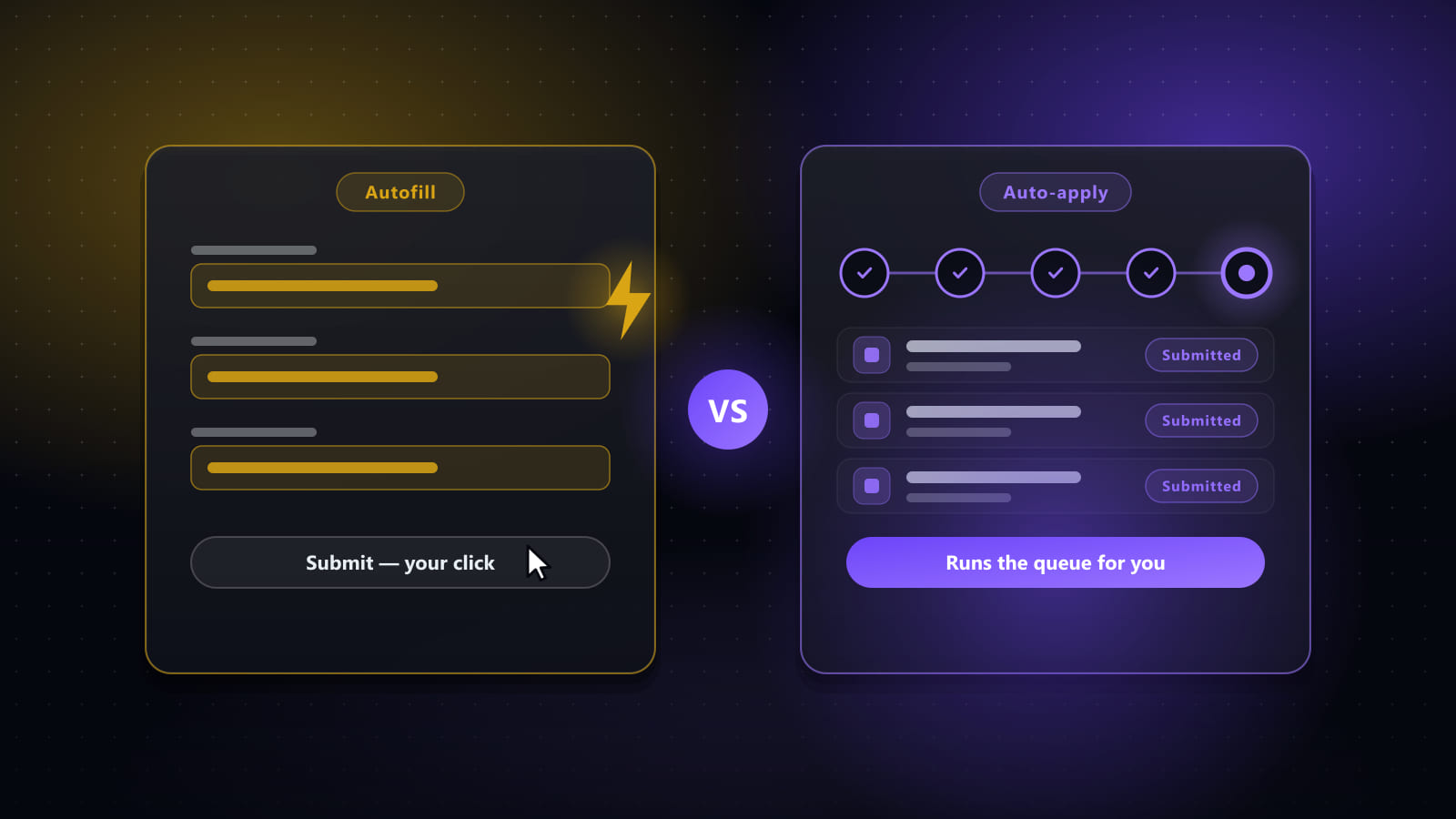
Only if you've explicitly turned on auto-submit for that run, and even then only above a match threshold you set yourself. By default, auto-fill populates the form and stops for your review before anything is sent — see configurable auto-submit for how the thresholds work.
Ready to automate your job search?
Best JobFinder combines job discovery, AI skill matching, resume tailoring, and configurable auto-submit in one platform — with a 7-day free trial.
Try Best JobFinder free →