ATS Resume Optimization: A Practical Checklist for 2026
Most ATS advice is a list of tips with no ordering, which is why people apply the cosmetic ones and skip the load-bearing ones. Optimisation has three layers and they are strictly sequential: content that does not parse cannot be ranked, and content that does not rank never reaches the human.
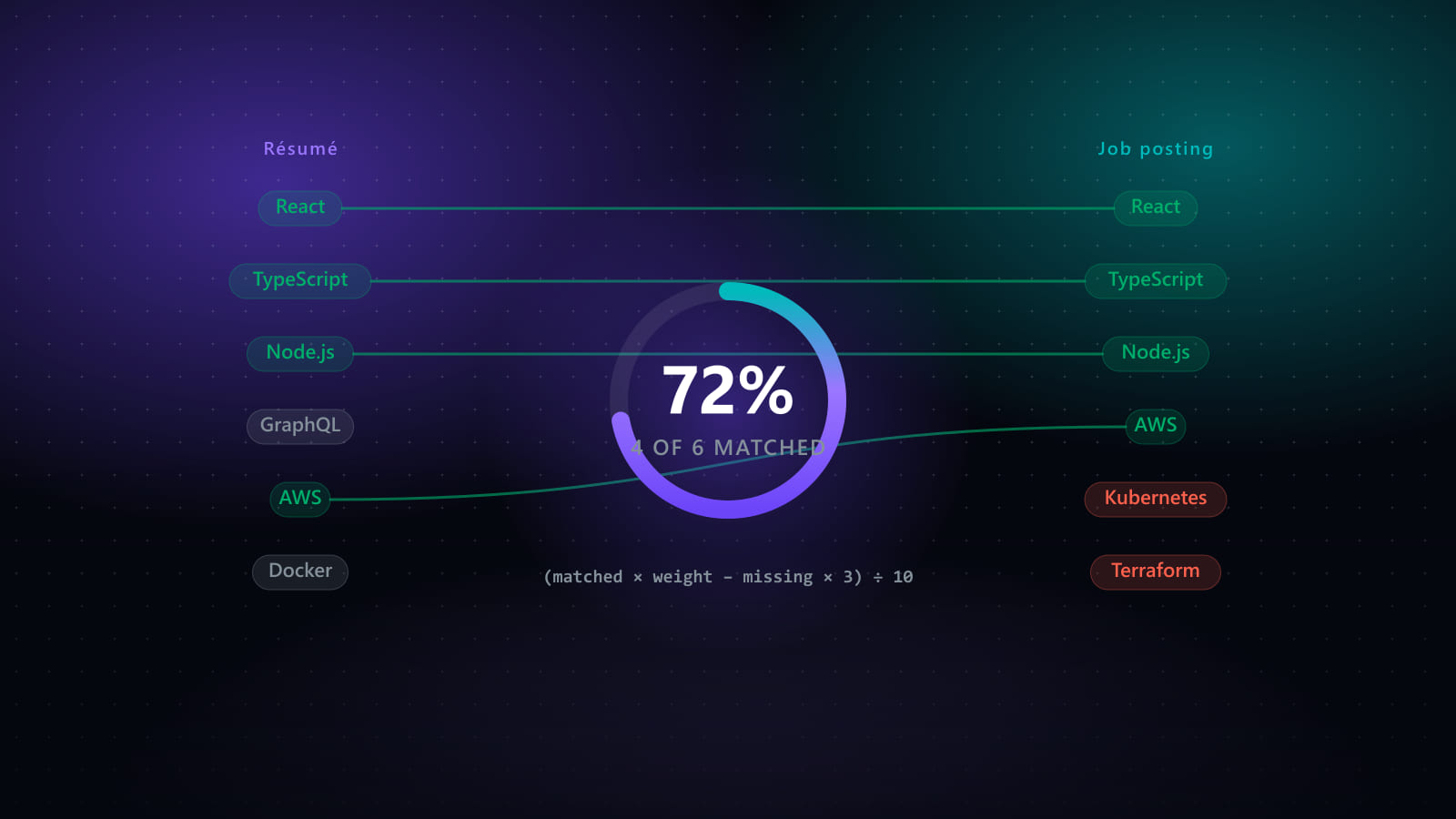
This is a checklist you can run in one pass. For how these systems work underneath, see ATS explained; for how the scoring itself is computed, see resume keyword matching.
Key takeaways
- Three layers in order: parse, rank, then read. Optimising rank before fixing parsing is wasted work.
- The parsing test takes ten seconds: copy all the text out of your PDF and paste it into a plain text editor. What you see is what the system sees.
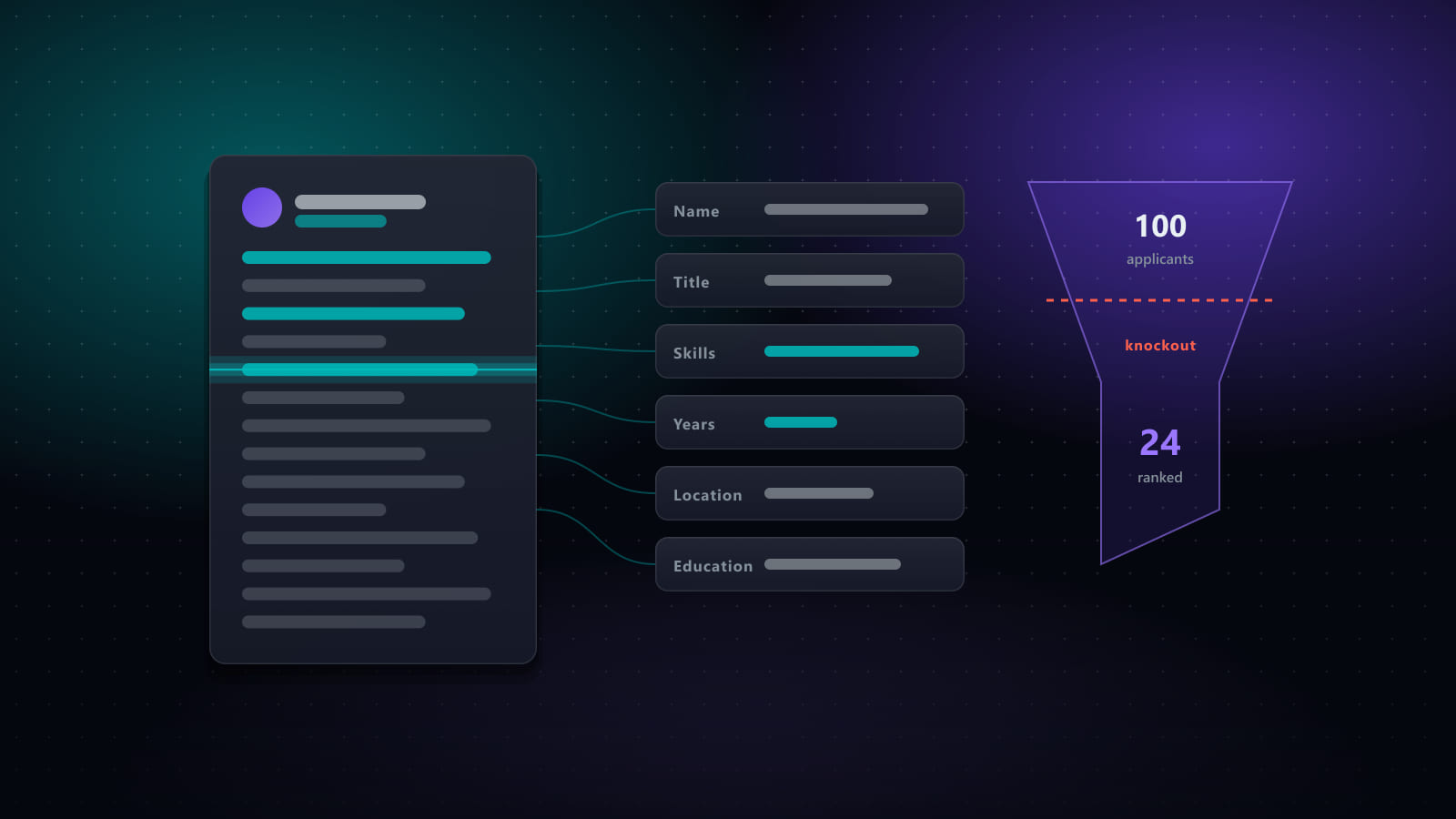
- Automatic rejection comes from knockout questions in the form, not from a low resume score.
- Skills inside real achievements outrank the same words in a keyword block, and read better to humans too.
- A clean template is necessary and not sufficient — it fixes extraction, not persuasiveness.
Layer 1 — Make it parse
Everything here is binary: either the system extracts your content correctly or it does not.
The ten-second test
Open your PDF, select all, copy, and paste into a plain text editor. What appears is approximately what a parser sees. Check:
- Does all the text come through, or is some of it missing?
- Is it in the right order, or are dates separated from the roles they belong to?
- Are your phone number and email present?
If text is missing, it is in an image or a text box. If the order is scrambled, you have a multi-column layout. If contact details are absent, they are in a header or footer.
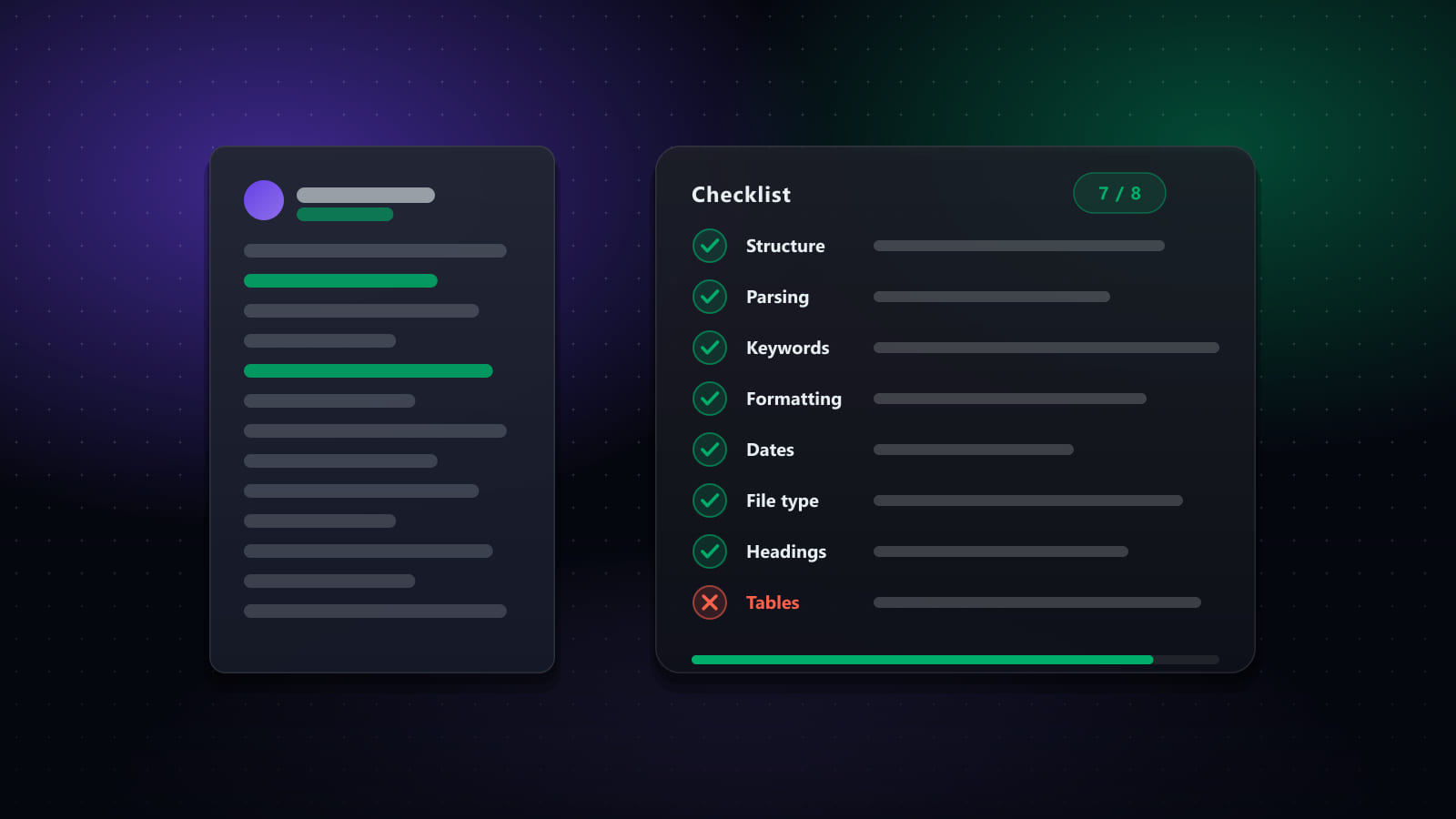
The checklist
- Single-column layout. Two-column designs can be read across rather than down, interleaving unrelated content.
- Contact details in the document body, as the first lines — not in a header or footer region.
- Standard section headings. Experience, Education, Skills. Parsers segment documents by looking for these; a creative heading loses the section.
- Real text, not graphics. No skill ratings as bar charts, no name as a logo. A rating graphic conveys nothing to a parser and little to a recruiter.
- No tables or text boxes for layout. Extraction order from a table is unpredictable.
- Consistent date format throughout — MM/YYYY everywhere, for example. Mixed formats produce mis-parsed durations.
- Standard fonts, selectable text.
Layer 2 — Make it rank
Once content is extracted, it is compared against what the posting asked for. This layer is about relevance and placement.
Audit for omissions first
Read the posting's requirements and ask, one by one, whether you have actually done it. Most people have several genuine skills missing from their CV purely because they were never written down. Because most scoring penalises gaps more heavily than it rewards matches, adding one real omission usually moves the needle more than any amount of rewording.
Front-load the matching evidence
The first third of page one is the region that gets attention from both the ranking model and the human skim. If the experience that matches this posting is on page two, it is effectively not there.
Put skills inside achievements
Compare:
Skills: Python, Airflow, dbt, Snowflake, SQL, Spark
with:
Built and ran the nightly ETL in Airflow and dbt, loading ~2TB/day into Snowflake; cut pipeline runtime from 6h to 90min.
The second names the same technologies with evidence attached. A skills list is still worth keeping for completeness — but the achievements are what carry weight, in both directions.
Mirror the posting's vocabulary, honestly
If they say “observability” and you wrote “monitoring” for the same work, use their term. If the work was not the same, do not — see what tailoring must never change.
Spell out ambiguous terms once
“PostgreSQL (Postgres)”, “Amazon Web Services (AWS)”. Removes a whole class of matching failure at negligible cost.
Layer 3 — Make it readable
A resume that parses and ranks still has to persuade the person who opens it, and this layer is routinely neglected by people who have just finished optimising the first two.
- Lead bullets with outcomes, not responsibilities. “Cut deploy time from 40 to 6 minutes” beats “responsible for CI/CD”.
- Quantify where you genuinely can — and only where you can. An invented number is worse than none.
- Keep it to two pages for most careers.
- Make it visually scannable. Clear hierarchy, enough whitespace. Single-column does not mean ugly.
Three myths worth dropping
“75% of resumes are rejected by ATS before a human sees them.” This widely-repeated figure has no solid sourcing and misdescribes how the systems work. They rank and filter; recruiters decide how deep to read. Real automatic rejection comes from knockout questions you answer in the form.
“Use white text to hide keywords.” It is trivially detected by anyone who copies the text out, and it reads as deliberate deception rather than as optimisation.
“Never use a PDF.” Outdated. Text-based PDFs parse reliably. Use .docx when explicitly asked.
Running the checklist at volume
Layer 1 is done once — fix the template and it stays fixed. Layer 3 is done once per master CV. Only layer 2 is genuinely per-application, which is what makes tailoring at volume feasible: the expensive layers are one-time.
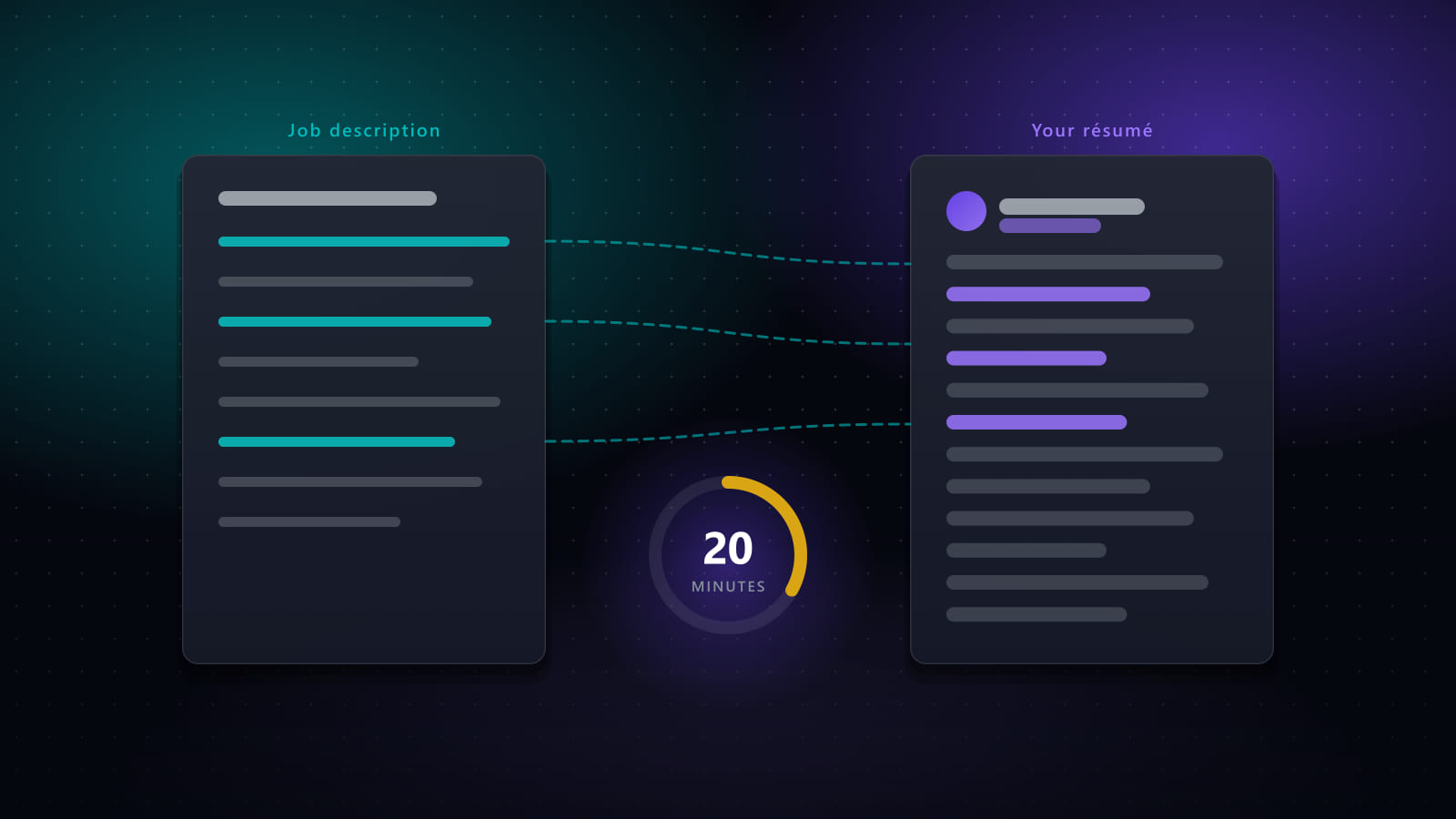
The per-application part — audit for omissions, front-load matching evidence, mirror vocabulary — is also the part automation handles well, provided you verify the output. See the 20-minute tailoring method.
Frequently asked questions
How do you optimize a resume for an ATS?
Work in three layers, in order. First make it parse: standard section headings, a single-column layout, real text rather than images, and contact details in the body rather than a header or footer. Second make it rank: put evidence matching the posting's stated requirements in the first third, and name skills inside real achievements rather than in a keyword block. Third make it readable for the human who sees it after the system does. Optimising for ranking before fixing parsing is wasted effort, because unparsed content cannot be ranked at all.
What resume formatting breaks ATS parsing?
The reliable offenders are text inside images or graphics, which is invisible to extraction; multi-column layouts, which can be read in the wrong order so a date lands against the wrong employer; contact details placed in a document header or footer, which some parsers skip entirely; tables used for layout; and text boxes. Non-standard section headings such as 'Where I've Been' instead of 'Experience' also cause problems, because parsers look for expected headings to segment the document.
Should I use a PDF or a Word document?
PDF is safe in almost all cases today and preserves your formatting, provided it is a text-based PDF rather than a scan or an exported image. The practical test is whether you can select and copy the text — if you cannot, no parser can read it either. The one situation where a .docx is worth using is when the application explicitly asks for one, because that occasionally indicates an older parser in the chain.
Do ATS systems automatically reject resumes?
Not in the way the common myth describes. Applicant tracking systems do not usually delete applications for scoring below a threshold; they rank and filter, and a recruiter decides how far down the ranked list to read. What does cause automatic rejection is knockout questions — work authorisation, location, required certification, willingness to relocate — which are explicit disqualifiers set by the employer, answered in the application form rather than inferred from your resume.
Is there such a thing as an ATS-friendly resume template?
There are templates that parse reliably — single column, standard headings, selectable text, no graphics — and templates that do not. But no template improves your ranking, because ranking is driven by content relevance rather than layout. A template gets your content extracted correctly; it does not make the content more convincing. Choosing a clean template is necessary and not remotely sufficient.
Ready to automate your job search?
Best JobFinder combines job discovery, AI skill matching, resume tailoring, and configurable auto-submit in one platform — with a 7-day free trial.
Try Best JobFinder free →