AI Resume Builders in 2026: What to Look For
Every resume builder now advertises AI, which means the label carries no information. The differences that actually affect outcomes are unglamorous and rarely on the pricing page: whether tailoring is per-job, whether the export parses, what the tool does when it lacks material, and whether you can leave with your data.
Disclosure: Best JobFinder is our own product and includes resume generation as part of a wider pipeline. It appears in the table below alongside the others; the criteria are stated first so you can apply them independently of who wrote this.
Key takeaways
- Per-job tailoring is the capability that matters. A single AI-polished resume sent everywhere captures little of the benefit.
- Test export fidelity yourself: copy the text out of the downloaded file. Visually clean templates can still export badly.
- Check what the tool does with thin input — inventing metrics is the most common and most damaging failure.
- Check the exit: can you export your documents and structured data if you stop paying?
- Free tiers cover resume building well. What they consistently meter is per-job tailoring at volume.
The five criteria that matter
1. Is tailoring per-job or one-off?
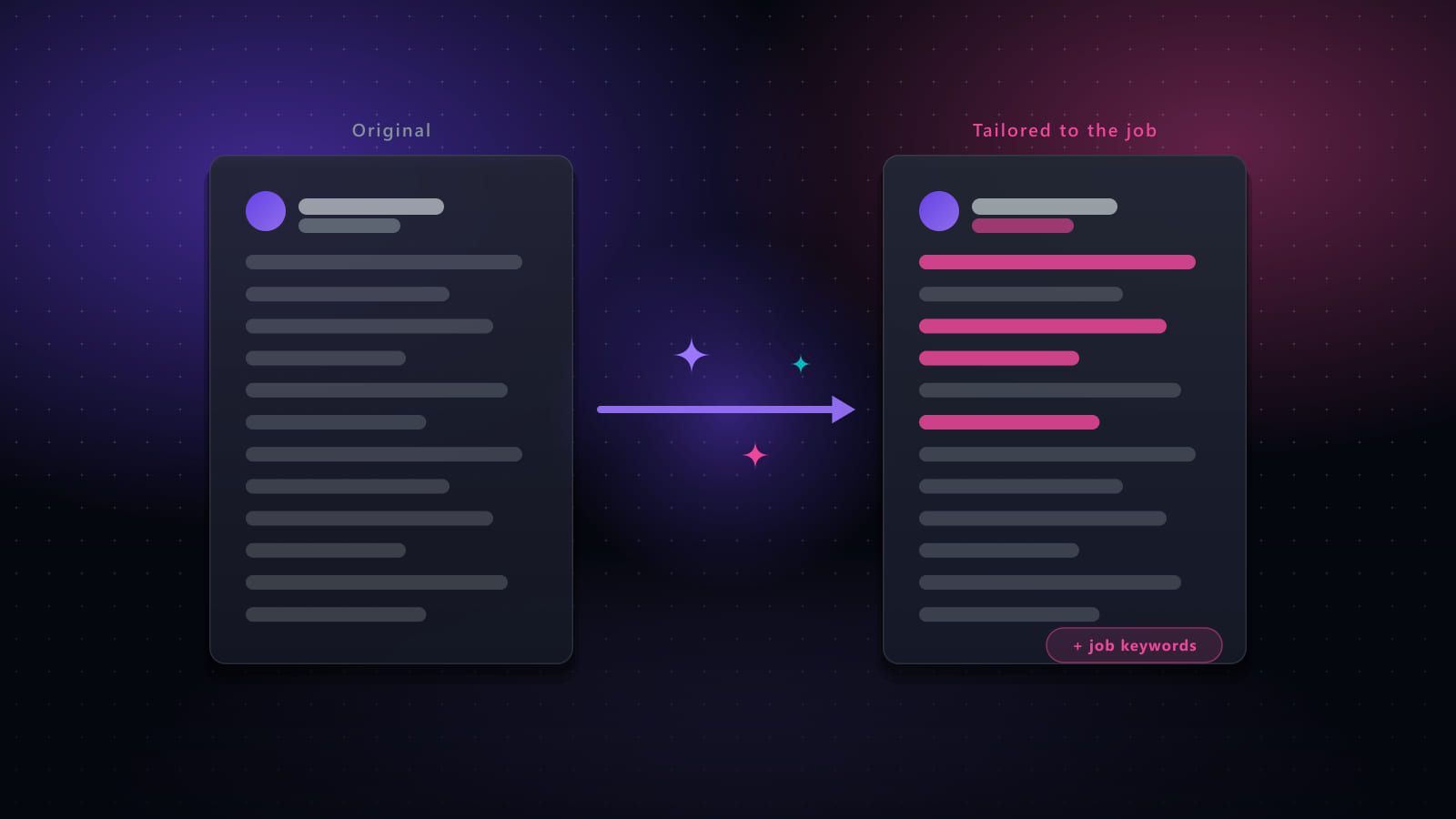
The single biggest differentiator. A builder that helps you produce one strong resume is a document tool. A builder that regenerates it against each posting is a job search tool, and the benefit of tailoring only exists if it happens per application.
Check the free tier limit specifically. A tool offering “2 job-tailored resumes” free is telling you clearly that per-job tailoring is the paid capability.
2. Does the export actually parse?
A resume that looks correct in the builder and exports to a file that extracts badly is worse than useless, because the problem is invisible to you.
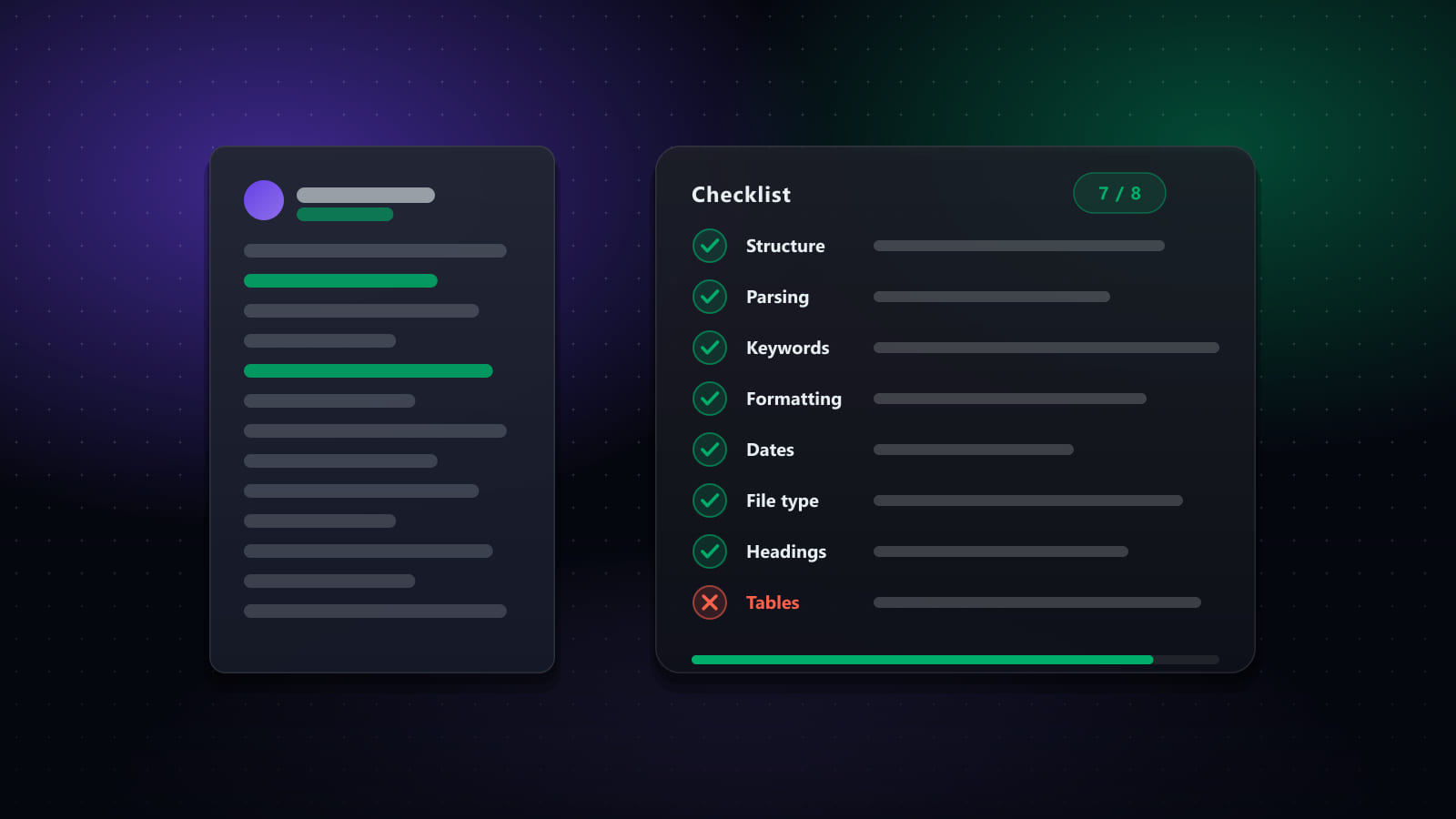
Test it before committing: export, open the file, select all, copy, paste into a plain text editor. Is all the text there? Is it in the right order? Are the dates still attached to the right roles? Multi-column templates fail this test most often, and builders offer plenty of multi-column templates.
3. What does it do when it has nothing to work with?
Give a builder a thin job history and watch what it produces. The good behaviour is asking you for specifics, or writing honestly unquantified bullets. The bad behaviour — and it is common — is inventing a plausible metric, because that is what makes the output read like a strong resume.
This is worth testing deliberately on your own history before you rely on a tool. An invented number does not merely misrepresent you; it becomes a question you cannot answer in an interview. See the four-point review for what to check on every generated document.
4. Can you get your data out?
Your work history is worth more than any single document. Before investing time entering it, check whether you can export the structured data or only render PDFs, and whether your documents remain accessible if you stop paying. Tools that make it easy to leave are generally the ones confident you will not.
5. Is it solving your actual bottleneck?
The most expensive mistake in this category is buying a builder when the real constraint is elsewhere. If you already have a decent resume and cannot find enough relevant roles, a better resume changes nothing. Diagnose first — the category guide maps symptoms to tool types.
Tools with resume building or tailoring
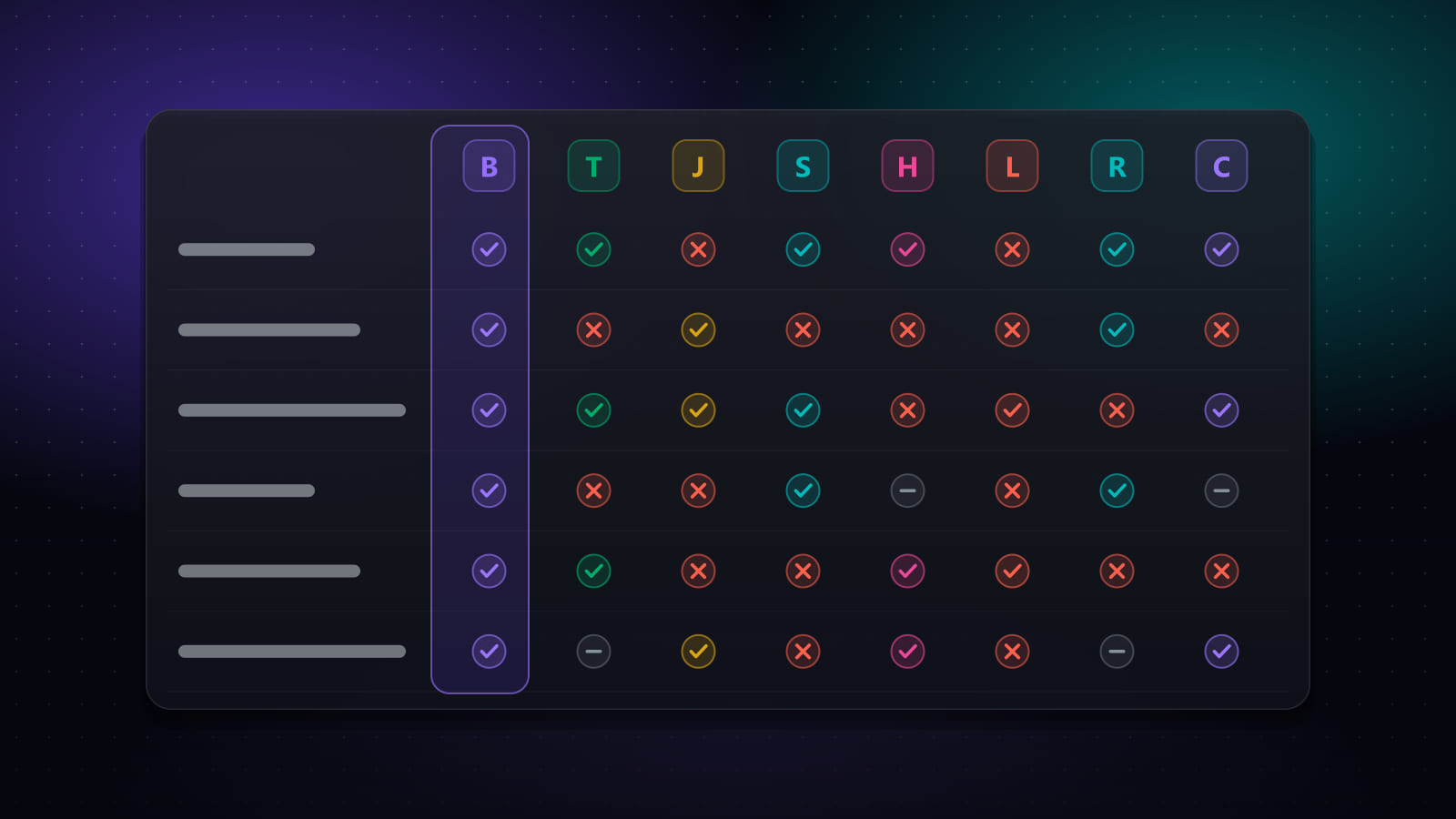
These are the products from our eight-tool comparison that build or tailor resumes. Several are not primarily resume builders — for Huntr and Teal the resume tooling sits inside a tracker, and for Best JobFinder and Jobright inside a wider pipeline — which is worth weighing if a builder is genuinely all you want.
| Tool | What it is | Free tier | Paid pricing |
|---|---|---|---|
| Best JobFinder | End-to-end pipeline: job discovery, match scoring, CV and cover-letter tailoring, form filling, optional auto-submit, and application tracking. | 7-day free trial (20 job searches/day, 50 new jobs/day, 10 auto-apply runs/day) | Standard $14.90/mo ($9.90/mo billed annually) · Premium $29.90/mo ($19.90/mo billed annually) |
| Teal | Job tracker and AI-assisted resume builder, with a Chrome extension that saves postings you find yourself. | Yes — job tracker and resume builder, with AI features metered | Teal+ reported at $13/week, $29/month, or $79/quarter; no annual plan |
| Jobscan | Resume-versus-job-description scanner that produces a match rate plus keyword, skills and formatting gap analysis. | Yes — 5 resume scans per month, with no expiry | Reported at around $49.95/month, or $89.95/quarter (about $29.98/mo equivalent) |
| Simplify | Browser extension that autofills application forms from a saved profile, plus a tracker and job matching. | Yes — autofill, tracker and job matching are available free | Simplify+ reported at $19.99/week, $39.99/month, or $89.99/quarter |
| Huntr | Kanban-style job tracker with an AI resume builder, a job clipper extension, and application autofill. | Yes — track up to 100 jobs, 2 job-tailored resumes, unlimited autofills and contact management | Pro $40/month, $30/mo billed quarterly ($90), or $26.66/mo billed biannually ($160) |
| Jobright | AI job matcher with an assistant, insider/referral contact surfacing, and resume tailoring. | Yes — freemium, with limits on matching and AI features | Paid tier reported at around $29/month |
| LoopCV | Automated apply service that runs saved searches on your behalf and can send applications plus follow-up emails. | Yes — free-forever tier with a capped number of applications per day | Paid plans from about €9.99/month, with higher tiers reported up to roughly €89.99/month |
On these figures: pricing and plan limits were last checked against each vendor’s own published pages on September 16, 2026. Plans change often and several vendors run regional or promotional pricing, so confirm current terms on the vendor’s site before buying. Figures marked “reported” could not be confirmed on a public vendor page at the time of writing.
Where each one sits
- Standalone builders inside a free tracker — Teal and Huntr both include resume building free, with AI credits and per-job tailoring as the paid upgrade. If you want a builder and a tracker and nothing else, these are the direct answer.
- Analyser rather than builder — Jobscan is built around diagnosing an existing resume against a posting, and includes a builder, but its value is the match report.
- Builder inside a pipeline — Best JobFinder, Jobright, Simplify and LoopCV generate tailored documents as one stage of a wider flow. Good if you want the whole pipeline; unnecessary overhead if you only want to write one resume.
How to evaluate one in fifteen minutes
Using free tiers, before paying for anything:
- Enter one real role from your history, with the detail you would normally give.
- Generate against a real posting you would actually apply to.
- Read only the numbers in the output. Can you trace every one back to what you entered? If not, that is the tool's default behaviour, not a one-off.
- Export and run the copy-paste parse test.
- Check the tailoring limit on the free tier, and what the paid tier actually raises it to.
A tool that passes all five is worth paying for if per-job tailoring is your bottleneck. If it is not, the free tiers here are genuinely good enough.
Frequently asked questions
What should I look for in an AI resume builder?
Five things, in rough order of importance. Whether tailoring is per-job or one-off, since a single AI-polished resume sent everywhere is barely better than a manual one. Export fidelity — whether the downloaded file still parses cleanly when text is copied out of it. How the tool handles facts, specifically whether it invents metrics you did not supply. Whether you can export your data and documents if you stop paying. And whether tailoring is metered, because per-job tailoring is only useful if you can afford to run it on every application.
Are AI resume builders worth paying for?
It depends which problem you have. If you need a well-structured resume once, several free tiers will do it — Teal and Huntr both include resume building free, with AI features metered. Paying is worth it when you are tailoring per job at volume, since that is the capability free tiers consistently limit. Paying for a builder when your real bottleneck is finding roles or filling forms is the common mistake.
Do AI resume builders produce ATS-friendly resumes?
Usually for layout, not automatically for content. Most produce single-column, standard-heading documents that parse cleanly, which is the layout half of the problem. They do not guarantee the ranking half, which depends on whether your content matches what a specific posting asked for. The check that matters is to copy the text out of the exported file and confirm everything comes through in the right order — a visually clean template can still export badly.
Will an AI resume builder invent things about me?
It can, and this is the failure mode to actively check for rather than assume away. Language models optimise for text that reads like a strong resume, and strong resumes contain specific numbers and confident claims — so given thin input, the path to good-looking output runs through inventing them. Invented metrics are the most common case. Always read the figures in a generated document and confirm each one traces back to something you supplied.
Ready to automate your job search?
Best JobFinder combines job discovery, AI skill matching, resume tailoring, and configurable auto-submit in one platform — with a 7-day free trial.
Try Best JobFinder free →