Why Not Just Use ChatGPT? DIY AI vs a Job Search Platform, From Someone Who Built the Platform
Written by Best JobFinder’s founder.
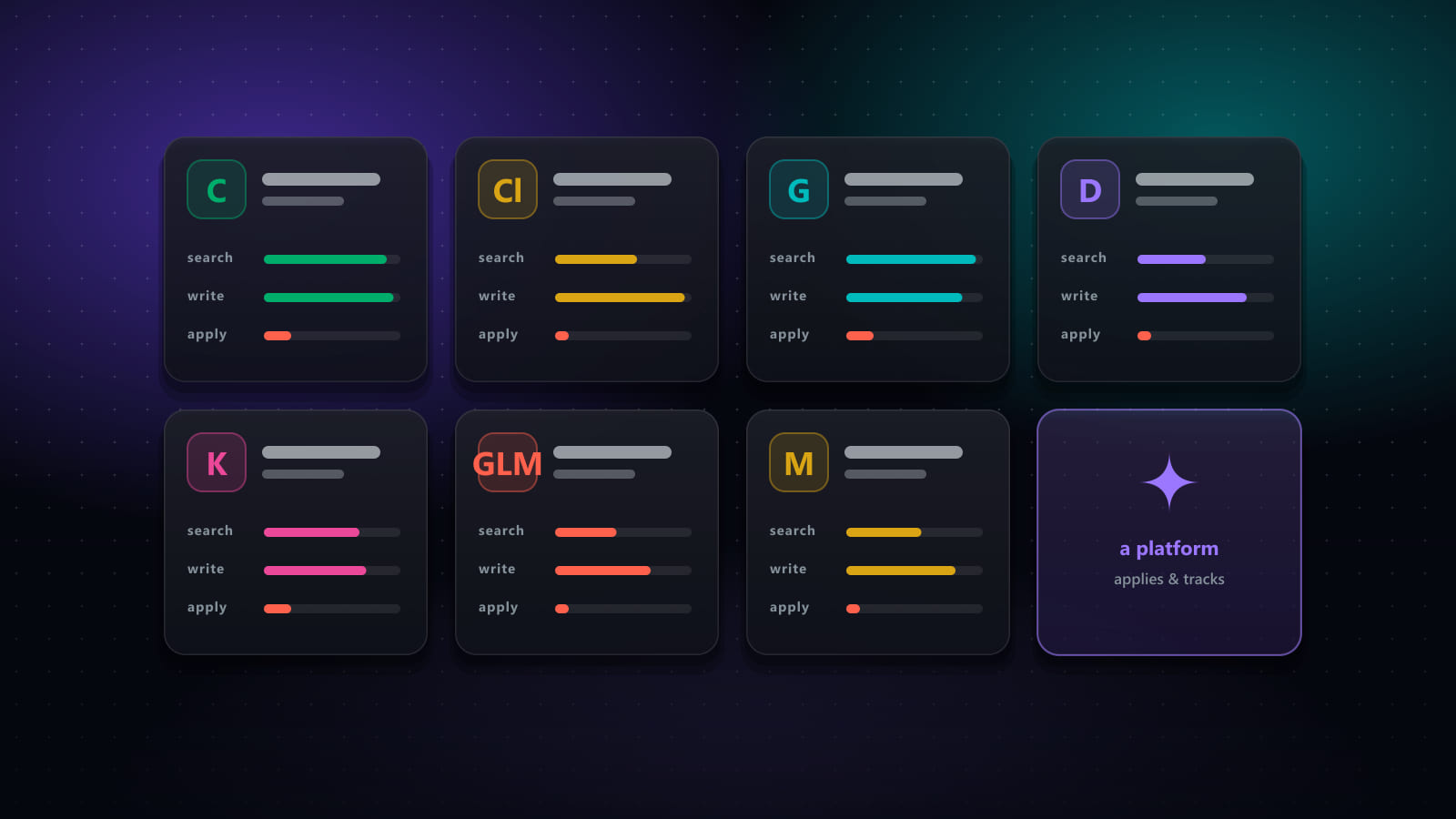
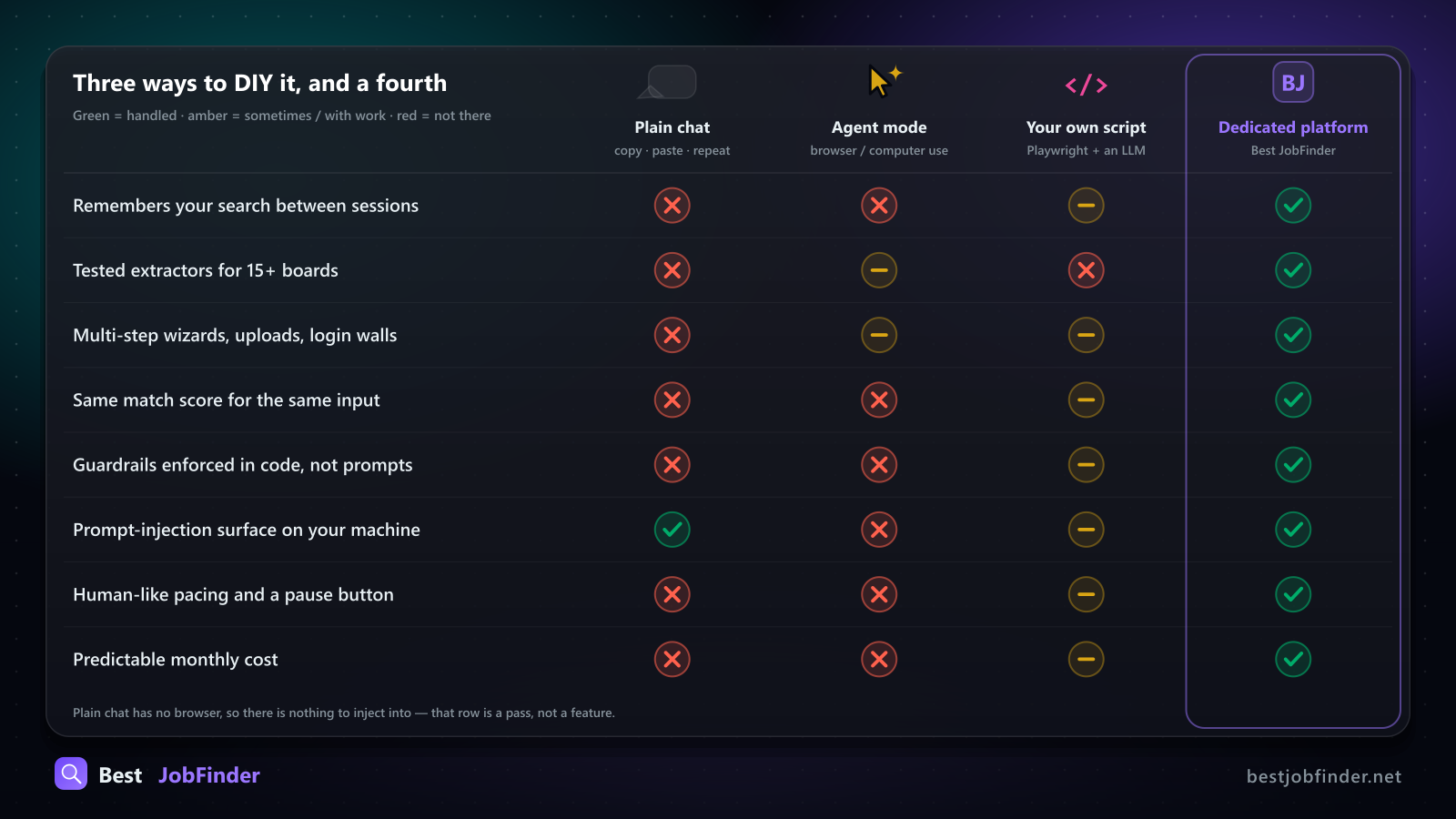
The question I get most often from developers who look at Best JobFinder is some version of: "Can't I just do this with ChatGPT?" Or Claude. Or Claude Code with a browser MCP server. Or, from the ones who have already tried those, "I'll just write a Playwright script."
It is a fair question, and the honest answer is "yes, for a while." This post is about where "a while" ends, for each of the three ways you can DIY it. I build the platform, so discount accordingly. But I also built it after trying the DIY route, and most of what follows is a list of the things we had to write to make it stop breaking.
Level 1: plain chat
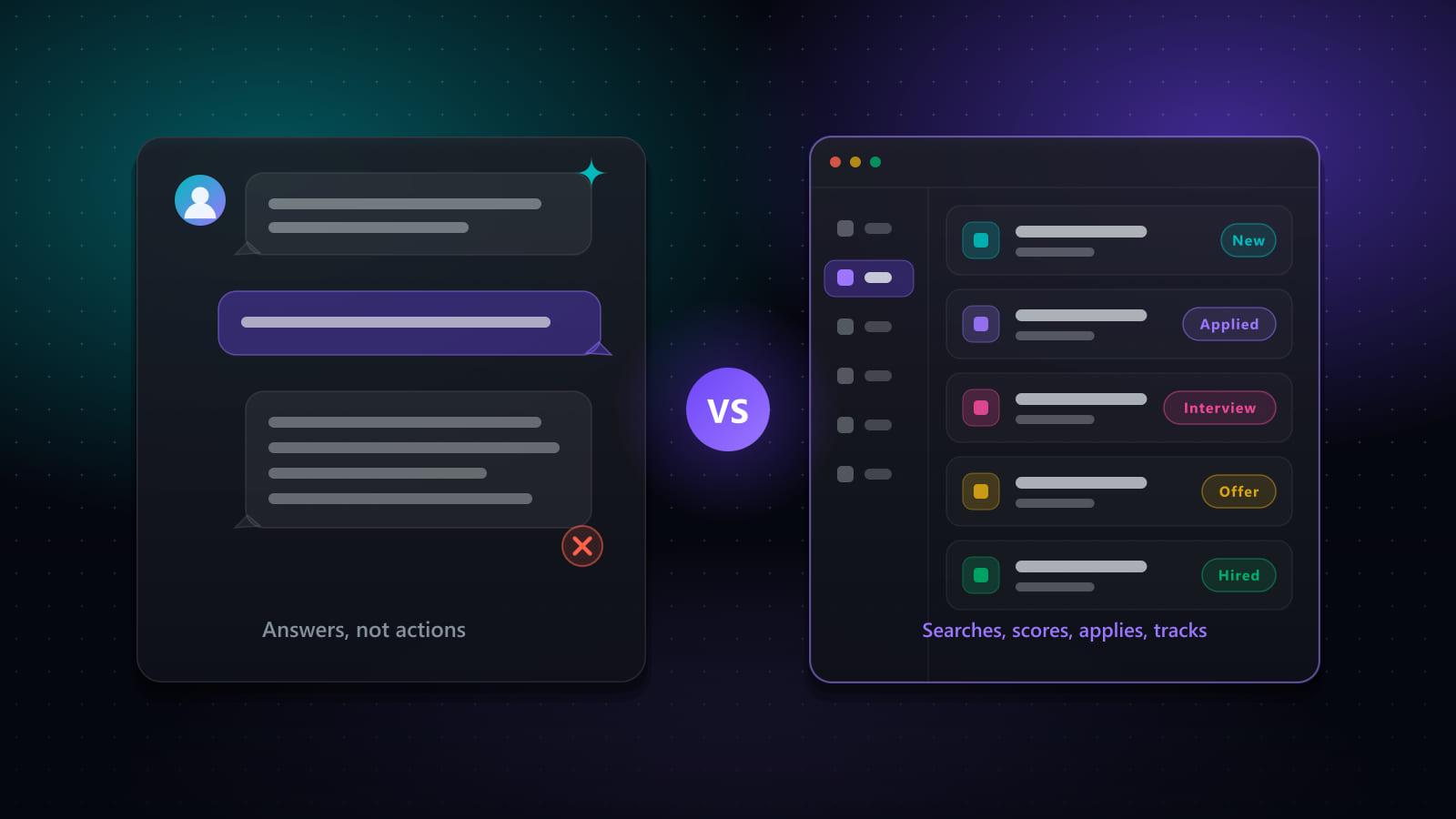
Paste the posting into ChatGPT or Claude. Ask for a tailored bullet or a cover letter. Copy it back into the form by hand. Ask "does this job fit me?" and get a paragraph.
This works, and for a single application it is the fastest option on the list. It stops working on application number twelve, for reasons that have nothing to do with how smart the model is:
- No memory that survives the tab. "Which jobs did I flag as top choices three weeks ago?" is a manual scroll through chat history, if the history still exists.
- No data model. A transcript cannot be filtered, deduplicated or sorted. There is no object called "this application" that a status, an interview date or an offer can attach to.
- No browser. Every "fill this in" still ends with you typing it.
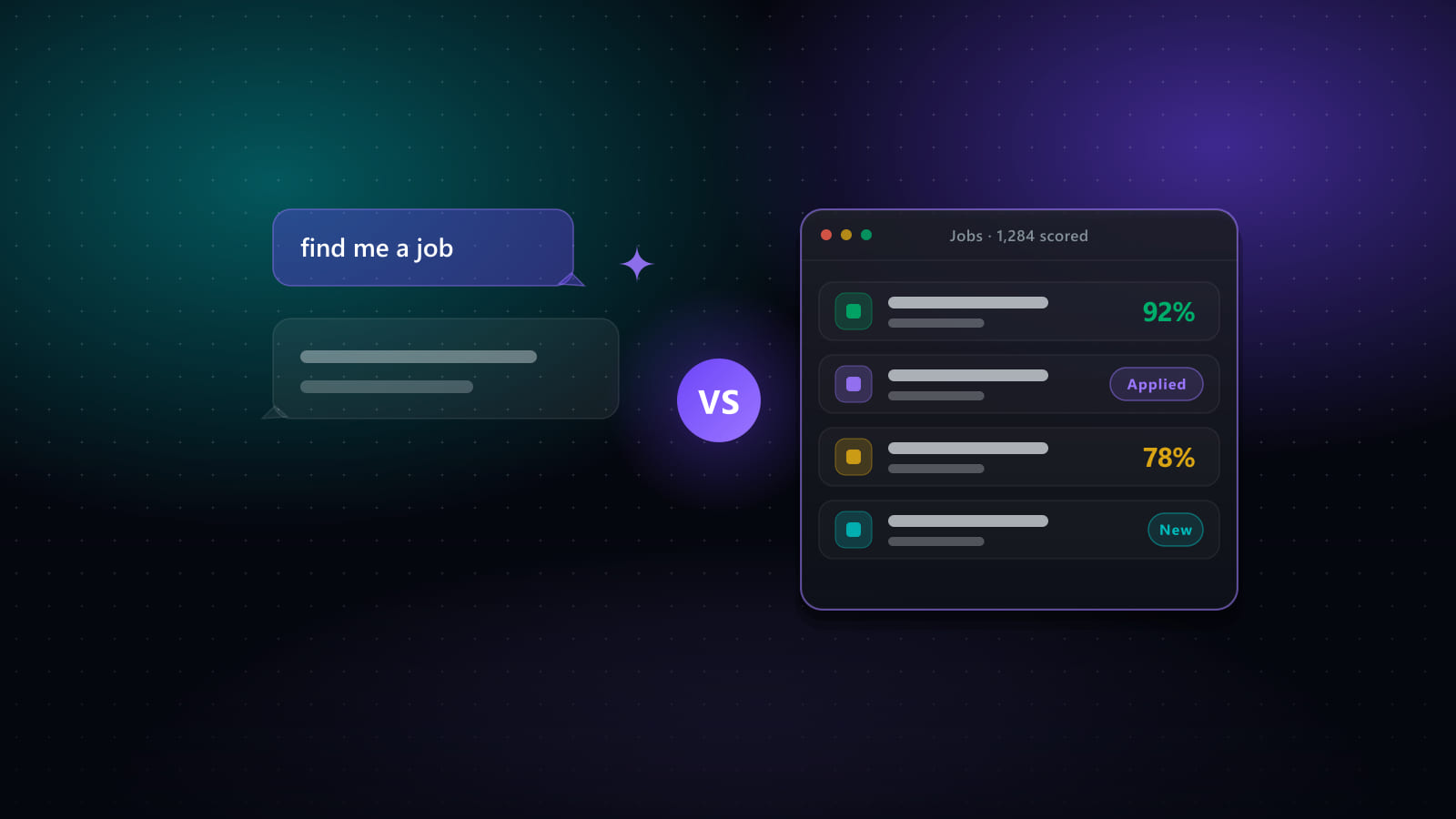
- The fit answer changes. Ask the same question tomorrow and you may get a different paragraph. A number you cannot reproduce is not a number you can set a threshold on.
None of that is a criticism of the model. A chat window is not a database and was never meant to be one.
Level 2: agent mode
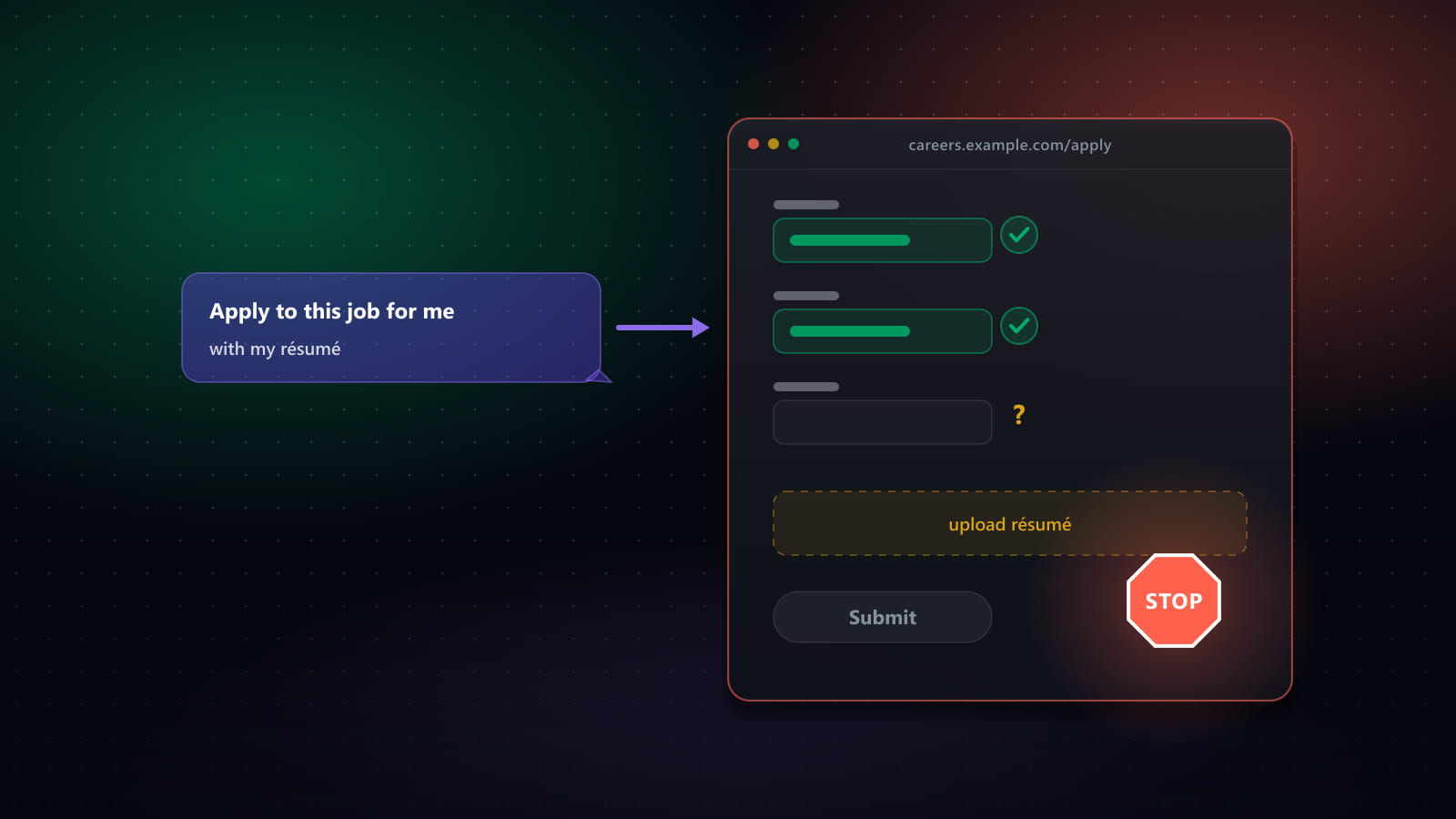
This is the interesting one. ChatGPT's agent mode, Claude's computer use, Claude Code with a browser extension: all of them can open a real browser, read the page, click, type and upload. Pointed at a one-page application form, any of them can plausibly finish it while you watch.
Where it stalls is the part of a real application that was designed to stop automation:
- Multi-step wizards. Workday, Greenhouse and friends spread one application over four or five screens with state carried between them. A general agent re-derives each screen's structure from a screenshot, every run, with no memory of having seen that employer's form before.
- Login walls and account creation mid-wizard. The agent has to stop and hand control back, or create credentials it has no safe way to keep.
- File uploads. The agent needs your actual CV file, in the sandbox it runs in, at the moment the hidden
<input type="file">appears. - CAPTCHAs. They exist to tell automated browsers from humans. The agent is an automated browser.
Then there are the two problems that only show up at volume. One is pacing: an agent has no engineered delay between actions, so a session that runs for an hour reads as a bot to a job board's defences, and the account that gets rate-limited is your real, personal one. The other is prompt injection. A job posting is untrusted text. Anthropic's own guidance for browser-controlling features flags this as a real, partly mitigated risk, and OpenAI's agentic-browsing guidance says the same. An agent with open-ended control of your browser is exactly the kind of tool a malicious page can redirect.
And one small thing that I care about more than it sounds: LinkedIn's Easy Apply has a checkbox that marks the job as one of your "top choices". It is a signal to the employer, not a question with a correct answer, and LinkedIn sometimes renders it pre-checked. "Never tick that box" is a rule that must survive every single run. In an agent, it is an instruction in a long context window. In our code it is a function, isTopChoiceField(), called before any lookup at the top of every engine's field loop. Those are not the same guarantee.
Level 3: your own script
If you are a developer, this is the one you were going to try anyway. Playwright, a cron job, an LLM call per field. I am not going to tell you it is impossible, because it is exactly what the product is. I am going to tell you what the script turns into, because we kept a list.
Discovery. One extractor per board, and each one needs fallback tiers, because the boards redesign. Ours try embedded JSON first (__NEXT_DATA__, ld+json), then entity attributes (data-testid, componentkey), then list containers, then a generic fallback, and return a diagnostic payload when all four come back empty so a zero-result run can be explained from one log line. LinkedIn has rebuilt its job pane while we have been doing this, and at one point renamed "Easy Apply" to "LinkedIn Apply" and changed the control from a <button> to an <a> with no role="button". Every selector that matched the old wording broke on the same day.
Sessions without passwords. You will not want your script to hold your LinkedIn password. So it has to reuse a browser profile you signed in to by hand, detect when that session expired, and tell the difference between "a cookie is present" and "this cookie is authenticated". Those two are not the same, and we shipped the bug that confused them.
Pacing. Randomised 2 to 5 second delays plus jitter, never parallel requests to the same board, and a visible countdown so you know the thing is waiting on purpose and not hung. Also: skip the wait when the job is already in the database or already closed, because there is nothing left to protect.
Captcha detection. Cloudflare interstitials and Turnstile, reCAPTCHA, hCaptcha, DataDome, PerimeterX, Imperva, Arkose, GeeTest, LinkedIn's own checkpoint, and the plain "access denied" block page. You have to notice all of them, stop, bring the window forward, wait for a human, and resume on your own once the page is clean. Never solve one. That is the site's access control and it is there on purpose.
Labels. The key for every stored answer is the form's label. Email *, Email (required), E-posta (zorunlu), 姓名(必填) are the same question. We ended up with one normaliser covering 30 languages, after discovering nine divergent English-only copies of a regex chain spread across the engines.
Answer lookup. Exact, then normalised, then wildcard, then containment, then token overlap at 0.6, then AI. For multiple-choice fields the AI is not allowed to write prose; it ranks the field's real option ids with a confidence, and an unsure answer is left for the human instead of filled.
Guardrails. A {"{"}"answer": …} blob must never reach a form field, so every value passes through a sanitiser at the single choke point where text is typed. A dropdown showing "-- Select --" is unanswered, not "already filled". A manual correction the user makes while paused becomes their saved answer from then on, and the old one is demoted, not deleted.
Everything after Submit. Dedupe per user and per source. A tracker. Linking the rejection email that arrives nine days later to the right job, which turns out to need a matcher that only considers jobs you applied to in the last two weeks, and refuses to guess when two of them could fit.
That is the short version of the list. Each line was a week or more, and each one is maintenance forever, because the boards keep moving.
Where DIY wins
I would be lying if I said never.
- One application. Chat is faster than any setup.
- Career strategy. "Should I pivot?", "How do I negotiate this?" A reasoning partner is exactly right for that.
- You enjoy it. If the script is the fun part, build the script. Some of our best bug reports come from people who did.
- Ten jobs total. If your whole search is ten targeted applications, you do not need a pipeline.
And the obvious one: building software. Best JobFinder is itself built and maintained with Claude Code. The AI is the thing we build the tool with, not the thing we ask to be the tool.
What the platform does instead
Three things, and they are all boring on purpose:
- Tested code per board, not fresh reasoning per run. Every extractor and every autofill engine is a reviewed code path with fixtures captured from the live site, so a redesign degrades to a lower tier instead of a blank page.
- A deterministic score.
[Σ(competency% × weight) − 30 × missing] ÷ 10, computed once per tab, shown everywhere. Thresholds like "auto-submit above 85, review 50 to 84, skip below 50" only make sense when the number is the same twice. - Nothing for a page to inject into. The automation is a closed set of code paths. There is no shell, no filesystem access and no instruction-following loop reading the job description, because the system was never designed to execute text found on a web page.
Plus a pause button, which sounds trivial until you have watched an unattended run do something you did not want.
If you want to see what that looks like in practice: bestjobfinder.net. Seven-day trial. And if you build the script instead, I would genuinely like to hear which board broke it first.
Ready to automate your job search?
Best JobFinder combines job discovery, AI skill matching, resume tailoring, and configurable auto-submit in one platform — with a 7-day free trial.
Try Best JobFinder free →