Configurable Auto-Submit: Set the Rules for How Far Automation Goes
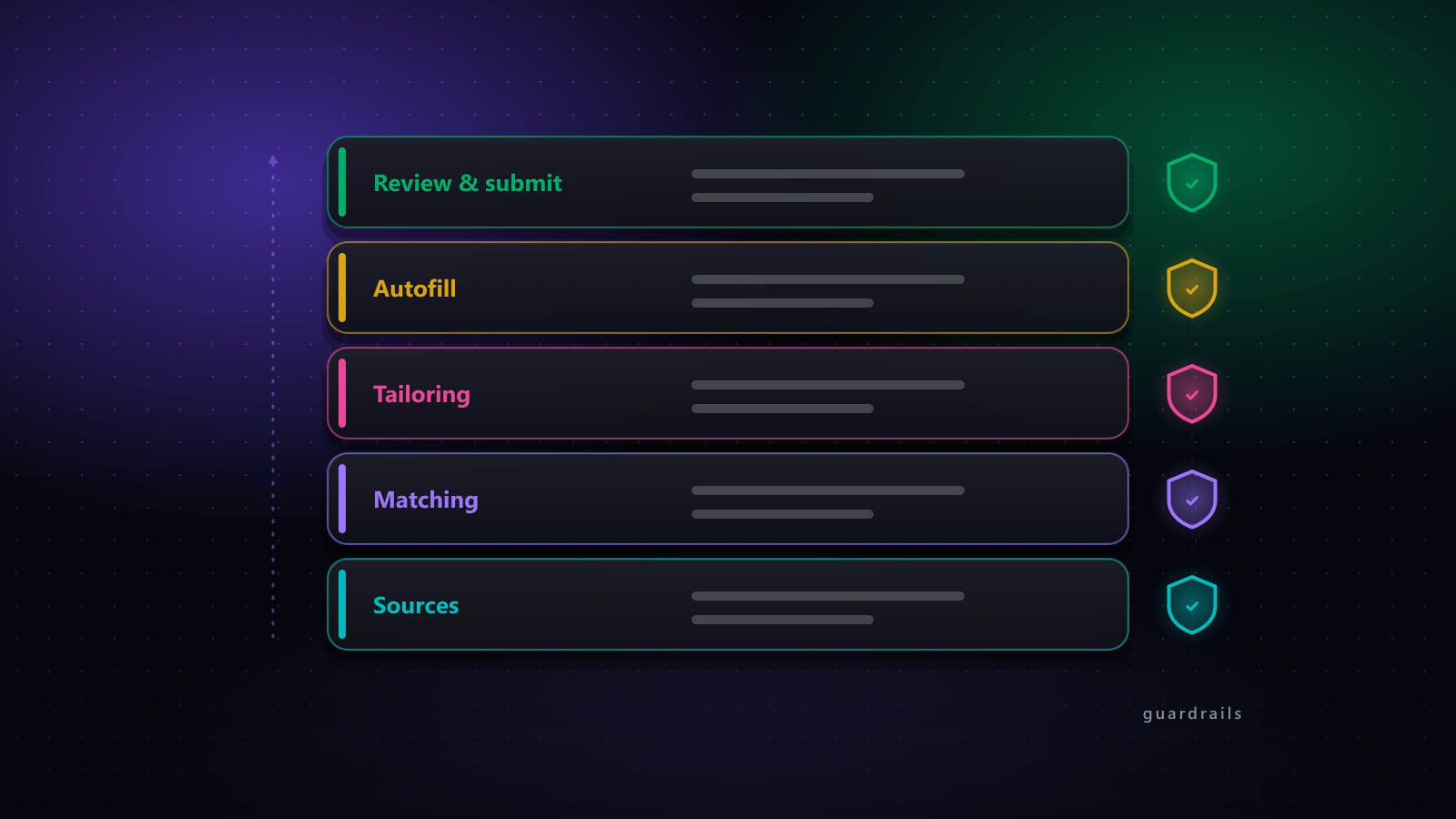
"Auto-apply" makes a lot of job seekers nervous, and reasonably so — the idea of a script submitting applications you've never seen, under your name, to companies you may never have heard of, is a real risk if it's built without guardrails. The reasonable version of the feature isn't "off or fully automatic." It's a set of rules you define for exactly how far automation is allowed to go, applied consistently to every job that comes through.
Key takeaways
- Auto-apply is a per-run setting, not a forced default — the same account can run fully manual, fully supervised, or partly automatic depending on your choice.
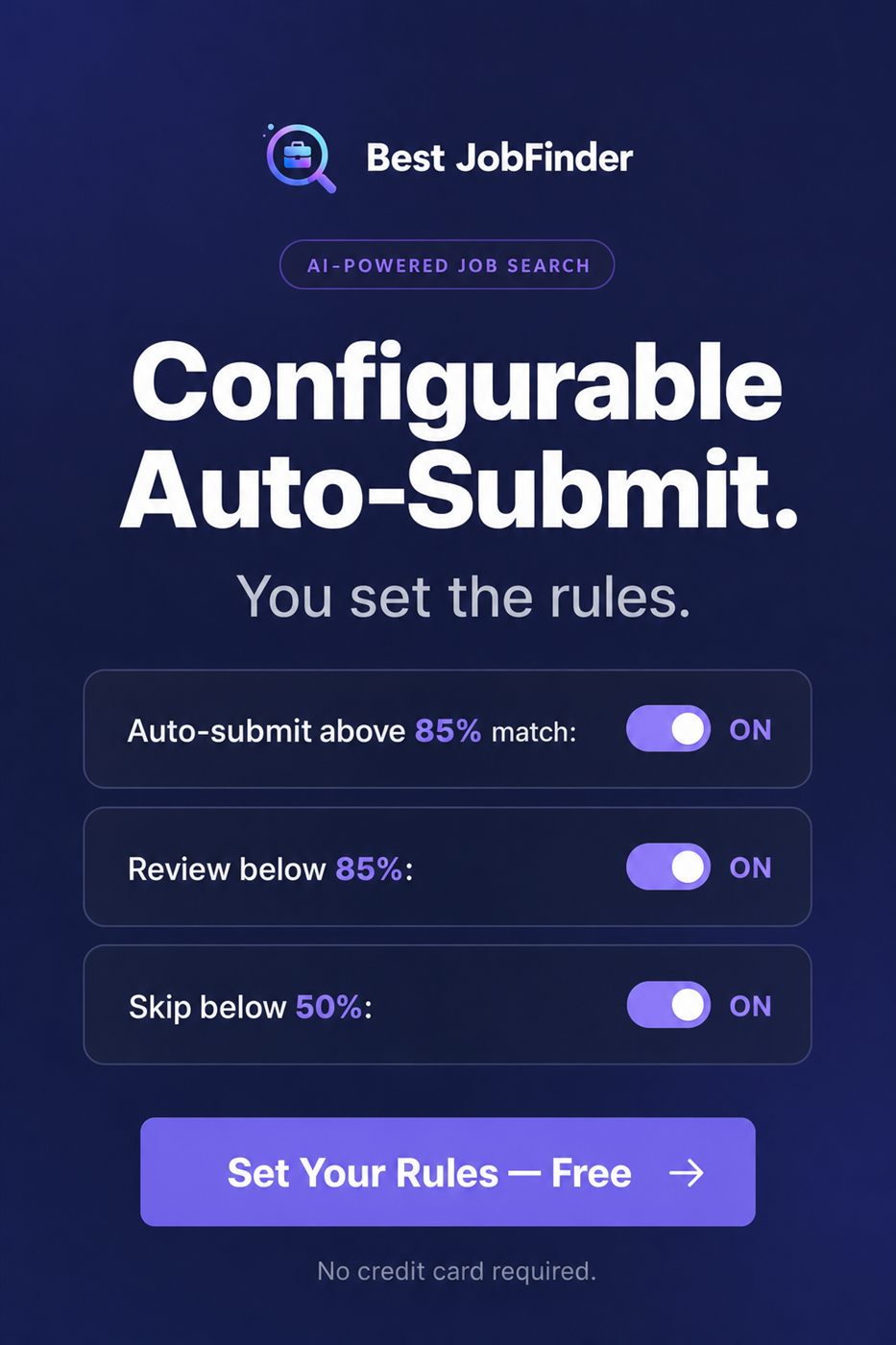
- Rules are threshold-based against your job match score: auto-submit above one line, route to manual review in the middle, skip below another.
- A run with auto-submit turned on stays pausable and editable in real time — nothing submits without having been reviewable at some point in the process.
- Editing a field the automation filled saves your correction as the preferred answer for that question going forward, not just for that one job.
- The safest way to adopt this is to start conservative — narrow the auto-submit band, widen it once you've watched the results hold up.
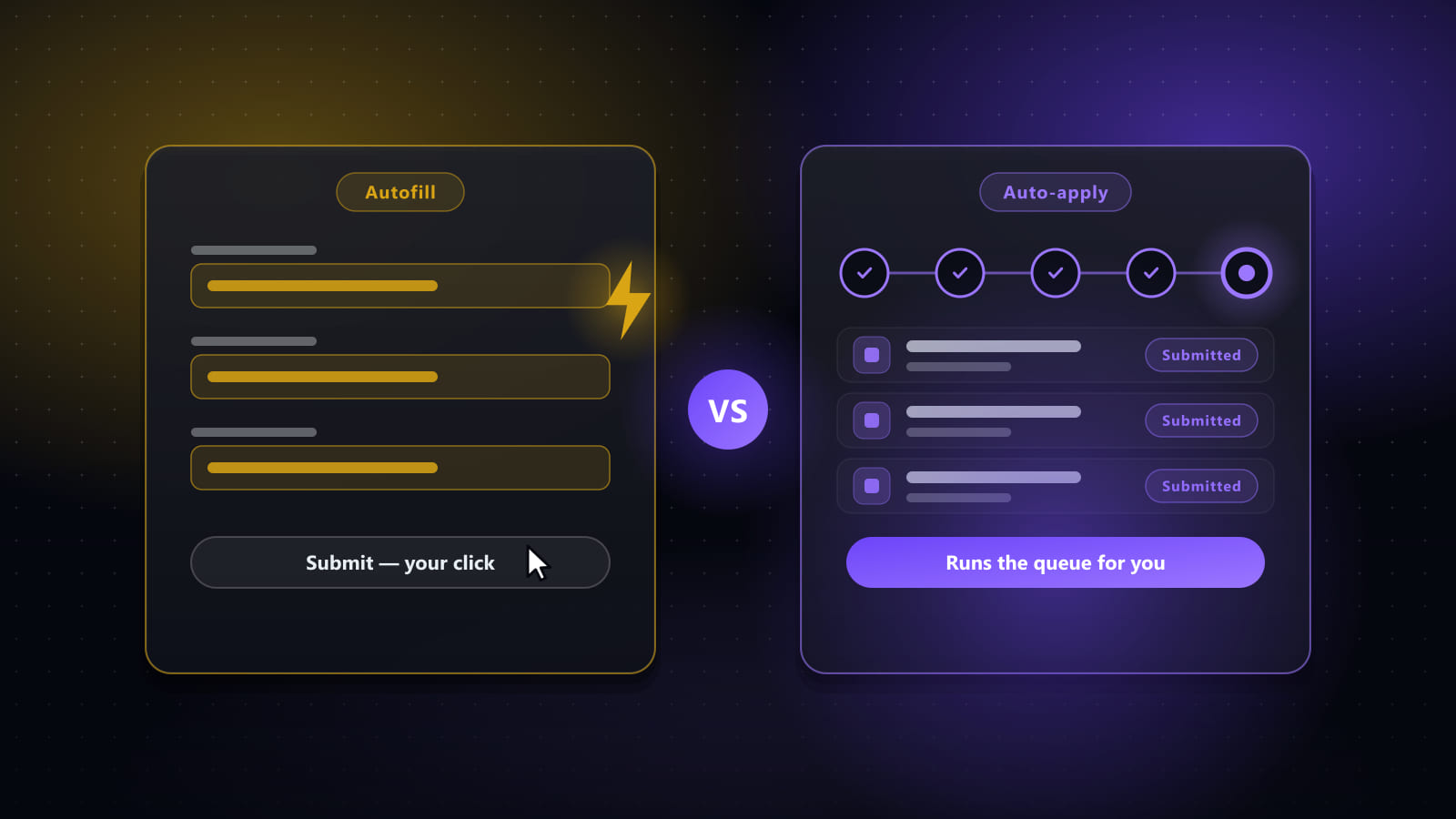
Two ways to run auto-apply, and why they're not opposites
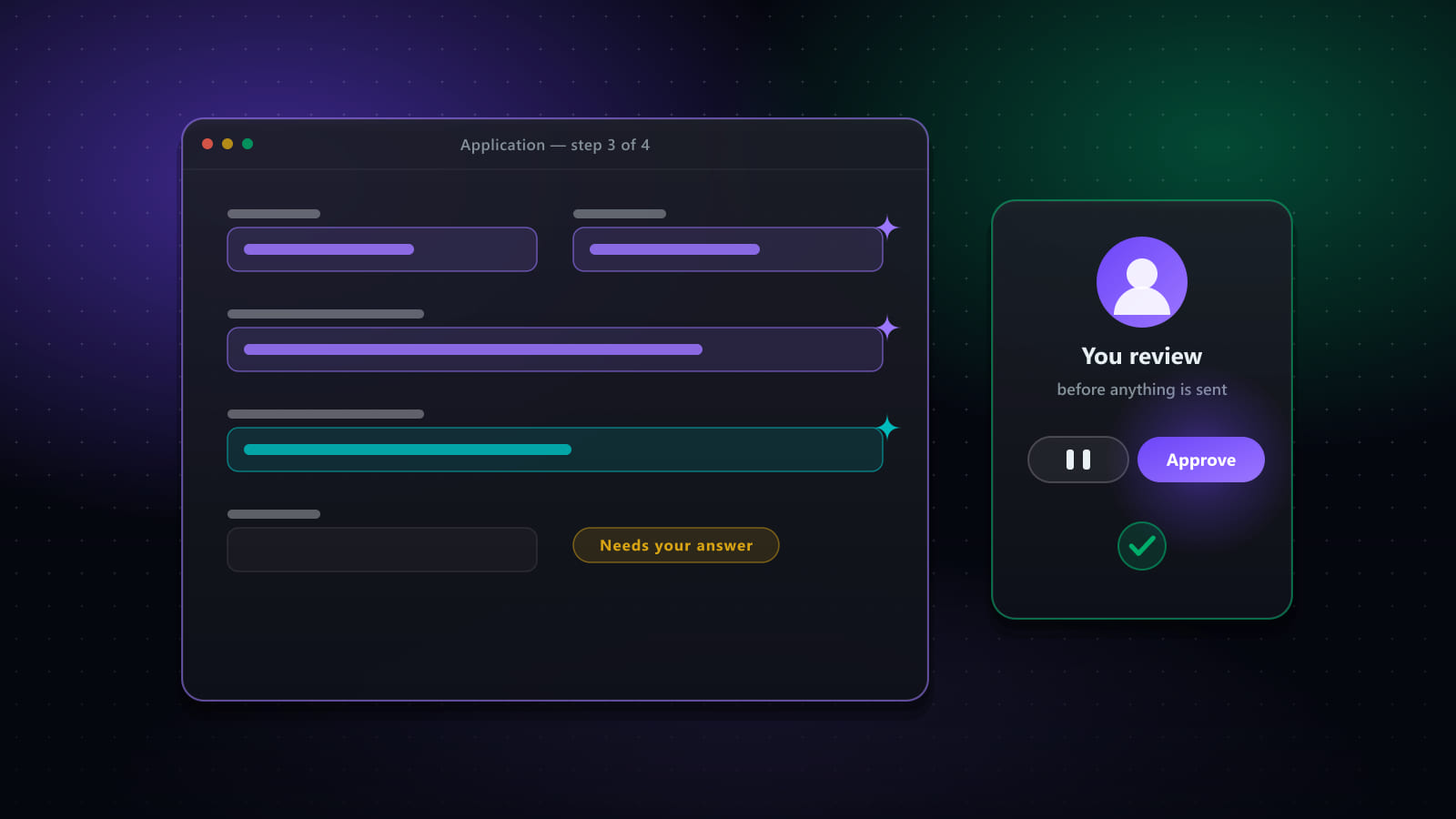
In copilot mode, every field on every application gets filled with the best available answer, and you review and submit yourself. In supervised auto-apply, a batch can run unattended through actual submission — but you can pause at any point, edit any field it populated, skip a specific job, or stop the run outright. The difference isn't "AI decides" versus "you decide." It's whether your review happens before each individual submission, or live while a batch runs — either way, nothing is ever unreviewable.
What the three thresholds actually do
- Auto-submit above a high match threshold. Reserved for the jobs your scoring is most confident about — the ones where the skills, the level, and the role genuinely line up.
- Route the middle band to manual review. A decent-but-not-certain match gets filled out and queued for you to look at before it's sent, rather than auto-submitted or silently dropped.
- Skip below a low threshold. Weak matches don't consume review time or accidentally get auto-submitted — they simply don't proceed.
Why the middle band matters more than the extremes
It's tempting to focus on the top threshold since that's where automation "does the most," but the review band is what keeps the system honest. A job scored at 78% might be missing one skill you'd happily explain in a cover letter, or it might be missing three skills that make it a poor fit despite a decent title match — that distinction is exactly what a human glance resolves in seconds, and exactly what a blanket auto-submit rule can't.
Correcting the automation teaches it, permanently
If you pause a run and fix an answer the automation got wrong — a location it misjudged, a years-of-experience field it estimated incorrectly — that correction is saved as your preferred answer for that specific question. The next application that asks something close to the same thing uses your correction, not the original guess. Automation gets more accurate the more you use it, not the other way around.
Getting the thresholds right for your own search
Start narrower than feels necessary: a high auto-submit bar, a wide review band, and a low skip cutoff. Watch a batch of results — did the auto-submitted jobs actually look right in hindsight? Widen the auto-submit band once you trust it, and keep the review band wherever it's still catching genuine judgment calls. This only works well if the underlying match score itself is trustworthy — the rules are only as good as the number they're built on.
Frequently asked questions
What does 'supervised auto-apply' mean if applications submit automatically?
Supervision doesn't require you to click submit on every application — it means the run stays watchable and interruptible the whole time. You can pause it mid-run, edit any field it filled in before it's sent, skip a specific job, or stop the run entirely. There's no mode where an application leaves without having been reviewable at some point, whether that review happens per-job or live during the run.
What's a sensible match threshold to start with?
There's no universal number — it depends on how complete your skills profile is and how much you trust the scoring for your particular field. A common starting pattern is auto-submit only for very high matches, route a middle band to manual review, and skip low matches entirely, then adjust the boundaries after watching a batch of results.
Can I change the rules partway through a run?
Yes. Pausing a run lets you edit thresholds, correct a field the automation filled incorrectly, or skip whatever's currently queued, then resume. Any manual correction you make to a filled answer is saved as your preferred answer for that question going forward, not just applied to the one job in front of you.
Is there a real difference between auto-fill and auto-submit?
Yes — auto-fill populates a form and stops for your review; auto-submit is the separate, explicit step of also clicking send, and it's off unless you turn it on. See our fuller breakdown in auto-apply vs autofill for how the two relate.
Ready to automate your job search?
Best JobFinder combines job discovery, AI skill matching, resume tailoring, and configurable auto-submit in one platform — with a 7-day free trial.
Try Best JobFinder free →