Best JobFinder vs Simplify: Feature Comparison (2026)
Of the common comparisons, this is the one where the products are genuinely closest — both fill in application forms across many applicant tracking systems, both track applications, both score fit, both tailor documents on a paid tier.
The difference is one row in the table below: who presses Submit. Everything else follows from that.
Disclosure: Best JobFinder is our product. Simplify has a free tier that does its core job well, and we say so below rather than around it.
Key takeaways
- Both autofill forms. Only Best JobFinder submits — Simplify hands back for you to review and click Submit.
- Simplify's free tier covers its core autofill use case, which is a genuinely strong offer.
- Autofill has a structural ceiling: throughput is capped by your attention, because you are present for every application.
- Submitting automatically removes that ceiling and moves the quality gate into your relevance filter, which then has to be set strictly.
- Simplify does not source roles for you; if finding relevant jobs is the bottleneck, neither its free nor paid tier addresses it.
Capability comparison
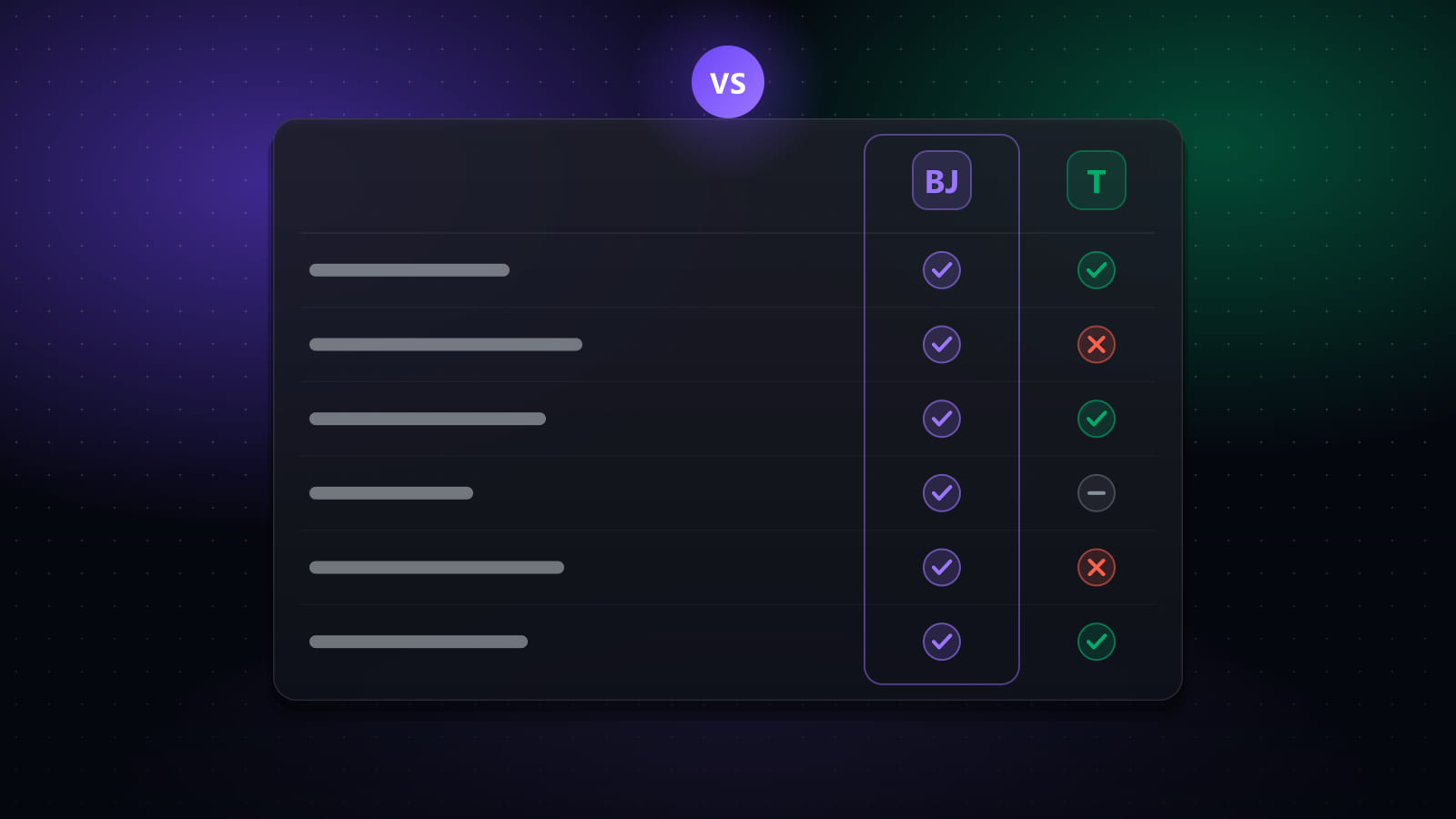
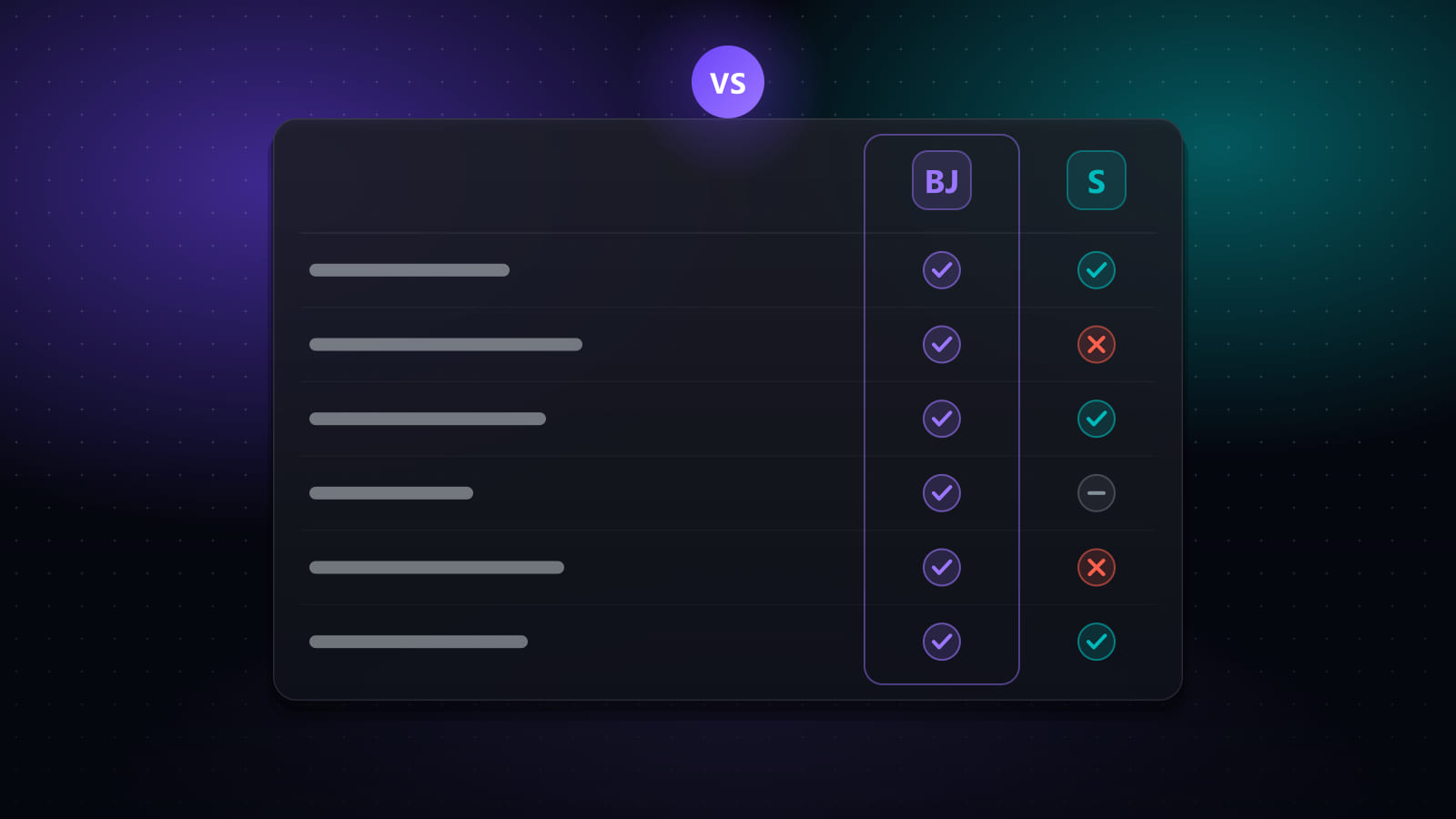
| Capability | Best JobFinder | Simplify |
|---|---|---|
| Finds jobs for you | Yes | Partial |
| Scores job fit | Yes | Yes |
| Tailors your CV per job | Yes | Yes |
| Generates cover letters | Yes | Yes |
| ATS / keyword report | Yes | Partial |
| Fills application forms | Yes | Yes |
| Submits applications | Yes | No |
| Tracks applications | Yes | Yes |
| Browser extension | Yes | Yes |
| Desktop app | Yes | No |
Pricing
| Tool | What it is | Free tier | Paid pricing |
|---|---|---|---|
| Best JobFinder | End-to-end pipeline: job discovery, match scoring, CV and cover-letter tailoring, form filling, optional auto-submit, and application tracking. | 7-day free trial (20 job searches/day, 50 new jobs/day, 10 auto-apply runs/day) | Standard $14.90/mo ($9.90/mo billed annually) · Premium $29.90/mo ($19.90/mo billed annually) |
| Simplify | Browser extension that autofills application forms from a saved profile, plus a tracker and job matching. | Yes — autofill, tracker and job matching are available free | Simplify+ reported at $19.99/week, $39.99/month, or $89.99/quarter |
On these figures: pricing and plan limits were last checked against each vendor’s own published pages on September 16, 2026. Plans change often and several vendors run regional or promotional pricing, so confirm current terms on the vendor’s site before buying. Figures marked “reported” could not be confirmed on a public vendor page at the time of writing.
The submit line, and why it matters
“Fills forms” and “applies for you” sound adjacent and behave very differently once you are running a real search.
With autofill, every application involves you: open the posting, trigger the fill, check it, submit. The per-application cost drops from perhaps fifteen minutes to two or three — a large saving — but it never reaches zero, so forty applications is still an evening. The upside is that nothing is ever sent that you have not seen, which is a real quality guarantee and not a small one.
With automated submission, your involvement moves to configuration: define the search, set the match threshold, set limits, review what went out. Throughput stops depending on your attention. The trade is that the relevance filter is now performing the judgement you used to apply per application, which means a loose filter produces bad applications faster than you can notice — the five guardrails exist for exactly this.
Neither is safer in the abstract. The quality gate has to exist somewhere: either in your per-application review, or in a threshold strict enough to be trusted.
Where Simplify is the better choice
- You want free. Simplify’s free tier covers autofill, tracking and matching. Ours is a 7-day trial. If you are not ready to pay for a job search tool, that settles it.
- You want to see every application. Some people will not delegate the submit decision, and that is a reasonable position — particularly for senior roles where each application is individually considered. Simplify is built around that preference.
- You already have good lead flow. If you are on a referral network, working with recruiters, or have a board you like, sourcing is not your problem and you would be paying for it unused.
- You want minimal setup. An extension with a saved profile is a smaller commitment than configuring searches, thresholds and limits.
Where Best JobFinder does more
- Sourcing. Simplify does not search boards and build you a queue. If your problem is that you cannot find enough relevant roles, autofill speeds up applying to a pipeline that is already too thin.
- Submission, with a review window. Runs can be configured to submit, and can be paused, edited mid-flight or stopped. Auto-submit is not on by default.
- Desktop application. Automation that drives a real browser window needs somewhere to run; Simplify is extension-only.
- Match scoring across an unread queue. Scoring has most value applied to roles you have not read yet — that is what turns a long list into a short one.
Choosing
| If this is your situation | Choose |
|---|---|
| Plenty of leads, forms take too long, want to stay in the loop | Simplify (free tier) |
| Not ready to pay anything | Simplify |
| Cannot find enough relevant roles | Best JobFinder — sourcing is the gap |
| Want applications to go out while you do other things | Best JobFinder, with a strict match threshold |
| Unsure what roles you are targeting | Neither yet — automation scales unclear targeting too |
For the category distinction in general, see auto-apply vs autofill, and for the wider field eight AI job search tools compared.
Frequently asked questions
What is the difference between Best JobFinder and Simplify?
Both fill in application forms; the difference is what happens either side of the form. Simplify is a browser extension that autofills a form you have opened, then hands back to you to review and submit — you find the job and you press Submit. Best JobFinder searches boards for matching roles, scores them, generates tailored documents, fills the form and can submit it. The practical distinction is that Simplify scales to the number of applications you can personally sit through, while a pipeline tool does not have that ceiling.
Does Simplify auto-apply to jobs?
No, despite agent-style language in its marketing. Simplify autofills application forms; you still review and click Submit on every application yourself. This is a deliberate design choice and for many people the right one, since it keeps a human check on every submission. But if you are comparing tools specifically because you want applications to go out without you present, Simplify does not do that and Best JobFinder, LoopCV and LazyApply do.
Is Simplify free?
Simplify has a genuine free tier that covers its core use case: autofill, tracking and job matching are available without paying. Simplify+ is reported at $19.99/week, $39.99/month or $89.99/quarter, and adds AI-tailored resumes, cover letters and stronger assistance with long-form essay answers. Because the free tier already covers autofill, the paid tier is essentially a document-tailoring upgrade.
What are the alternatives to Simplify?
For free autofill plus tracking, Huntr is the closest equivalent, with unlimited autofills and tracking for up to 100 jobs on its free plan. For autofill with a deeper document builder, Teal covers documents and tracking but does not autofill at all. If you want the tool to also source roles and submit, that is a different category: Best JobFinder, LoopCV and Jobright. Which alternative fits depends on whether you want to keep pressing Submit yourself.
Which is better for high-volume applying?
For genuinely high volume, an autofill-only tool has a structural ceiling: every application needs you present, so throughput is capped by your attention rather than by the software. A pipeline that can submit removes that ceiling but shifts the burden onto configuration — the relevance filter is now doing the job your judgement used to do. Neither approach makes volume safe on its own; the quality gate has to live somewhere, either in your per-application review or in a strict match threshold.
Sources
Ready to automate your job search?
Best JobFinder combines job discovery, AI skill matching, resume tailoring, and configurable auto-submit in one platform — with a 7-day free trial.
Try Best JobFinder free →