How to Automate Your Job Applications in 2026
Yes, there are apps that apply to jobs for you. And no, you don't need to be technical to use them.
If you're spending hours every day copying your work history into identical forms on different websites, automation tools can cut that time by 80% or more. Here's how job application automation actually works, what your options are, and how to set it up.
What Does "Automating Job Applications" Actually Mean?
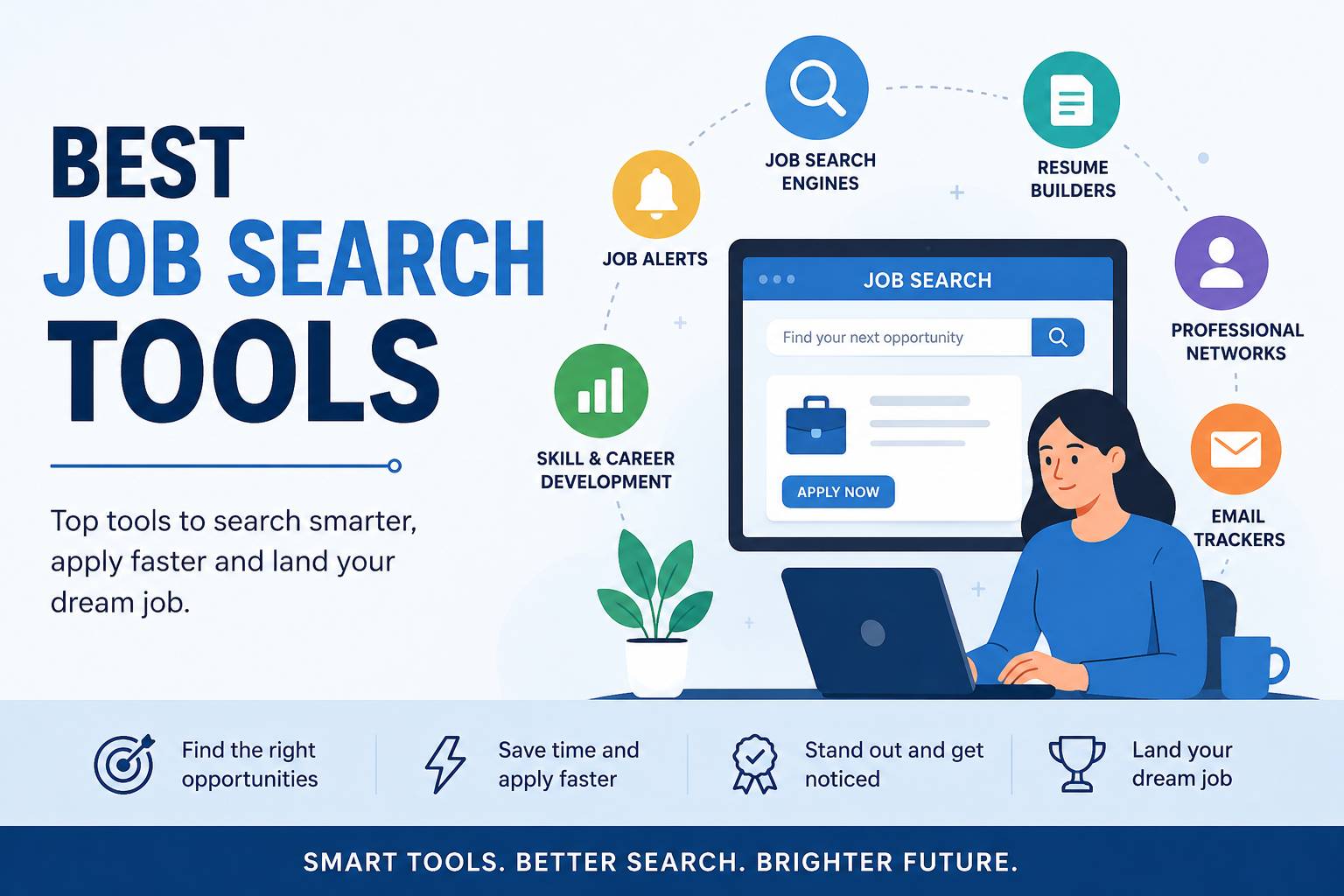
Job application automation covers a spectrum — from simple form-filling helpers to fully hands-off AI agents:
Level 1: Autofill
A browser extension remembers your details (name, address, work history, education) and fills in application forms with one click. You still find jobs manually and click submit yourself.
Example: Simplify, browser-based autofill.
Level 2: Autofill + Job Sourcing
The tool finds matching jobs for you across multiple job boards, then fills in the application forms. You still review and submit.
Example: JobRight — scans 8M+ listings and fills forms.
Level 3: Full Pipeline Automation
The tool finds jobs, scores them against your skills, tailors your resume per role, fills the form, and submits — all with minimal manual involvement. You configure it once and come back to a pipeline of completed applications.
Example: Best JobFinder — scrapes 18+ boards, scores fit, tailors resume, auto-fills, and can auto-submit.
Most job seekers start at Level 1 and upgrade once they see the time savings. But if you're applying at serious volume, starting at Level 3 saves you the most time from day one.
Can You Apply to Multiple Jobs at Once?
Yes — but not by literally clicking "Submit" on five tabs simultaneously. Here's what "applying to multiple jobs at once" actually looks like:
- Set up a job search profile with your skills, experience, and target roles
- Let the tool scrape multiple job boards and surface matching listings
- Review the matches (or skip this step and let it run automatically)
- The tool applies to each matching role — filling forms and submitting across different company career pages
With a tool like Best JobFinder, you can set up a search profile that covers 18+ job boards, review a batch of scored matches, and have tailored applications submitted to all of them. That's the closest thing to "applying to multiple jobs at once" — and it's much more effective than manually tabbing between Indeed and LinkedIn.
How to Speed Up Job Applications (Step by Step)
Step 1: Get Your Resume ATS-Ready
Before automating anything, make sure your resume works with Applicant Tracking Systems:
- Single-column layout, no graphics or tables
- Standard headings: "Work Experience," "Education," "Skills"
- Simple date format (MM/YYYY)
- Save as PDF
Step 2: Pick Your Automation Level
- Just fill forms faster: Simplify — Free, unlimited autofills
- Find jobs + fill forms: JobRight — Limited free tier
- Full pipeline: find, score, tailor, submit: Best JobFinder — Free tier available
- Passive background applying: LoopCV — Free for 10/month
Step 3: Build Your Profile Once
Spend 15–20 minutes filling out your master profile in your chosen tool:
- Contact information
- Full work history with dates and descriptions
- Education
- Skills
- Common screening question answers (work authorization, salary expectations, years of experience)
This is a one-time setup. Every future application pulls from this profile.
Step 4: Set Filters and Let It Run
Configure your target roles, locations, experience level, and preferred job boards. If your tool sources jobs automatically, set up a search profile and let it find matches.
Step 5: Review the First Batch
Check the first 10–15 applications to make sure:
- Forms are filled correctly
- Screening questions are answered right
- Resume tailoring looks accurate
- The right jobs are being matched
Is There an App That Applies to Jobs for You?
Yes — Best JobFinder does exactly that. It scrapes 18+ job boards, scores each job against your skills and experience, tailors your resume to each job description, fills out the application form on the company's career page, and can submit automatically.
The setup takes about 20 minutes. After that, you can run the full pipeline with minimal daily involvement — check the matches, approve or skip, and let it apply.
The Realistic Expectations
Automation doesn't guarantee more offers — it gives you more at-bats at the same conversion rate. If your resume and profile are strong, automation multiplies your results. If they're weak, it multiplies rejections.
The sweet spot: use automation to handle the volume, and spend the time you save on targeted networking, follow-ups, and interview prep — the high-value activities that automation can't replace.
Related: How to auto-apply to jobs → · Best AI job search tools → · Fix job application burnout →
Ready to automate your job search?
Best JobFinder combines job discovery, AI skill matching, resume tailoring, and configurable auto-submit in one platform — with a free tier available.
Try Best JobFinder free →