No More Spreadsheets: Tracking Applications, Interviews, and Offers on One Board
A job-search spreadsheet is accurate for about a week. Then a status doesn't get updated after a call, a row gets duplicated after a follow-up email, and by application forty you genuinely don't know whether you already applied to a company or just meant to. The spreadsheet didn't fail because spreadsheets are bad — it failed because nothing forces the update to happen.
Key takeaways
- A spreadsheet's flexibility is exactly what lets it drift out of date — nothing enforces a single, current status per job.
- A Kanban-style tracker with a small number of real stages — applied, interviewing, offer, closed — is easier to keep accurate than a free-form sheet.
- Automatic status changes (a rejection email closing out a job, an auto-add from a job you visited) reduce how much manual bookkeeping is left.
- Duplicate detection matters as much as the board layout — the same job applied to twice, or found on two boards, should be one row, not two.
- Start with fewer stages than feels necessary; split a stage only once you notice yourself actually needing the distinction.
What a pipeline board actually needs
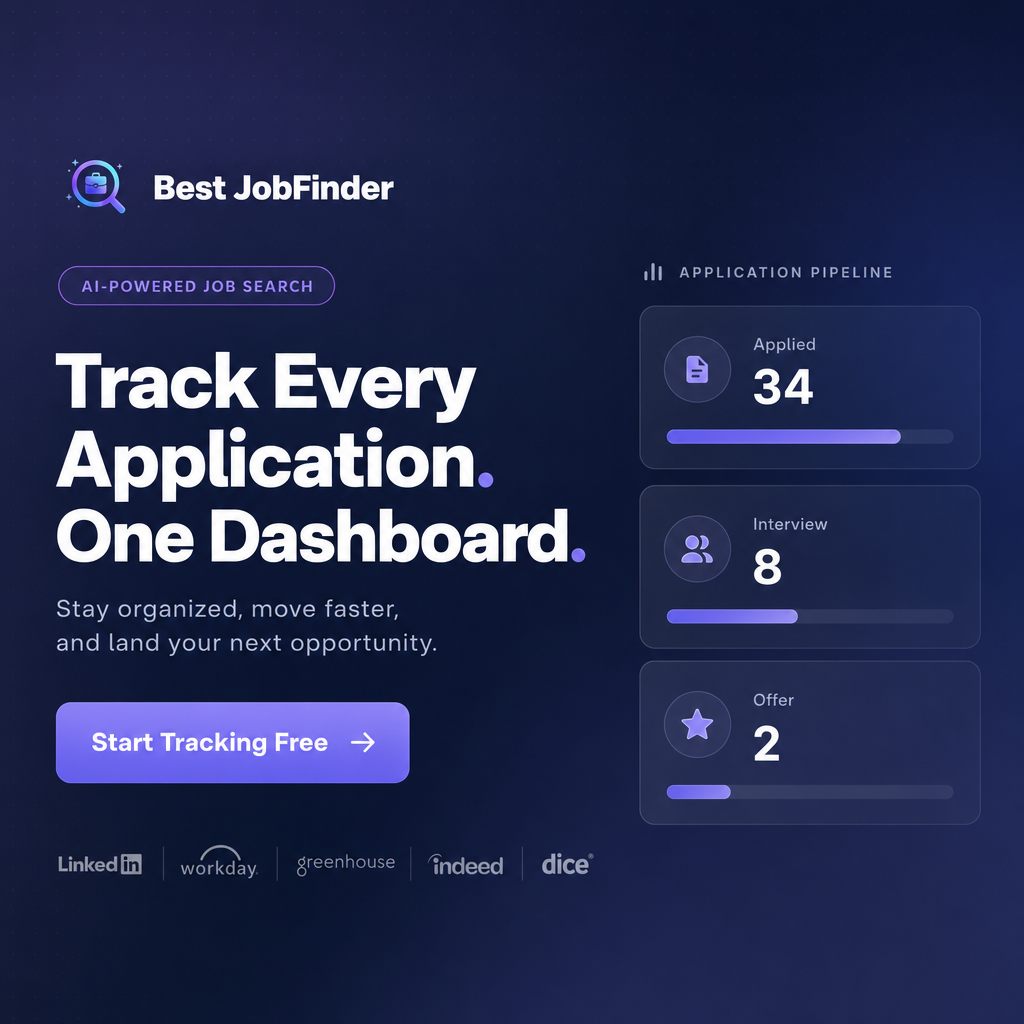
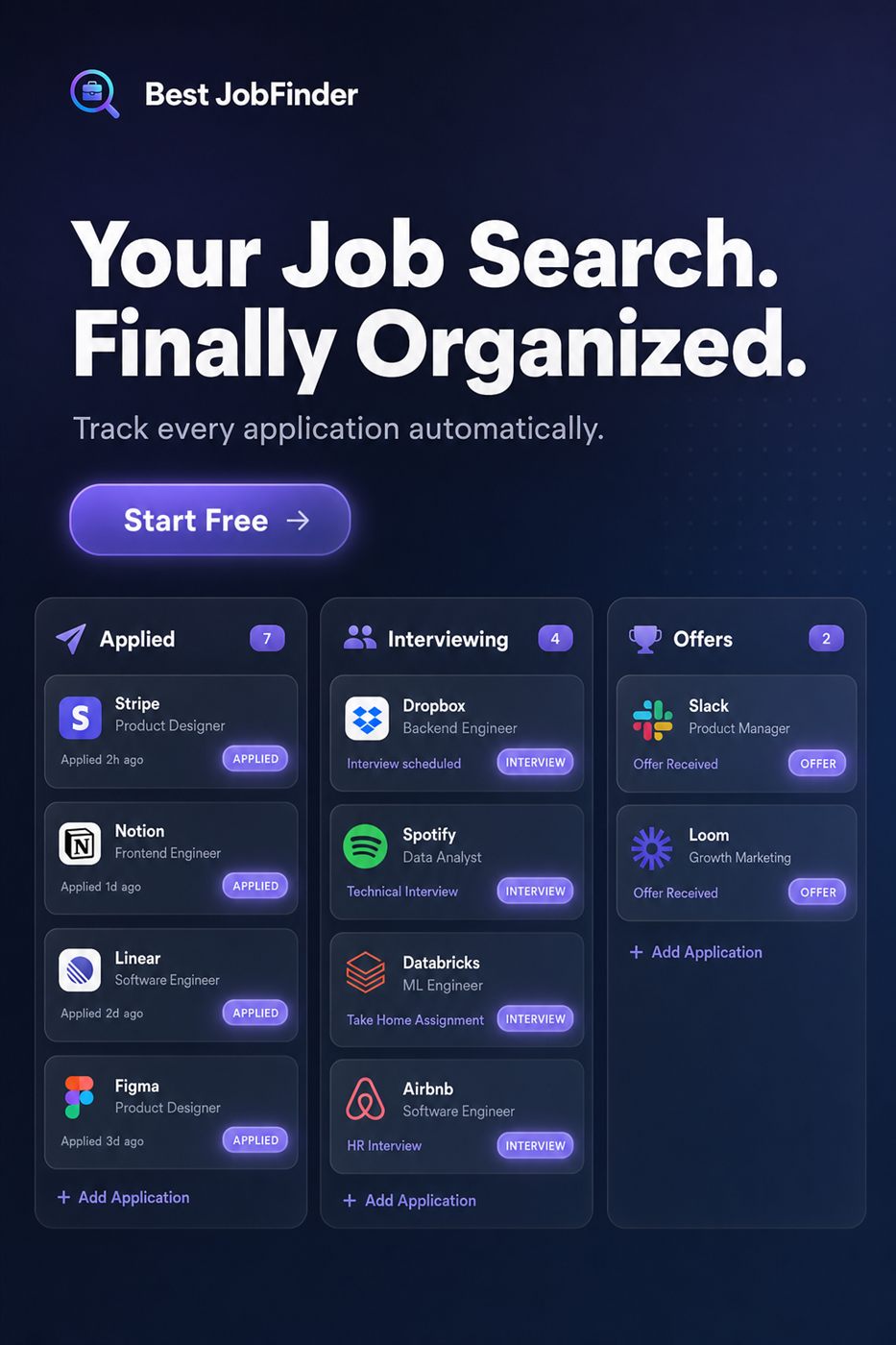
Every job sits in exactly one stage at a time — applied, interviewing, offer, or closed — and moving between stages is the update, not a separate note you have to remember to write. A count of jobs at each stage gives you an honest picture of your search at a glance: thirty-four applied, eight interviewing, two offers, is immediately more informative than a sheet with a "status" column full of half-updated text.
Duplicate detection is the unglamorous part that matters most
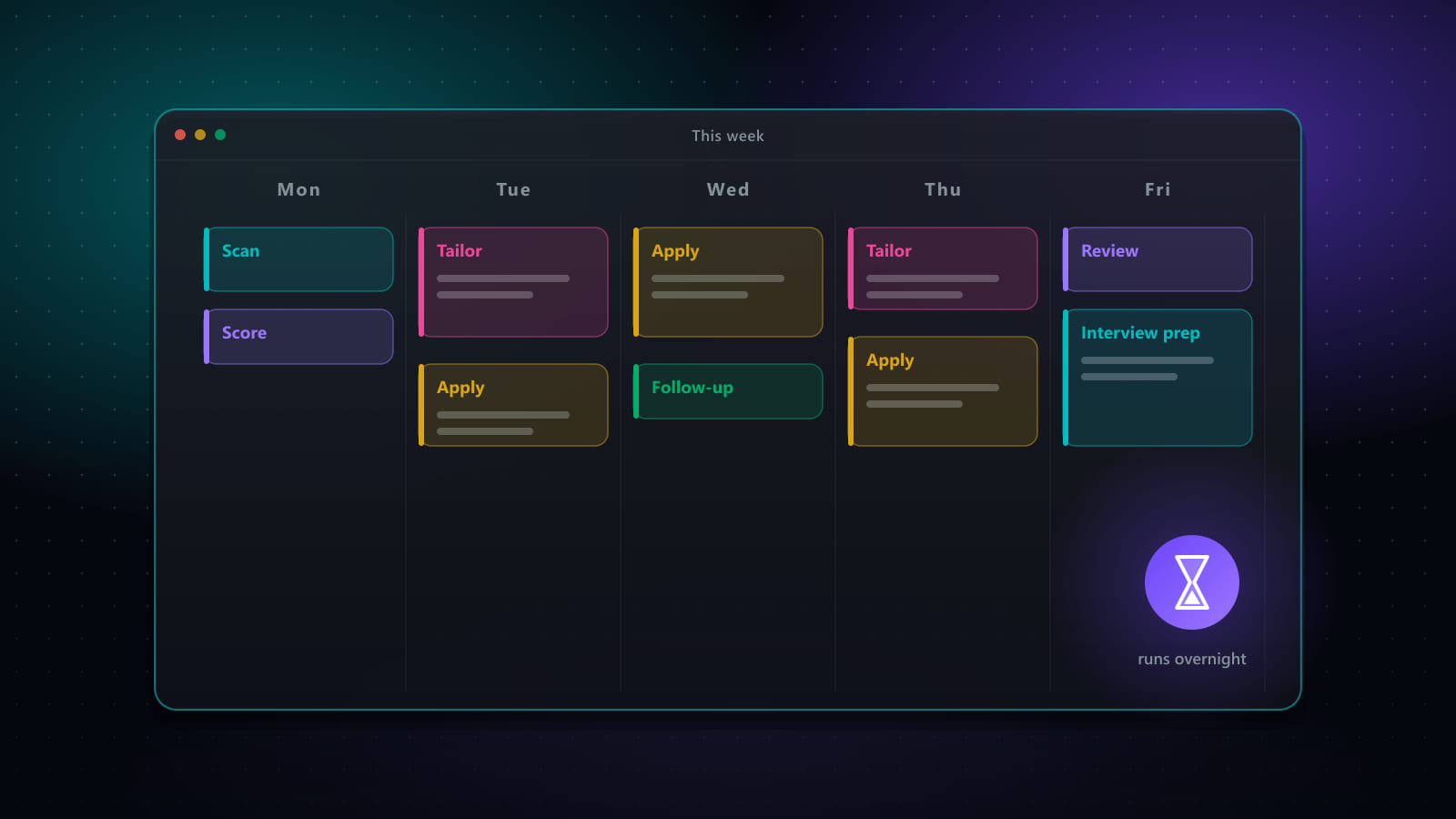
The same job frequently shows up more than once — applied to directly on a company's career page and again through a job board's syndicated listing, or scraped by an overnight search after you already added it manually. A tracker that can't recognize "this is the same job" produces a board that looks busier than your search actually is, which is arguably worse than a stale spreadsheet, because it looks trustworthy while being wrong.
Letting status changes happen automatically where it's safe to
Some transitions don't need you to remember them at all. A rejection email tied to a tracked job can close it out on its own. Revisiting a job's page after you've already applied can update its status without a manual edit. Automatic changes should only ever move a job to a status a real signal actually supports — never invent a status change with no underlying event behind it.
Where the tracker fits with the rest of the search
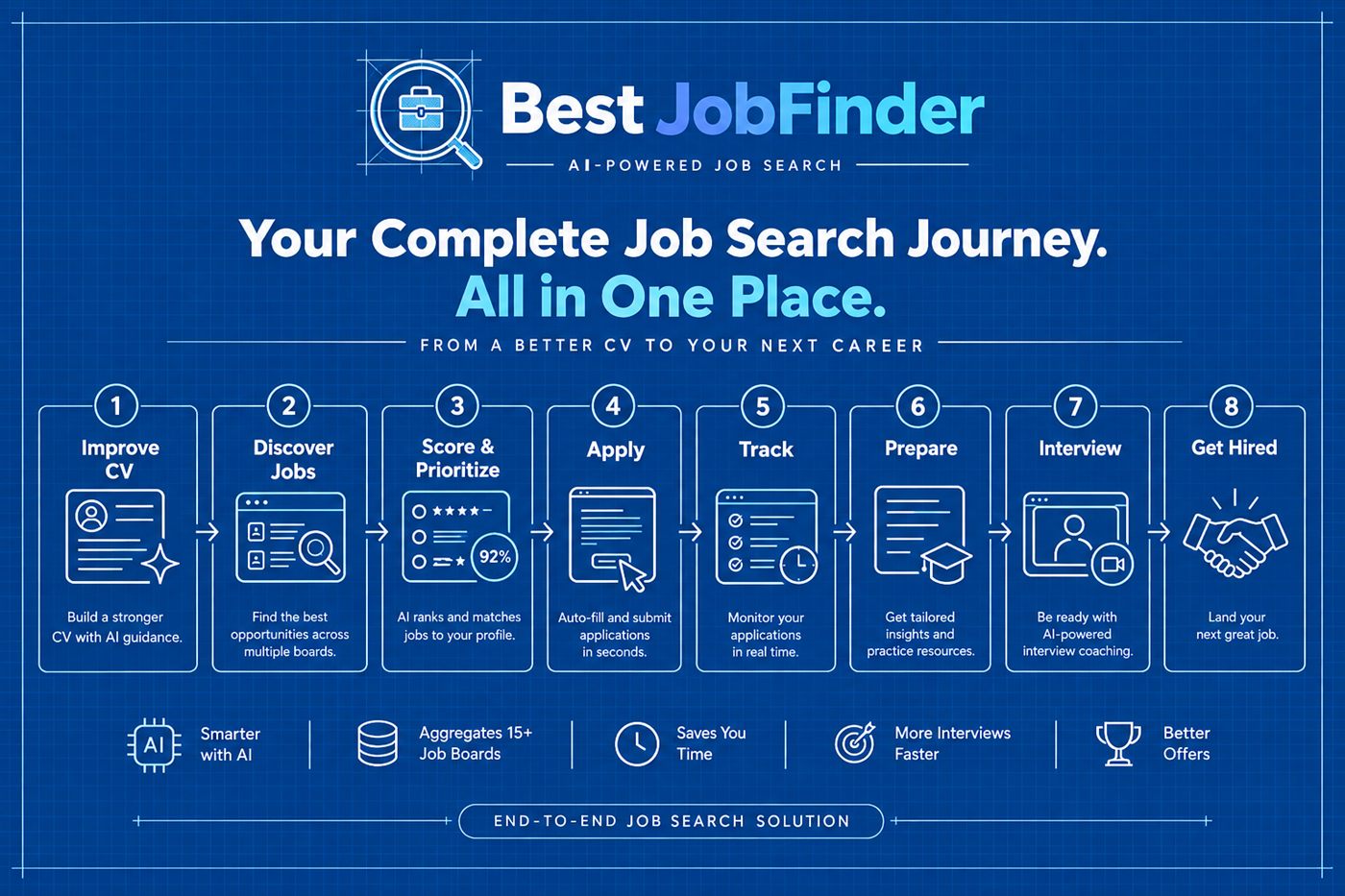
A tracker is most useful when jobs land on it automatically as they're discovered and applied to, rather than requiring manual entry after the fact — which only works if discovery and applying are already running through the same system. See the all-in-one platform overview for how the earlier stages feed the board directly.
Frequently asked questions
Why do job-search spreadsheets fall out of date so quickly?
Because updating one requires a separate, manual step every single time something changes — a new application, a status update, an interview scheduled — and that step is easy to skip when you're busy or the update happened on your phone rather than at your desk. A tracker only stays current if updating it costs less effort than not updating it.
What are the stages that actually deserve their own column?
At minimum: applied, interviewing, offer, and closed (rejected or withdrawn). Some searches benefit from splitting 'interviewing' into phone screen, technical, and final round, but adding too many columns just recreates spreadsheet clutter in a different shape. Start simple and split a stage only once you notice yourself needing the distinction.
Does a tracker need to update itself to be useful?
It helps enormously. If a job you applied to through the same platform gets its status changed automatically — moved to closed when the app is auto-rejected, or flagged when an interview-related email arrives — that's one less manual update you have to remember to make, and one less way the board drifts out of sync with reality.
Is a Kanban board actually better than a spreadsheet, or just prettier?
The real advantage is that a board's structure enforces exactly one state per job at a time, visible at a glance, where a spreadsheet's structure enforces nothing — a status column can say anything, including something you typed once and forgot to update. The visual format matters less than what it forces you to keep accurate.
Ready to automate your job search?
Best JobFinder combines job discovery, AI skill matching, resume tailoring, and configurable auto-submit in one platform — with a 7-day free trial.
Try Best JobFinder free →