Meet the AI Assistant: Run Your Job Search by Chat
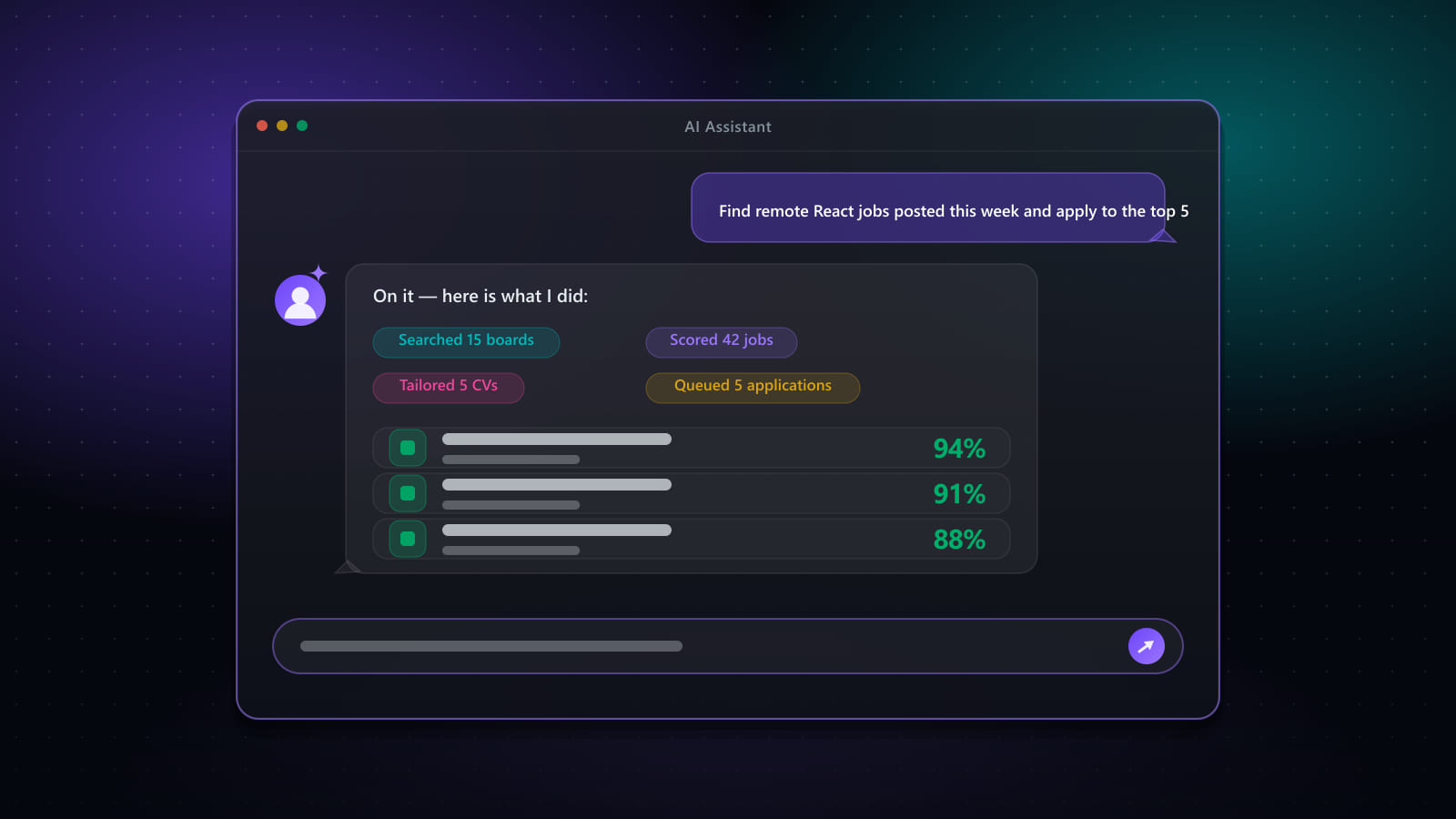
Most "AI assistants" bolted onto a product are a chat window that can describe what the app does. The Best JobFinder AI Assistant is different in one specific way: it reads your own account data — the jobs you've actually saved, the runs you've actually made, the emails that actually landed — and it can drive the app's own screens to do something about it. Ask it a question and you get a real table, a real stat card, or a real chart, not a paragraph describing one. Ask it to do something, and for anything with real consequences, it puts the app's own review step in front of you before anything happens.
Here's what it actually does, section by section.
It answers with the interface, not just text
Ask "chart the jobs I added per week over the last 3 months" and you get an actual interactive chart — bar, line, area, or pie, whichever tells that particular number honestly — computed from your own data on the server, never invented by the model. Ask "show my application stats" and you get stat cards you can click, each one opening the exact screen already filtered to the records it counted. Ask for a list of jobs and you get a real table with the job board's own icon in the first column, not a bullet list of titles.
This matters more than it sounds: a number in a chat bubble is something you have to trust. A chart built from a query against your own jobs, applications, and outreach is something you can click into and verify.
It can act — search, track, schedule, tag, queue
Beyond answering questions, it can create and manage search profiles, update a job's status, add or remove tags, add and edit calendar events and interviews, manage your notes and checklist, update sections of your CV, add and remove skills, and queue jobs into Auto Apply. All of it reads and writes through the same API the app's own screens use — so a limit the app enforces (a daily profile-run cap, a login check) is enforced exactly the same way when the assistant is the one asking.
Every action is sized to how much it can hurt if it's wrong. Reading your data needs no approval. A single write — updating one job's status, adding one event — runs immediately. Anything destructive (deleting jobs, removing a skill, clearing an answer) or anything that touches more than a handful of records at once waits for you to approve it in the chat first, with the exact details of what's about to happen laid out before you confirm.
It opens the real dialog — it doesn't guess at money or automation
Some things are deliberately never one-shotted from chat, because they involve real automation, real money, or a live browser session: starting a search run, starting an Auto Apply batch, logging in or out of a job board. Ask it to "start autoapply for those 10 jobs" and it doesn't quietly kick off a batch in the background — it queues the jobs and opens the app's own Auto Apply start dialog with them preselected, exactly where you'd land if you'd clicked the button yourself. You review the settings and press Start. The assistant gets you to the right screen, in the right state, faster — it doesn't replace the review step that exists for a reason.
It knows the product itself
Ask "what's the difference between the web app, the desktop app, and the browser extension?" and it answers from Best JobFinder's own published information — features, pricing, FAQ, privacy, refunds — instead of guessing. If you're on the web app and ask it to start a search, it can also tell you honestly that a web-started search runs through your Chrome extension rather than the desktop app's own engine, because that's genuinely how the two platforms differ.
Guardrails that exist for a reason
- Sensitive answers stay private. Any application answer you've marked sensitive is masked before it ever reaches the assistant's summary — it can tell you a question was answered, never what the answer was.
- It stays on topic. It's built to run your Best JobFinder account, not to be a general-purpose chatbot — an off-topic request gets redirected rather than answered, and doesn't even count against your daily message limit.
- Daily limits, shown as they're used. Each plan has its own daily message and session caps, shown right in the assistant screen so you can see how much room you have left before you run into it.
A few things to try
These are close to verbatim examples the assistant itself suggests — a good starting set if you're not sure where to begin:
- "List the top 10 jobs added today, sorted by skill match"
- "Which auto-applications failed this week, and why?"
- "Add a search profile for developers in the USA on LinkedIn"
- "What interviews do I have in the next two weeks?"
- "Chart the jobs I added per week over the last 3 months"
- "Show my limits"
What it doesn't do yet
A few things stay on their own screens on purpose, at least for now: generating a tailored CV or cover letter, sending an outreach message, and starting a run it has queued for you. These involve either spending a limited AI generation, sending something to a real person, or executing a real browser automation — all worth doing from the screen built for reviewing them, not a chat confirmation. Where the line moves next is a product decision, not a technical one.
Availability
The AI Assistant is included on the free trial and on Premium plans; it isn't part of Standard. Each plan carries its own daily message and conversation caps — the assistant screen shows both, right next to the composer, so you always know how much room is left before you need it.
Related: How Career Coach grades you: AI exams, interview statements, and a report that tells you what to fix → · Can ChatGPT or AI agents replace a job search platform? → · One all-in-one platform vs. stitching tools together →
Ready to automate your job search?
Best JobFinder combines job discovery, AI skill matching, resume tailoring, and configurable auto-submit in one platform — with a 7-day free trial.
Try Best JobFinder free →Related Articles
 Career Coaching
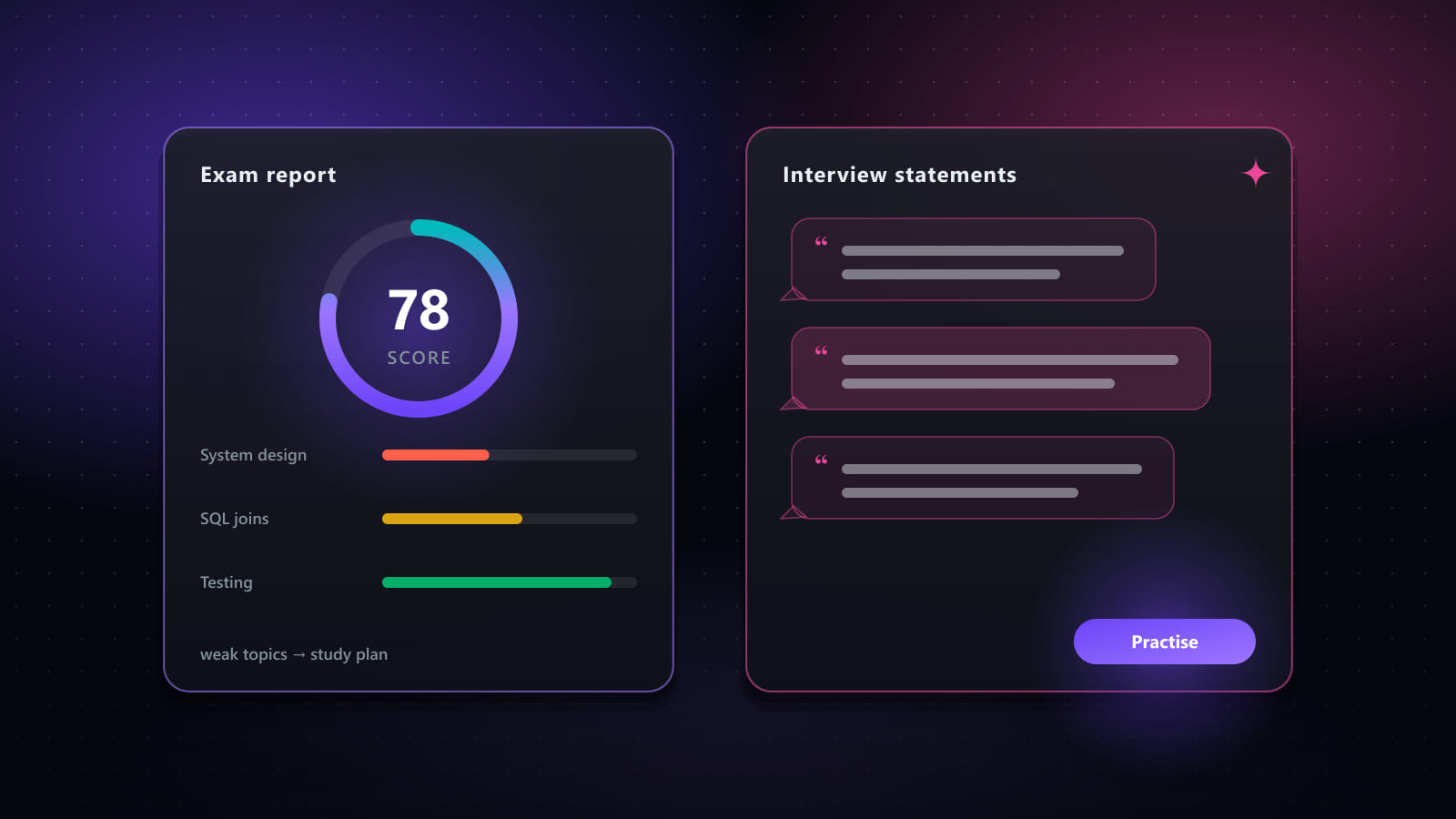
How Career Coach Grades You: AI Exams, Interview Statements, and a Report That Tells You What to Fix
10 min read
 Comparisons
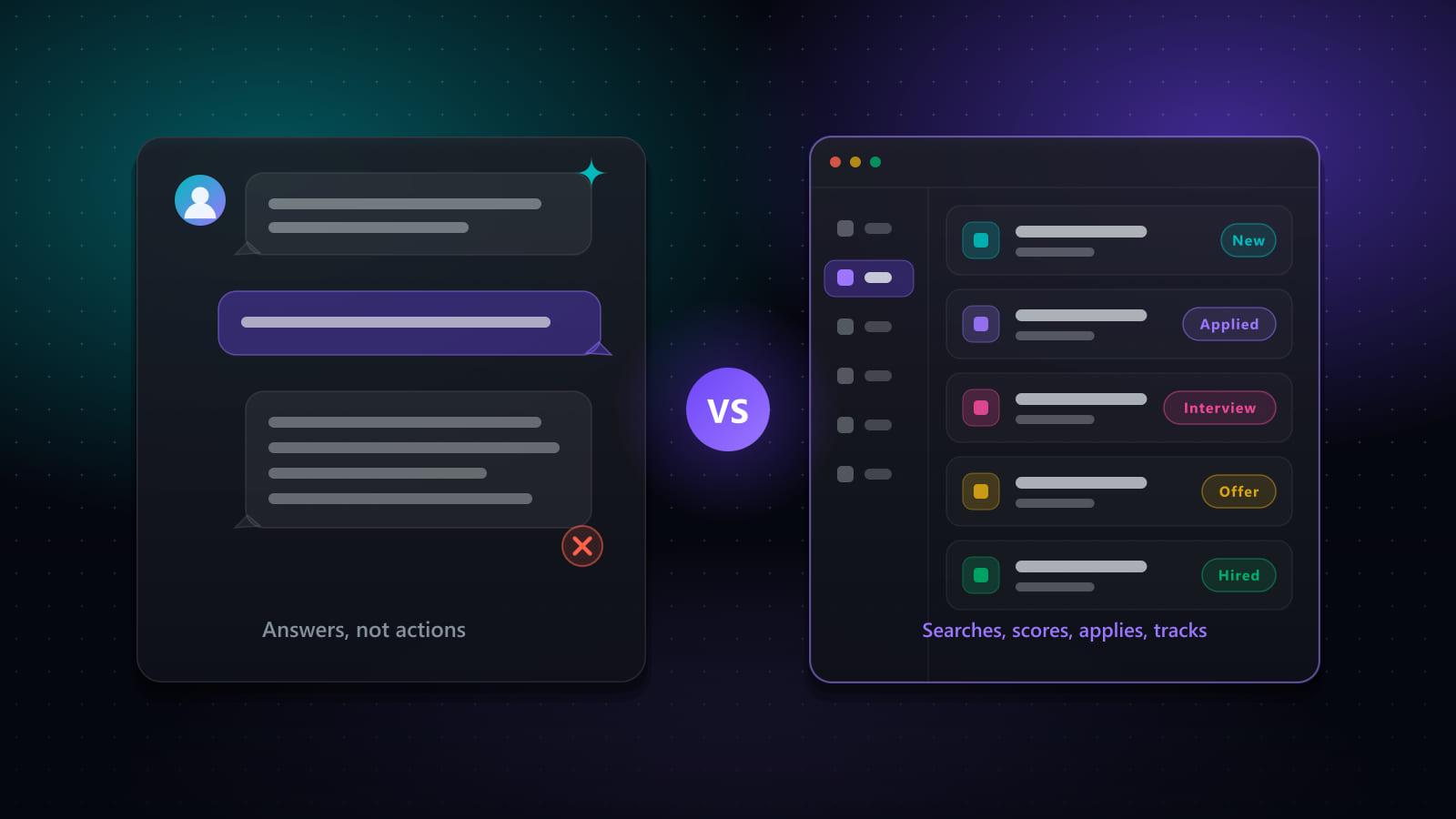
Can ChatGPT or AI Agents Replace a Job Search Platform?
9 min read
 Playbooks
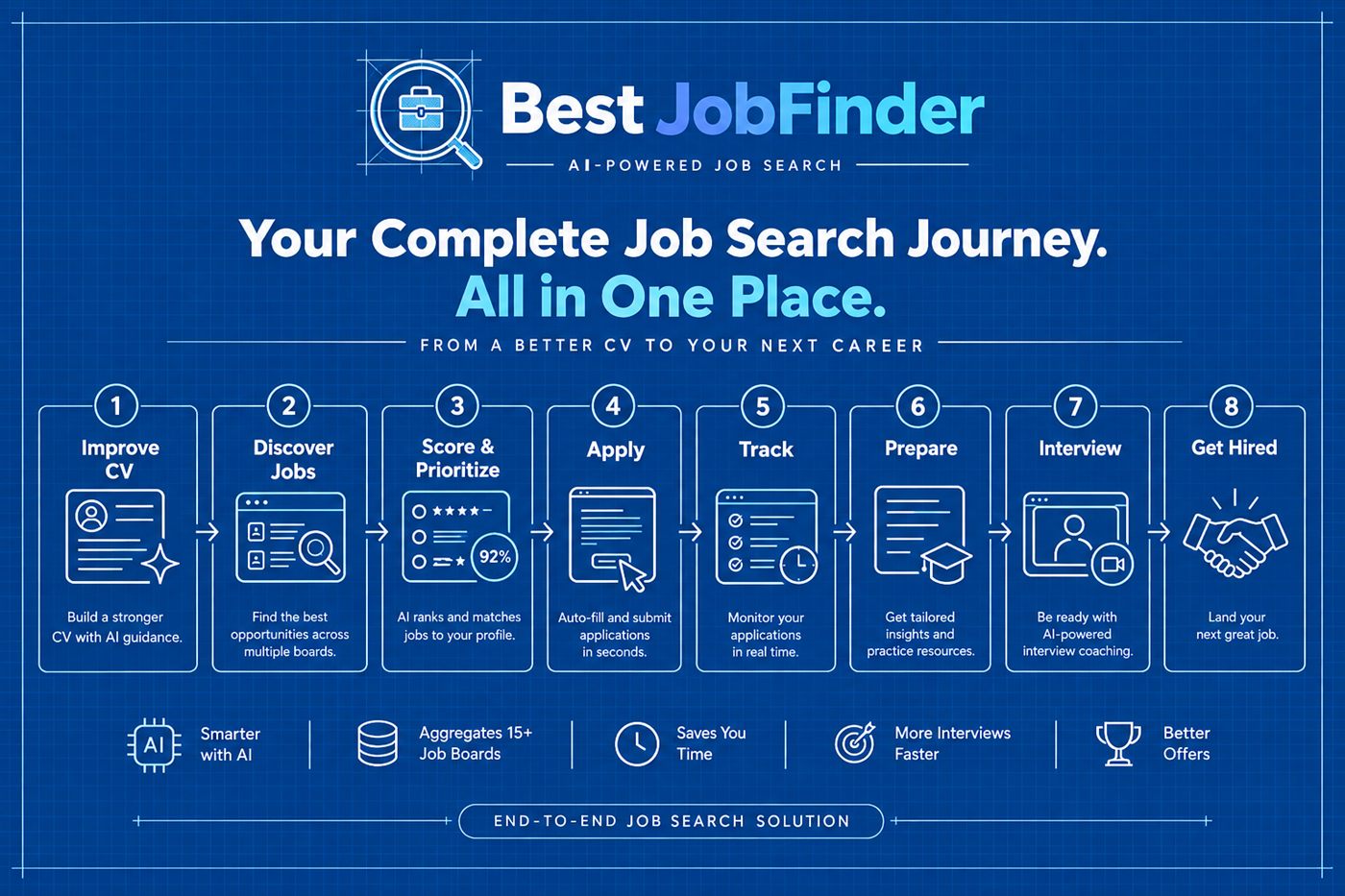
The All-In-One Job Search Platform: Discover, Score, Apply, Track, Prepare, Get Hired
9 min read