One Job Search, Every Device: Desktop, Web, and Chrome Extension
A job search doesn't happen on one device. You might glance at new matches on your phone during a commute, review applications on a work laptop at lunch, and run a scheduled overnight search from your own desktop. If each of those is a separate, disconnected tool, you're maintaining three different pictures of the same search instead of one.
Key takeaways
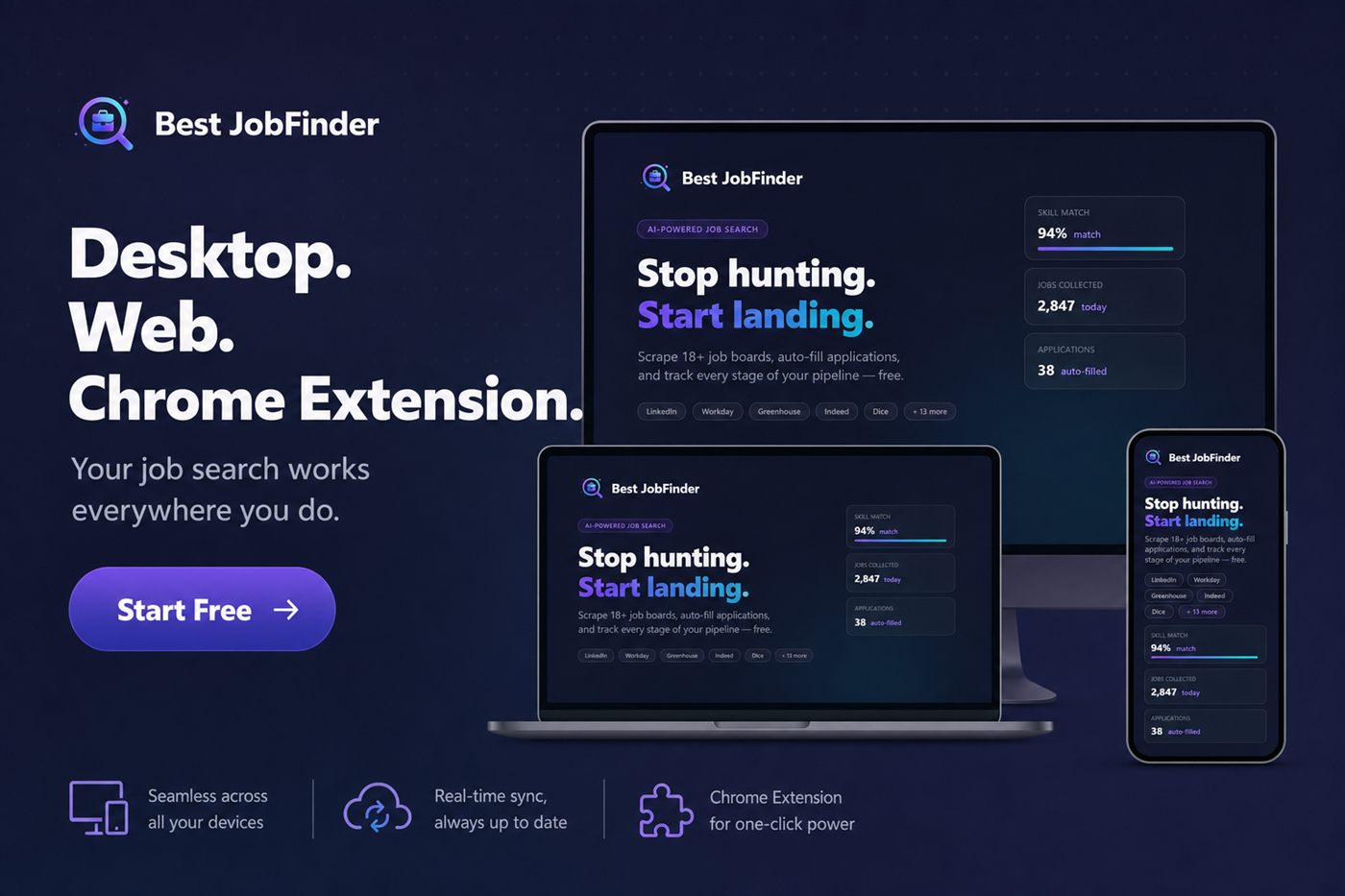
- The desktop app, web app, and Chrome extension are three interfaces to one underlying account, not three separate tools with their own data.
- Real browser automation genuinely needs a real browser context — the desktop app has its own, the web app relies on the Chrome extension for the same purpose.
- A job reviewed on one device and applied to from another should carry the same status and history, without manual re-entry.
- Status and progress updates push live across devices rather than requiring a manual refresh to catch up.
- Choosing a platform is about which interface fits the moment, not about picking which one 'has your data.'
Why browser automation can't just live on a server
Applying automatically to a job posted through Workday or LinkedIn's Easy Apply genuinely requires driving a real browser session against that site — there's no way around opening and interacting with the actual page. The desktop app does this with its own embedded automated browser. The web app, running purely as a server and a page in your browser, hands that same job to the Chrome extension, which runs inside your actual Chrome browser and can act on pages you're logged into.
What genuinely stays in sync, and how
A search profile, a job's match score, its status on your tracker, and your skills profile are all account-level data — not tied to whichever device created them. Starting a search from the desktop app and later checking its results from a browser on a different machine works because both are reading the same underlying records, not two separate copies that happen to look similar.
Picking the right interface for the moment
The desktop app suits unattended, scheduled runs — an overnight scan, a batch of applications running while you're away from the keyboard. The web app and Chrome extension suit reviewing, tracking, and applying interactively from wherever you happen to be working, without installing anything beyond a browser extension. Neither is the "real" version — they're different shapes of access to the same search.
Where this matters most in practice
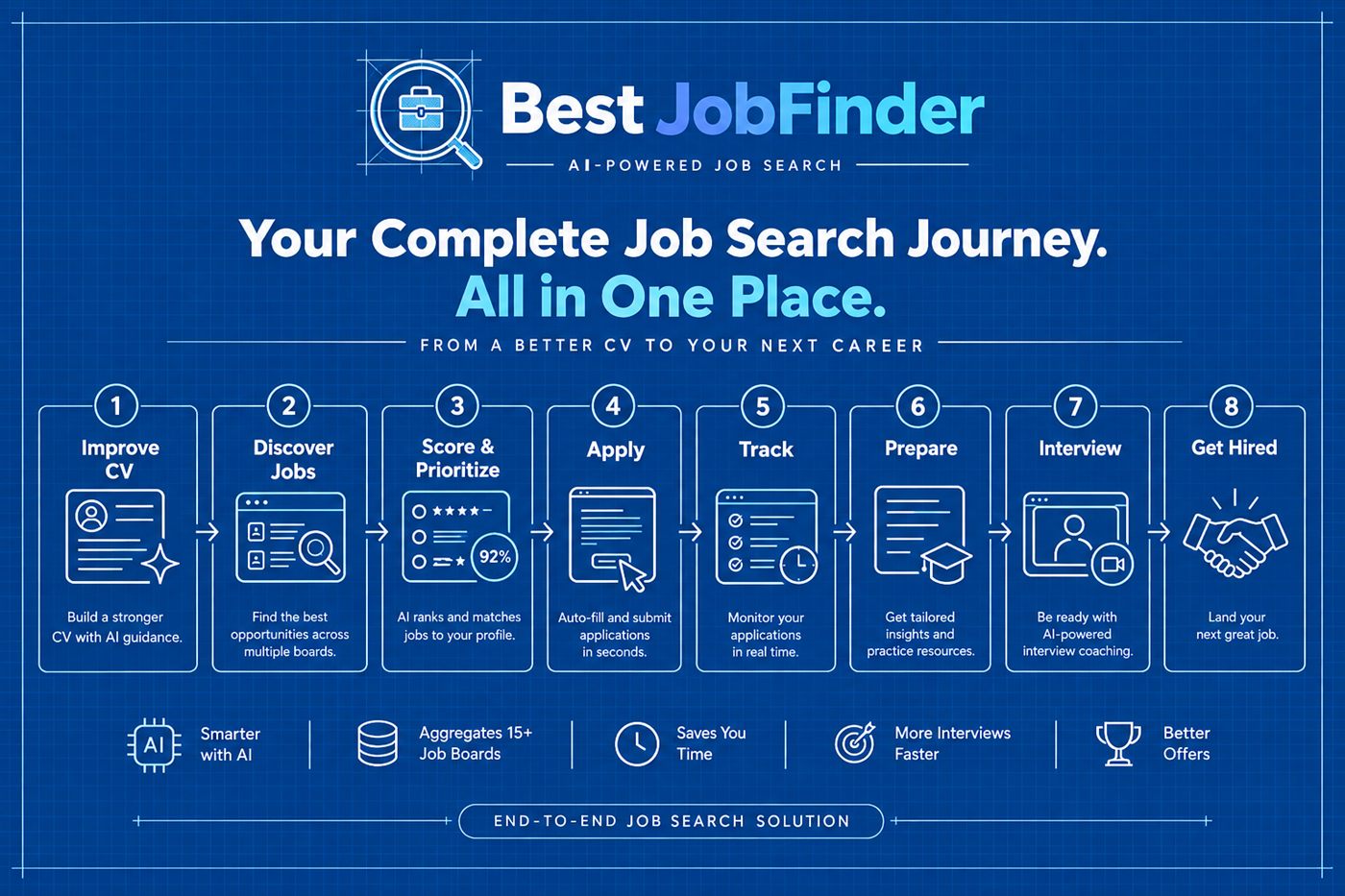
The benefit compounds with everything else described in the all-in-one platform overview — a connected pipeline is only actually connected if it's also reachable from wherever you happen to be when you need to act on it.
Frequently asked questions
What's the actual difference between the desktop app, the web app, and the Chrome extension?
The desktop app runs its own automated browser sessions for scraping and applying, so it can run scheduled search profiles unattended. The web app gives you the same dashboard, tracking, and AI features from any browser, and hands off any browser-automation work to the Chrome extension when you're using it that way. The extension itself lives inside your actual Chrome browser, so it can act on job board pages you're already looking at or logged into.
Does starting a search on one platform lock me into finishing it there?
No — a job discovered, scored, or tracked on one platform is the same underlying record on every platform, because they all read from and write to the same account data. You can review a match on your phone's browser and finish an application later from the desktop app without re-entering anything.
Why does automation on the web need a Chrome extension at all?
A web server can't open and drive a real browser window on your behalf — driving a job board's own pages (LinkedIn, a company's ATS) genuinely requires a browser context. The Chrome extension provides that from inside your own browser when you're using the web app, while the desktop app has its own built-in automated browser for the same purpose.
Is my data kept in sync in real time across devices, or only when I refresh?
Status changes and progress updates are pushed live rather than requiring a manual refresh — a job status updated on one device should be reflected on another without you having to reload the page to see it.
Ready to automate your job search?
Best JobFinder combines job discovery, AI skill matching, resume tailoring, and configurable auto-submit in one platform — with a 7-day free trial.
Try Best JobFinder free →